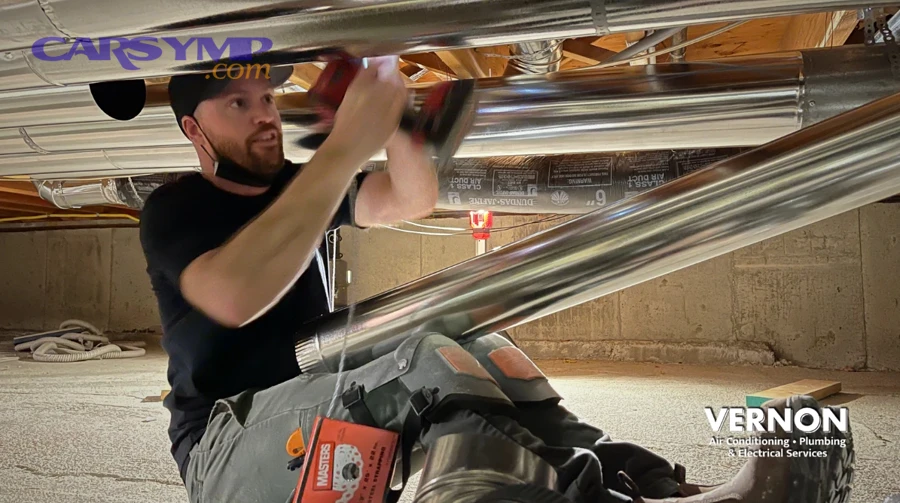
HVAC airflow weak troubleshooting works best when you follow a simple “air path” logic: verify the vents and settings, confirm the blower is actually moving air, then check for restrictions (filters, debris, blocked ducts) before chasing deeper HVAC box problems.
Next, you’ll isolate whether the issue is constant or intermittent, because airflow that fades with heat, bumps, or speed changes often points to electrical control, fan speed regulation, or a binding fan rather than a sealed duct blockage.
In addition, you’ll learn how to distinguish “weak airflow” from “weak cooling/heating,” since strong airflow with poor temperature is a different diagnosis (refrigerant, heater core, blend door), while weak airflow is usually a fan, filter, or airflow control problem.
To start, we’ll walk through a step-by-step test sequence you can do in minutes—Giới thiệu ý mới—to help you decide what to inspect first and when to stop DIY and involve a shop.
Is weak HVAC airflow usually caused by a blockage or a failing fan?
Yes—weak airflow is most often caused by restriction (filter/duct/debris) or reduced blower output (electrical control, worn motor), and you can separate the two quickly by comparing airflow changes across fan speeds and vent positions. Next, use the tests below to pinpoint which side of the air path is failing.
How to tell restriction vs low blower output in 60 seconds
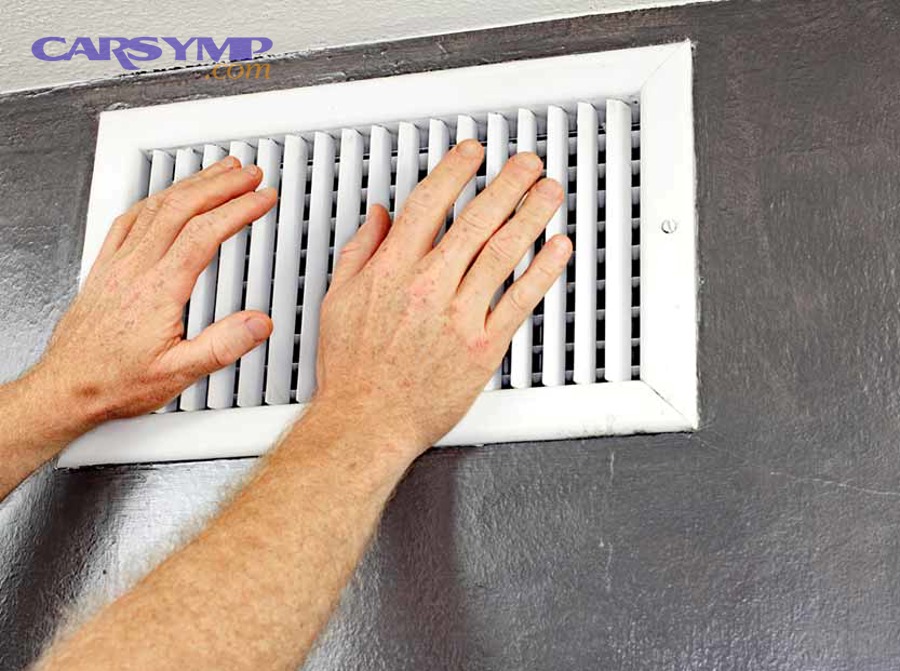
Use a simple three-step check—fan speed response, sound, and vent switching—to identify weak airflow causes without tools. Specifically, if airflow barely changes from low to high, suspect a control/motor issue; if airflow is strong on some vents but weak on others, suspect a door/duct issue; if airflow improves with the cabin filter removed, suspect restriction. Next, confirm with the quick cues below.
- Fan speed response: Low-to-high should create a clear increase in air velocity and noise.
- Sound vs air mismatch: Loud fan noise with little air often indicates a blocked inlet/filter/evaporator face or a loose/broken blower wheel.
- Vent mode change: If defrost is strong but dash vents are weak, airflow control doors or ducts are suspect.
- Recirculation test: Switching to recirc should often increase airflow; no change can suggest a stuck recirc door or blocked inlet.
Why “weak airflow” can feel worse at idle than at highway speed
Weak airflow can feel more obvious at idle because cabin heat load rises, engine bay heat can warm intake air, and some vehicles alter blower behavior based on voltage or control strategy. For example, low alternator output at idle can reduce available blower power on older systems, while modern modules may limit blower speed to protect components. Next, test idle vs 1500–2000 RPM to see if voltage-related changes exist.
- Electrical clue: Airflow improves noticeably when you lightly rev the engine (possible low system voltage or control limitation).
- Thermal clue: Air feels warmer at idle even if airflow is similar (cooling performance, not airflow, may also be involved).
- Control clue: Auto climate systems may ramp blower slowly to maintain comfort targets.
Evidence-style benchmark to avoid “it feels weak” guessing
Use a repeatable benchmark—paper strip, anemometer app accessory, or simple timing—to make airflow changes measurable. Specifically, hold a thin strip of paper 1–2 inches from a center vent at the same fan speed and note the angle/deflection; repeat after each change (filter out, mode switch, recirc). Next, use the table to keep your checks consistent.
Below, this table shows a quick “symptom → likely area” map so you can keep the diagnosis on-track.
| Observation | Most likely area | Fast confirmation |
|---|---|---|
| Airflow barely changes from speed 1 to 4/5 | Fan speed control / resistor / module / motor power | Check voltage at blower on high; check resistor/module heat signs |
| Blower sounds loud but air is weak | Cabin filter/inlet blockage, evaporator face debris, broken fan wheel | Remove filter; inspect blower wheel; check for debris at intake |
| Defrost strong, dash vents weak (or vice versa) | Mode door/duct leak or misposition | Cycle modes; listen for door movement; check actuator function |
| Airflow starts OK then fades after minutes | Motor overheating, module thermal limiting, icing evaporator | Feel motor heat; scan HVAC data if available; watch for condensate drop changes |
How do you troubleshoot weak airflow step-by-step without special tools?
Use an 8-step sequence—settings, inlet, filter, vents, fan speed behavior, recirc, noises, and a short “access check”—to locate the failure point efficiently. Next, follow the steps in order so each result narrows the next test.
Step 1–2: Confirm the problem is airflow, not temperature
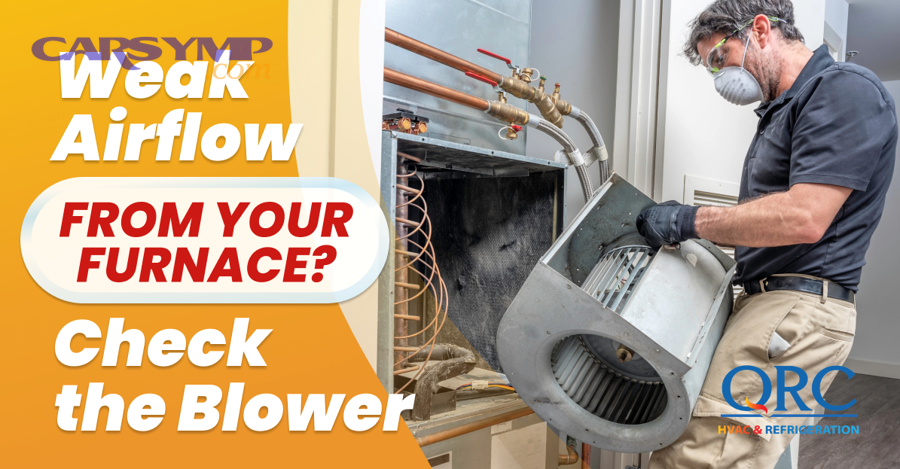
Start by separating airflow volume from air temperature, because weak cooling/heating with strong airflow is a different path than weak airflow. Specifically, set fan to max, temperature to full cold, and select dash vents; if air volume is weak regardless of temperature setting, stay on airflow troubleshooting. Next, do the same test on full heat to ensure the issue is not blend-door-only.
- Strong air but wrong temp: focus on refrigerant/heater core/blend door.
- Weak air at all temps: focus on blower, filter, ducts, doors.
Step 3: Check the cabin air intake and recirculation door behavior
Check intake/recirc because a stuck door or blocked intake starves the blower, making every vent weak. For example, leaves can clog the cowl intake, or a recirc flap can jam half-closed. Next, switch between fresh and recirc at medium speed and listen for door movement while watching for airflow change.
- Airflow increases on recirc: fresh-air inlet may be restricted (cowl debris, intake screen blockage).
- No change + no door sound: recirc actuator/door may be stuck or disconnected.
- Musty odor + weak air: restriction near evaporator or filter area is more likely.
Step 4: Inspect and temporarily remove the cabin air filter
Remove the cabin filter because it is the fastest, most common restriction point, and testing without it instantly confirms whether the filter is the choke. Specifically, run the blower for 15–30 seconds with the filter removed; if airflow jumps, replace the filter and inspect the housing for debris. Next, check that the filter is installed in the correct direction and not collapsed.
- Common mistakes: wrong filter size, plastic wrap left on, filter installed backward, or housing door not sealed.
- Debris clue: acorns/leaves in the filter tray suggest upstream intake blockage.
Step 5: Compare airflow at different vent modes to locate door/duct issues
Use vent mode switching to identify airflow doors and duct leaks, because mode doors route air and a stuck door can “hide” airflow in the wrong outlets. Specifically, compare dash, floor, and defrost at the same fan speed; large differences point to a mode door or duct problem. Next, note whether airflow is “somewhere else” (e.g., strong at windshield but weak at face vents).
- Defrost strongest: dash duct leak or dash door not sealing.
- Floor strongest: mode door biased to floor or dash door issue.
- All weak: blower output or inlet restriction is more likely.
Step 6: Listen for blower noises that correlate with weak airflow
Listen for changes because noise patterns often reveal whether the fan is moving air efficiently or fighting a blockage. For example, a “whoosh with low air” can be a clogged evaporator face, while a chirp or scrape can be a damaged blower wheel. Next, use the noise-to-cause mapping below.
- Whistling/hissing: air leak in ducting or a partially closed door.
- Rattle/ticking: debris in the blower wheel or housing (leaves, seeds).
- Grinding/squeal: worn blower bearings or motor load; can reduce speed and airflow.
- Thump or wobble: broken blades or loose wheel on the shaft.
Step 7: Verify fan speed behavior (works on some speeds, weak on high, or intermittent)
Use fan speed patterns because they directly point to control components. Specifically, if only high works, suspect a resistor pack on many vehicles; if high is missing or weak, suspect a power/ground issue, a control module, or a failing motor drawing excessive current. Next, document exactly which speeds work and whether they are stable over bumps and turns.
- Only high works: classic resistor-path failure (manual systems) or control module logic issue.
- Low works, high weak: motor load, failing brushes, or poor high-current connection.
- Intermittent: loose connector, overheating motor/module, or worn commutator.
Step 8: Quick access check at the blower area for physical restrictions
Do a quick access check because even a good motor can’t move air if the fan inlet is packed with debris. Specifically, look under the passenger side dash (common location) for the blower housing and listen near it; if you can safely access the filter housing area, inspect for debris trails. Next, if you find heavy debris, clean the intake path before replacing parts.
- Debris signs: leaf fragments, acorn shells, or dust piles near the blower opening.
- Seal signs: missing foam seals can let air bypass ducts, reducing vent flow.
What are the most common root causes of weak airflow and how do you confirm each one?
There are five core causes—filter/inlet restriction, blower wheel issues, fan speed control faults, airflow door/duct problems, and evaporator/heater core surface restrictions—and each has a fast confirmation test. Next, use the grouped list to avoid parts-swapping.
Restriction at the cabin filter or intake (cowl/recirc)
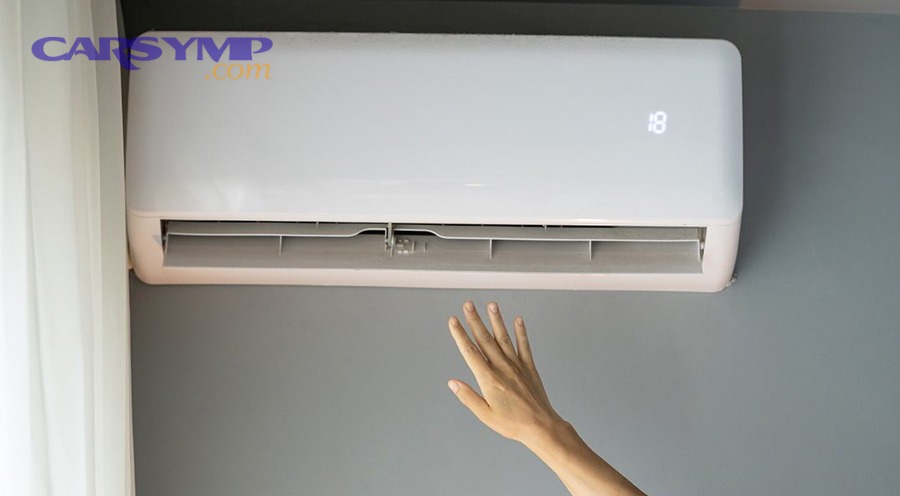
Restriction is the top cause because airflow is a volume problem: less inlet area means less air output. Specifically, a clogged cabin filter, leaves at the cowl intake, or a stuck recirc door can reduce flow dramatically. Next, confirm by running the blower briefly with the filter removed and testing recirc vs fresh.
- Fast confirm: airflow improves with filter out or with recirc on.
- Next action: replace filter; clear intake; verify door movement.
Blower wheel damage, looseness, or debris in the housing
A damaged or obstructed blower wheel reduces airflow even if the motor spins, because the fan can’t generate pressure. For example, a wheel can crack, slip on the shaft, or fill with debris that disrupts blade shape. Next, confirm by checking for wobble noises, inconsistent airflow, and visible debris during access inspection.
- Fast confirm: rattling/ticking that changes with speed; airflow spikes briefly then drops.
- Next action: clean housing and wheel; replace wheel if cracked or loose.
Fan speed control faults (resistor, control module, switch, or wiring)
Control faults cause weak airflow when the blower doesn’t receive full power or proper command at higher speeds. Specifically, manual systems often use resistor packs for low speeds and a high-speed bypass; automatic systems may use a blower control module with PWM control. Next, confirm by checking which speeds work and whether “high” is truly high.
- Fast confirm: missing certain speeds, fan changes with bumps, or high-speed not much stronger than medium.
- Next action: inspect connectors for melting/corrosion; verify fuses; check ground points.
Mode door, recirc door, or duct leakage inside the HVAC box
Airflow doors matter because they decide where the air goes, and a door that doesn’t seal can dump air behind the dash instead of through vents. For example, a broken actuator gear can leave the mode door half-positioned, creating weak output at all vents. Next, confirm by cycling modes and listening for consistent door movement while noting where airflow is strongest.
- Fast confirm: airflow shifts unpredictably between outlets or never fully switches.
- Next action: inspect actuator function; check for stored HVAC codes if scan tool is available.
Evaporator or heater core face restriction (dust/mold buildup) and icing
Restriction at the evaporator/heater core face can choke airflow because the air must pass through fins; heavy debris or icing reduces the “open area.” Specifically, mold/dust buildup can mat fins over time, and evaporator icing can happen with airflow or refrigerant/control issues. Next, confirm by observing airflow that starts strong then fades, plus water drainage changes or frost clues.
- Fast confirm: airflow fades after 10–30 minutes and returns after shutting AC off for a while.
- Next action: inspect drain operation; check refrigerant system health; consider professional cleaning if access is limited.
When should you suspect an electrical problem versus a mechanical airflow restriction?
Suspect electrical issues when airflow changes don’t match fan speed settings or when the blower behaves inconsistently, while mechanical restrictions usually create consistent weakness that improves when you remove the restriction. Next, compare the “pattern clues” below to choose your next inspection point.

Electrical pattern clues (command vs output mismatch)
Electrical problems show up as control patterns: missing speeds, sudden dropouts, or high speed that never reaches full blast. Specifically, poor connections, failing modules, or worn motor brushes can create intermittent flow. Next, focus on connectors, fuses, and grounds before replacing major parts.
- Intermittent airflow: often wiring/connector/motor brush wear.
- Some speeds missing: often resistor/module/switch issue.
- Works then cuts out: often overheating motor/module or a thermal protection event.
Mechanical pattern clues (restriction and air path behavior)
Mechanical restriction usually shows a consistent ceiling on airflow, often with increased fan noise and poor vent output at all speeds. For example, a clogged filter can make high speed sound “busy” but still feel weak at vents. Next, re-check the intake, filter, and housing for debris, then evaluate duct/door sealing.
- Consistently weak at all speeds: restriction is more likely.
- Loud whoosh, low output: intake/evaporator face restriction more likely.
- Improves with filter removed: filter/housing issue confirmed.
Simple high-current connection checks you can do safely
High-current connections matter because blower motors draw significant current at high speed, and small resistance in a connector can limit power and create heat. Specifically, check for melted plastic, discoloration, or a burnt smell at accessible blower connectors and fuse/relay areas. Next, if you see heat damage, repair the connection before replacing components to prevent repeat failure.
- Look for: browning, warping, looseness, green corrosion.
- Smell for: “hot plastic” after running blower on high.
- Rule: if a connector is heat-damaged, replacing only the component often fails again.
How do you diagnose weak airflow that happens only on certain vents or only in certain conditions?
Use condition-based troubleshooting—vent-specific tests, recirc switching, temperature/icing checks, and movement/bump correlation—to find door, duct, or icing issues that a simple filter check won’t catch. Next, match your situation to the scenarios below.

Weak only on dash vents (but defrost/floor seems stronger)
If dash vents are weak while others are stronger, a mode door or dash duct leak is likely, because the system is redirecting air away from the dash path or losing it behind the dash. Specifically, the door may not seal at the dash position or an actuator may be miscalibrated. Next, cycle mode settings slowly and listen for actuator travel and endpoint changes.
- Clue: you hear door movement but airflow never fully switches.
- Clue: airflow is felt behind the glovebox or under the dash.
- Next action: inspect actuator linkages if accessible; consider calibration procedure if supported.
Airflow starts strong then becomes weak after driving with AC on
This pattern often indicates evaporator icing or thermal limiting, because ice buildup blocks airflow through the evaporator fins and then melts later. Specifically, a low airflow baseline, improper refrigerant charge, or sensor/control issues can allow coil temperature to drop below freezing. Next, confirm by turning off AC (but leaving the fan on) to see if airflow returns as ice melts.
- Clue: airflow recovers after 10–20 minutes with AC off.
- Clue: water drainage behavior changes (less drip when iced, more drip after thaw).
- Next action: professional AC diagnosis may be needed if icing repeats.
Weak airflow only at low fan speeds or only at high fan speed
Speed-specific weakness points to control electronics or motor load. Specifically, weak low speeds can indicate a failing resistor/module path; weak high speed can indicate voltage drop, failing motor, or heat-damaged connectors. Next, record exactly which speeds are abnormal and whether the behavior changes with engine RPM or electrical load (headlights, rear defrost).
- Weak low speeds: control path issue more likely.
- Weak high speed: motor/connector/ground issue more likely.
- Changes with RPM: charging/voltage influence possible.
Weak airflow after rain or in humid conditions
Humidity-related weakness can occur when moisture loads the cabin filter, debris swells, or the evaporator becomes more prone to icing depending on control conditions. For example, a saturated filter can temporarily restrict flow. Next, inspect the filter for dampness and check for cowl drains that allow water intrusion into the intake area.
- Clue: filter feels damp or shows water tracks.
- Clue: musty odor appears after rain.
- Next action: clear cowl drains; replace filter; inspect intake seals.
What quick tests help you decide whether you need a shop diagnosis?
Use three “decision tests”—filter-out test, vent-mode dominance test, and fade-over-time test—to determine if the fix is simple or if HVAC box, electrical diagnostics, or AC system work is likely. Next, apply the tests and use the guidance below to choose your stopping point.
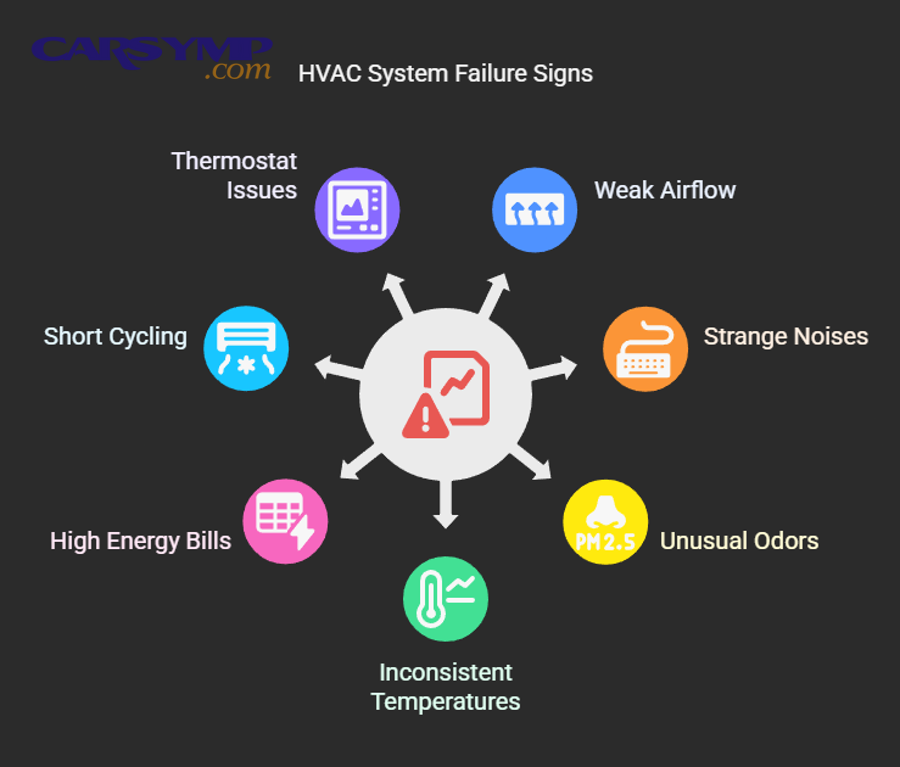
Test 1: Filter-out airflow jump test
If airflow improves significantly with the filter removed, you usually have a straightforward restriction problem—filter, housing debris, or intake clog. Specifically, replacing the filter and cleaning the housing often restores normal airflow. Next, re-test with the new filter installed to confirm the fix.
- DIY-friendly: yes, in most vehicles.
- Shop needed: only if debris is deep in the HVAC box or evaporator face.
Test 2: Mode dominance test (defrost vs dash vs floor)
If one mode is consistently strong while others are weak, the system is likely losing air due to door sealing, actuator position, or duct leakage. Specifically, this often moves beyond a simple filter replacement. Next, consider a shop if actuators are hard to access or require calibration tools.
- DIY-friendly: sometimes (actuator access varies).
- Shop needed: common when dashboard disassembly is required.
Test 3: Fade-over-time test (thermal/icing vs electrical overheating)
If airflow fades after minutes, the cause may be evaporator icing, motor overheating, or module thermal limiting. Specifically, identifying which one requires deeper checks (temperature sensors, refrigerant behavior, current draw). Next, if the fade repeats reliably, a shop diagnosis is often the fastest route to avoid replacing good parts.
- DIY-friendly: limited.
- Shop needed: likely if icing or electrical thermal events are suspected.
How do you prevent weak HVAC airflow from coming back?
Preventing weak airflow focuses on keeping the intake path clean, protecting the blower from debris, and replacing filters on schedule, because most airflow losses are gradual restrictions rather than sudden failures. Next, use these habits to keep airflow strong year-round.

Keep the cabin filter and intake area clean
Replace the cabin filter regularly and clear the cowl intake area because leaves and dust are the “raw material” for restrictions. Specifically, parking under trees increases debris load and shortens filter life. Next, check the intake screen area during oil changes or seasonal transitions.
- Tip: if you drive in dusty areas or heavy pollen seasons, inspect filters more often.
- Tip: ensure the filter door seals properly to prevent bypass and debris intrusion.
Use recirculation strategically in heavy pollution or dust
Recirculation can reduce intake debris and maintain airflow under harsh conditions by reducing fresh-air loading. Specifically, using recirc during short periods of heavy dust can keep the filter from loading quickly. Next, switch back to fresh air periodically to reduce window fogging and manage humidity.
- Best use: dust, smoke, tunnels, or following diesel trucks.
- Caution: prolonged recirc in humid weather can increase fogging risk.
Address water intrusion and musty odors early
Water intrusion can lead to filter saturation and evaporator contamination that reduces airflow over time. Specifically, clogged cowl drains or poor seals can drip water into the intake area. Next, if you notice recurring damp filters or odors, inspect drains and seals before the problem becomes a deeper HVAC cleaning job.
- Clue: damp filter, water stains in filter tray, or persistent musty smell.
- Action: clear drains, replace filter, and consider evaporator hygiene treatment if needed.
Watch for early signs before airflow becomes “weak”
Early signs—slower airflow ramp, new noises, or increasing fan speed needed for the same comfort—help you catch restrictions and wear early. For example, if you suddenly need fan speed 4 to feel like speed 2 used to, the filter or intake is likely loading. Next, treat these signs as prompts for inspection rather than waiting for a full failure.
- Early noise: ticking/rattle suggests debris entering the blower.
- Early performance drop: indicates filter restriction or door sealing issue.
- Early intermittence: suggests connector or motor brush wear.
Contextual Border: The main troubleshooting path above focuses on root airflow attributes (air path, restriction, fan output, doors). Below is a compact micro-context layer that covers less-obvious, unique/rare scenarios and lexical relations to reduce misdiagnosis.
Supplementary: Rare weak-airflow scenarios drivers often confuse with “normal” behavior
These edge cases explain why weak airflow can appear without an obvious clog, and how “weak” differs from “strong” under certain control strategies. Next, use these checks only after the main airflow path tests are completed.

Auto climate algorithms that intentionally limit blower speed (weak vs strong by design)
Some automatic systems limit blower speed to reduce noise, prevent cold drafts, or manage humidity, which can feel “weak” compared with manual max. Specifically, the system may ramp blower slowly until coolant temperature rises or until the cabin approaches setpoint. Next, test by switching to manual fan max and noting whether airflow becomes truly strong.
- Clue: airflow increases only when you override auto mode.
- Clue: blower ramps up after engine warms (heat mode) or after cabin stabilizes.
- Action: verify settings (eco/quiet mode) that may cap fan speed.
Partially disconnected duct behind the dash (a hidden meronymy leak)
A duct is a “part of the system,” and if it disconnects, air can dump behind panels instead of at vents, creating weak airflow even with a loud blower. Specifically, previous radio/glovebox work can dislodge duct joints or foam seals. Next, if you feel strong air under the dash but weak at vents, suspect a duct connection issue.
- Clue: air blasting behind the glovebox, near footwell, or around center stack.
- Clue: weak airflow worsens after interior repair work.
- Action: inspect accessible ducts and seals; shop may be needed for deep access.
Evaporator “matting” from fine dust and biofilm (rare but real restriction)
Over time, fine dust plus moisture can form a mat on the evaporator fins that steadily reduces airflow, especially in humid climates. Specifically, this restriction may not improve with a new cabin filter because the blockage is downstream. Next, suspect this if the filter is clean, intake is clear, yet airflow is still weak and odors persist.
- Clue: clean filter but weak airflow and musty odor.
- Clue: weak airflow increases temporarily after evaporator cleaner treatment.
- Action: professional evaporator inspection/cleaning may be required.
Blower motor current draw limits and voltage drop under load
Some vehicles reduce blower output when voltage drops or when a control module detects excessive current draw, which can feel like weak airflow only at higher speeds. Specifically, an aging motor can draw more current, heating connectors and triggering protective behavior. Next, if airflow weakens with headlights, rear defrost, or other loads, suspect a power/ground or motor load issue.
- Clue: airflow changes with electrical loads or engine RPM.
- Clue: warm connector smell or intermittent operation on high speed.
- Action: inspect grounds and high-current connectors; replace heat-damaged pigtails.
FAQ
Can a dirty cabin air filter really make airflow weak?
Yes—HVAC airflow weak troubleshooting should include the cabin filter because it’s a direct restriction, it loads gradually, and it can collapse or become damp, all of which reduce air volume. Next, confirm by briefly running the blower with the filter removed and then replacing it if airflow improves.
Why is airflow weak on one side (driver vs passenger) sometimes?
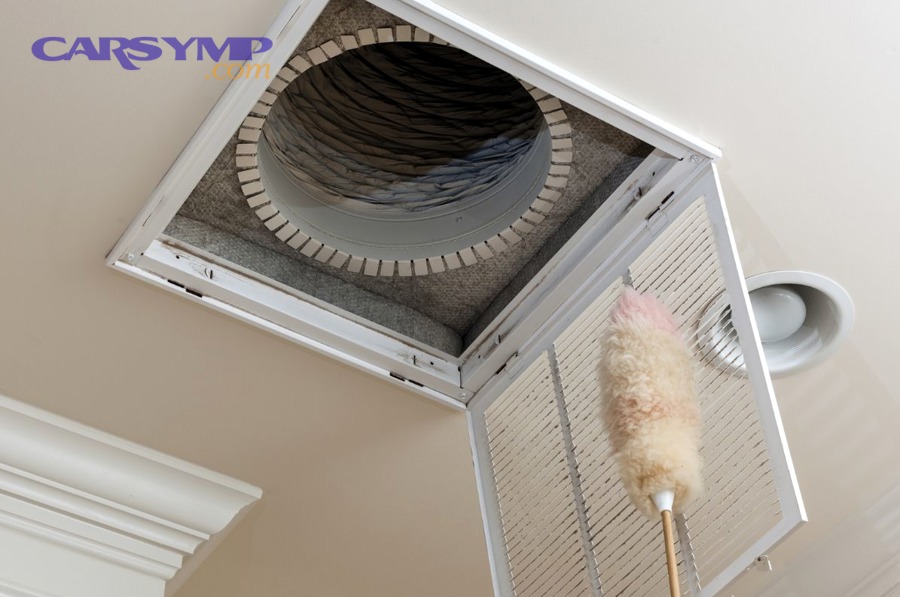
Airflow can be uneven when ducts leak, doors don’t seal symmetrically, or internal foam seals degrade, causing one branch to lose pressure. Specifically, a partial mode door misposition can bias air to one duct branch. Next, compare vent output left vs right at the same settings and consider actuator/door diagnosis if the imbalance is consistent.

Does weak airflow always mean you need to replace the blower motor?
No—weak airflow is often caused by restriction, duct leaks, or control issues, and replacing the motor first can waste money. Specifically, you should rule out filter/intake blockage, confirm mode doors, and check speed behavior patterns before blaming the motor. Next, only consider motor replacement after you confirm it can’t maintain speed under load.
When is weak airflow an urgent safety issue?
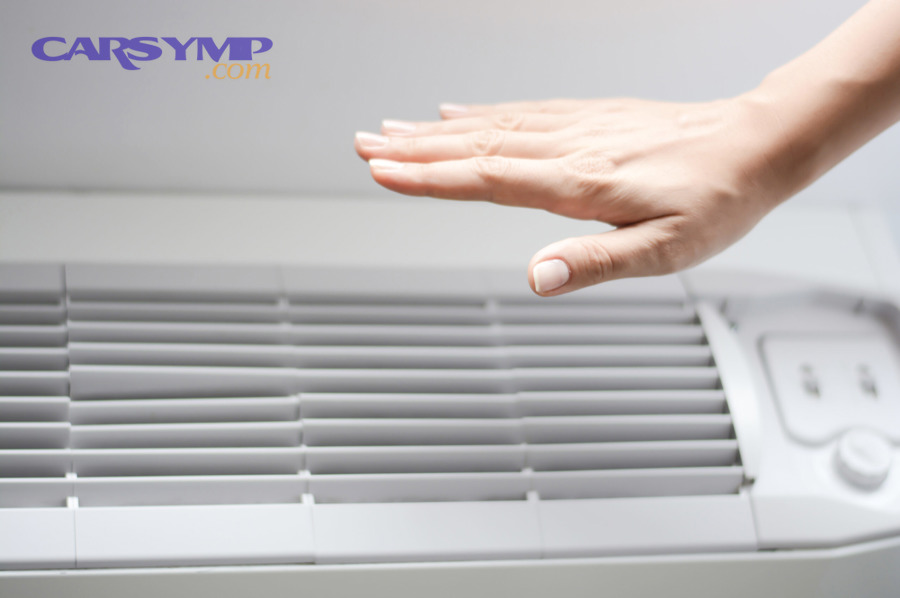
Weak airflow becomes urgent when defrost performance is compromised, because you may lose windshield clearing in rain or cold. Specifically, if defrost airflow is weak, diagnose immediately and avoid driving in conditions where visibility can drop. Next, prioritize mode door function, intake restriction, and blower output on defrost mode.