


When you’re trying to diagnose an intermittent stall, recording scan data is the fastest way to turn “it died again” into a repeatable pattern you can test—because the cause usually shows up seconds before the engine quits. The goal is simple: capture a clean “before → during → after” timeline so you can stop guessing and start verifying.
Next, you’ll learn whether a basic OBD2 scanner is enough for your stall problem (sometimes it is), and exactly what features matter most—especially graphing and logging speed, which often beat “more data” in the real world.
Then, you’ll get a practical PID list (what to log, what to skip), plus a setup checklist so the stall moment is actually in the file—not the one time you forgot to hit record.
Introduce a new idea: once you can reliably capture the event, interpreting the patterns becomes a structured process—fuel/air, spark, sensor sync, or power/ground—so every next step is targeted, cheaper, and faster.
What does “scan data to capture stall events” mean in practical diagnosis?
“Scan data to capture stall events” is recorded OBD2 live data (PIDs) that preserves the seconds before and after an engine stall so you can identify what changed first and tie it to a specific system (fuel, air, ignition, sensors, or power supply).
Next, the key is treating the stall like a mini “black box” event: your log should show baseline → warning drift → failure → recovery in one continuous clip.
What “capturing a stall” looks like in a useful log
A useful stall log usually answers at least three questions:
- Did RPM drop to zero instantly, or decay? (clue: sensor sync vs fuel/air)
- Did throttle/airflow/load respond normally right before it died? (clue: air/fuel delivery vs control issue)
- Did system voltage or key-on signals wobble? (clue: power feed, ignition switch, ground)
Why recorded data beats memory (especially for intermittent stalls)
Stalling can feel random, but your ECU and sensors are “talking” the whole time. A log freezes the truth in sequence. That’s how you avoid replacing parts based on symptoms alone.
According to a study by Federal University of Santa Catarina from a Software/Hardware Integration Lab, in 2023, modern vehicle testing can generate 4–6 GB of ECU data per day, highlighting how much diagnostic information is available when you collect it correctly.
Can a basic OBD2 scanner capture stall events, or do you need a pro tool?
A basic OBD2 scanner wins for low cost and quick checks, a mid-level scanner/app is best for logging and graphing, and a pro tool is optimal for enhanced PIDs, bidirectional tests, and higher-confidence intermittent stall capture.
Then, the decision comes down to how intermittent the stall is and whether you need better logging control or deeper OEM data.
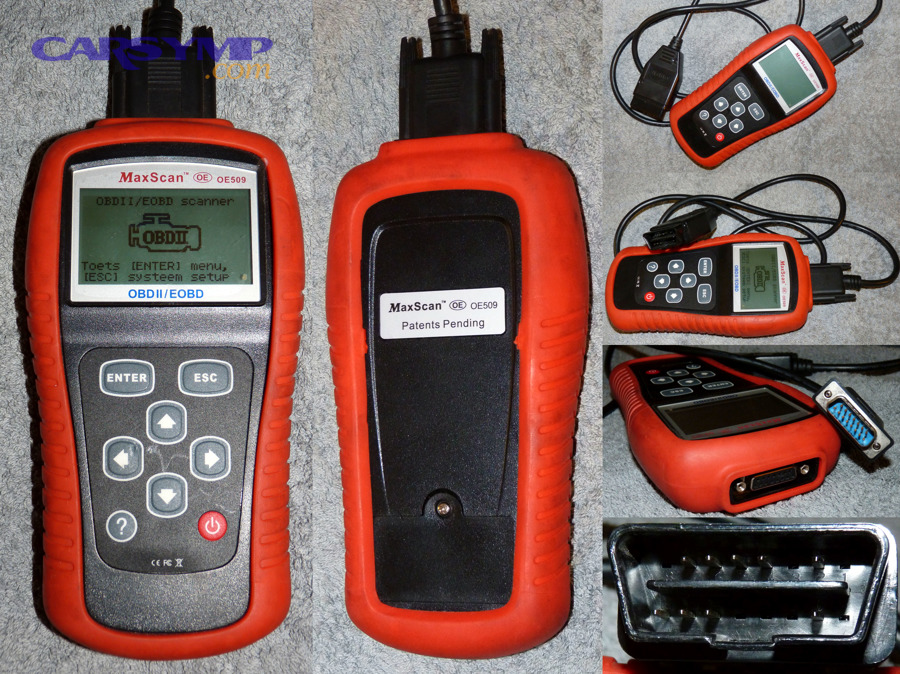
What a basic OBD2 reader can do (and where it fails)
A basic reader is enough when:
- The stall happens often and you can reproduce it quickly
- You only need codes, freeze-frame, and a few live PIDs
- You’re confirming an obvious issue (e.g., MAF unplugged, severe misfire)
It struggles when:
- The stall is rare and happens while driving
- You need consistent logging with timestamps
- You must log more than a handful of PIDs without slowing the stream
What makes a “stall-capable” scanner in practice
Look for:
- Data logging to file (CSV or proprietary)
- Graphing (multiple PIDs on one screen)
- Adjustable PID selection (so you can keep sampling rate high)
- Stable connection (wired is best; Bluetooth can work if the app is solid)
Is graphing more important than “more data” for stall diagnosis?
Yes—graphing is often more important than more data for stall diagnosis because (1) it makes trend changes obvious, (2) it reveals cause-and-effect timing, and (3) it helps you spot brief events you’d miss in numeric mode.
More importantly, stalls are timing problems: graphing lets you see who moved first.
Practical rule:
- If you can’t graph at least RPM + load/air + fuel trim + voltage, you’ll miss patterns that matter.
Does logging too many PIDs reduce your chances of catching the stall?
Yes—logging too many PIDs can reduce your chances of catching the stall because (1) it lowers sample rate, (2) it increases communication overhead and dropouts, and (3) it can cause the scanner/app to lag or freeze at the worst moment.
Specifically, a “wide but slow” log can blur a fast failure into noise.
What to do instead: start with a core PID set, capture one stall, then expand only in the direction the data points you.
Which PIDs should you log to catch the cause of a stall event?
There are three main PID groups you should log to catch stall causes: (1) engine speed/sync, (2) air-load command vs airflow reality, and (3) fuel/voltage health, based on the criterion of “what changes first in most stalls.”
Then, you tailor a few extra PIDs to match the stall scenario (idle/decel vs stall at speed).
Before the list, here’s a simple table showing a high-value starter set and what each PID helps you prove.
| PID (Live Data) | What it helps you detect | Why it matters for stall capture |
|---|---|---|
| RPM | Stall timing + sensor sync clues | RPM behavior is the “spine” of your timeline |
| Vehicle Speed (VSS) | Moving vs idle context | Changes how you interpret load and decel fuel cut |
| Engine Load (CALC LOAD) | Commanded demand | Helps separate airflow issues from control strategy |
| Throttle Position (TPS) / Commanded Throttle | Driver demand vs response | Spots throttle control/ETC issues |
| MAF (g/s) or MAP (kPa) | Air entering engine | Key for fuel calculation and airflow plausibility |
| Short/Long Fuel Trim (STFT/LTFT) | Fuel correction trends | Fuel delivery vs vacuum leak patterns |
| O2/AFR Sensor (if available) | Mixture response | Confirms lean/rich direction before stall |
| Coolant Temp (ECT) | Warm vs cold strategy | Changes fueling, idle control, and plausibility |
| Battery/Control Module Voltage | Power stability | Finds ignition switch/charging/power feed faults |
What is the “core PID set” for almost every stall?
The core PID set is: RPM, vehicle speed, engine load, throttle position, MAF or MAP, STFT/LTFT, O2/AFR (if available), ECT, and battery/module voltage.
Next, this set works because it covers the three big stall families: loss of combustion (fuel/air/spark), loss of sync (crank/cam signal issues), or loss of power to the ECU/ignition.
Which extra PIDs matter for idle/decel stalls?
For stalls that happen at stops, decel, or when coming off throttle, add:
- IAC counts / desired idle (if available) or idle speed control status
- Commanded idle / target idle
- EVAP purge command and purge flow (if exposed)
- EGR command/position (if exposed)
- Fuel rail pressure (FRP) (if exposed)
Why: idle/decel stalls often involve air control and “extra air/fuel” devices that matter most when airflow is low and margins are tight.
Which extra PIDs matter for stall at speed?
For stalls that happen cruising or under load, add:
- Fuel rail pressure (direct or inferred, if supported)
- Spark advance (timing behavior)
- Misfire counters (enhanced, if available)
- Commanded equivalence ratio / lambda (if supported)
- Torque request / torque delivered (some platforms)
Why: stall at speed often points to fuel delivery under demand, spark breakdown, or power loss that only shows up when current draw and cylinder pressure are higher.
According to a study by the University of Alberta (fleet vehicle research group), in 2022, models using real-time OBD data reported validation accuracy as high as ~99% in estimating instantaneous fuel consumption—showing how informative core PIDs can be when collected consistently.
How do you set up logging so the stall moment is actually in the file?
To set up logging so the stall moment is captured, use one method with three steps: (1) start recording before the trigger window, (2) keep the PID list small enough to maintain sample rate, and (3) mark the event time clearly, so you can isolate “pre-stall” behavior later.
Then, the stall becomes a predictable capture workflow rather than luck.
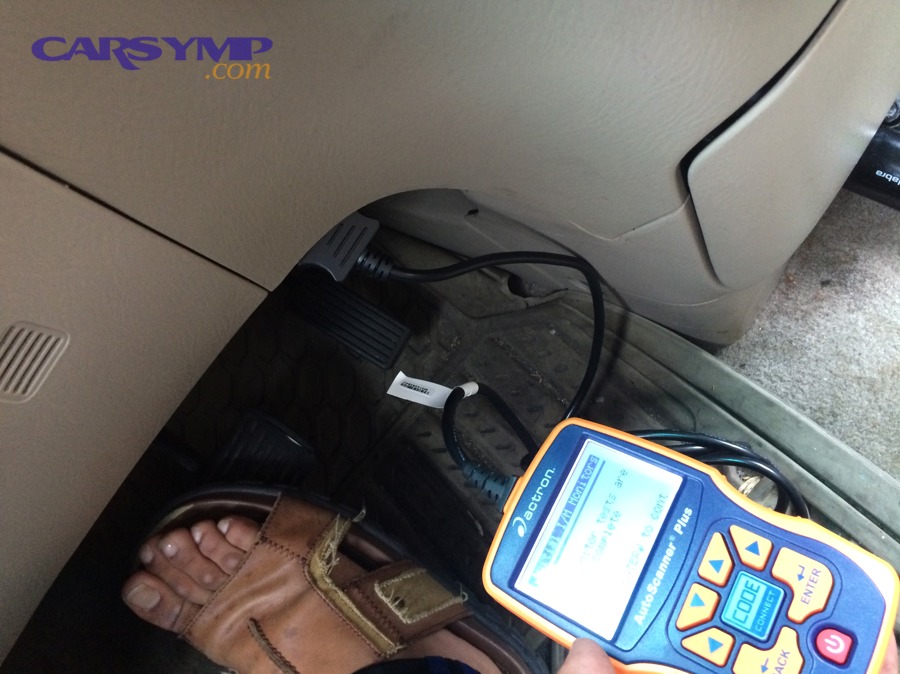
How long should you log, and when should you start the recording?
Start the recording before you expect the stall—ideally:
- 5–10 minutes before the likely event for intermittent issues
- 1–2 minutes before for reproducible stalls
Practical capture strategy:
- If the stall is rare, log whole trips—but use a lean PID set.
- If the stall is frequent, do short, repeated logs with small variations (AC on/off, steering load, warm vs hot restart).
What sampling rate is “good enough” to see a stall develop?
A “good enough” sampling rate is fast enough to show changes within 0.5–1.0 seconds, because many stalls develop quickly.
Specifically:
- ~5–10 samples/second (total stream) is great if your tool can do it.
- ~2–4 samples/second can still work for many stalls if your PID list is tight.
- <1 sample/second often misses the “pre-stall” inflection points.
The real limiter is usually PID count and tool/app performance, not the car.
How do you mark the exact moment of the stall (notes, triggers, time sync)?
Use at least one of these methods:
- Voice note: say “STALL” and the clock time (or elapsed time).
- Manual marker: some apps let you flag an event.
- Physical action marker: quickly tap brake/turn signals (shows a speed or voltage signature) only if safe.
- Time sync: ensure your phone/scanner timestamps match your dash clock.
Most importantly, don’t rely on memory. A 10-second timestamp error can change your diagnosis.
According to a technical report from Universidad Miguel Hernández (automotive communications coursework), in 2019, OBD-II is described as a higher-level diagnostic protocol that can ride on transport layers like CAN—clarifying why scan data speed depends on both protocol and tool behavior.
How do you interpret scan data when the engine stalls while driving?
To interpret scan data when the engine stalls while driving, follow a three-pass method: (1) classify the RPM failure shape, (2) check air/load vs fuel correction trends, and (3) validate power/voltage stability, which narrows the stall into a testable system path.
Next, this prevents the classic mistake of blaming the last PID you noticed instead of the first one that moved.
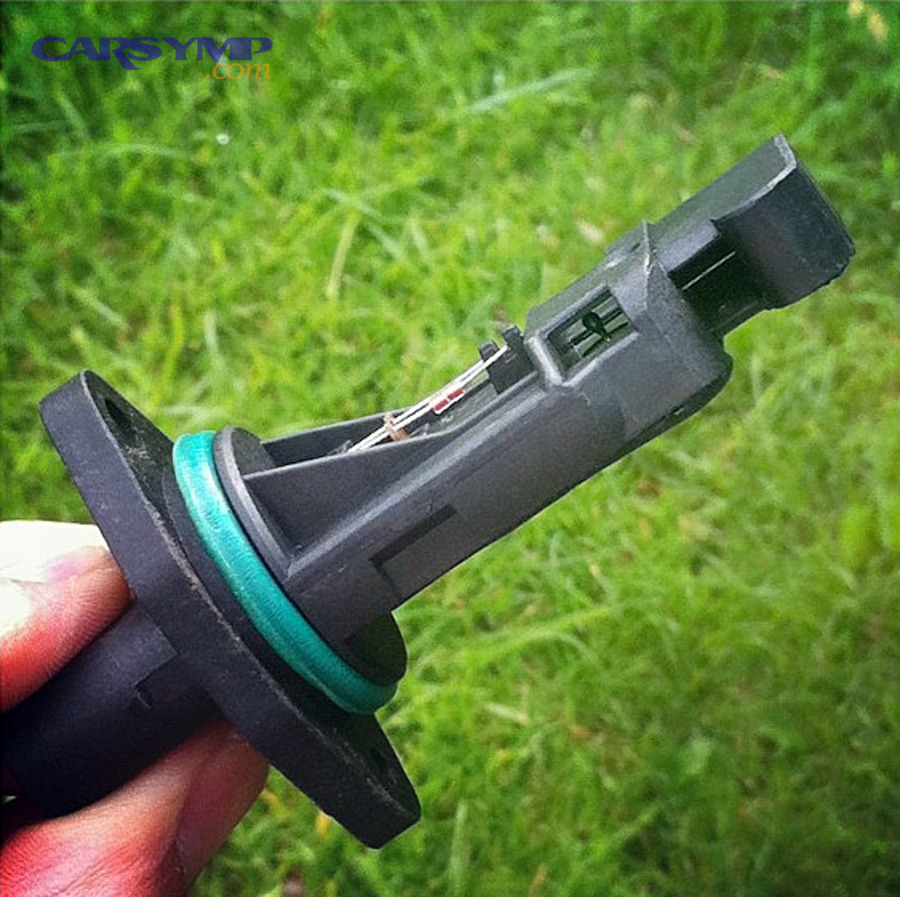
First pass: build the timeline around RPM and speed
Create a simple timeline in your log viewer:
- T-10s to T-0s: what drifted?
- T-0s: stall moment (RPM collapse)
- T+0s to T+10s: what recovered (or didn’t)?
Second pass: decide which “family” the stall belongs to
Most stalls fall into one of these:
- Loss of combustion (fuel, air, spark)
- Loss of sync (crank/cam signal dropouts, sensor plausibility)
- Loss of power (ignition switch, relay, grounds, charging)
What does a sudden RPM drop to zero usually indicate?
A sudden RPM drop to zero usually indicates loss of crankshaft signal (or signal interpretation), or a power/ground interruption affecting the ECU’s ability to calculate RPM, rather than a slow fuel starvation event.
However, you still confirm by checking voltage and whether other PIDs froze or continued updating.
Quick confirmation checks in the log:
- If RPM = 0 and many PIDs flatline together → suspect power/communication dropout
- If RPM = 0 but vehicle speed continues and other PIDs behave → suspect crank/cam signal issue
What do fuel trims, MAF/MAP, and O2 data show before a fuel/air-related stall?
Before a fuel/air stall, the data often shows a direction:
- Vacuum leak and EGR-related stalling often trends lean at idle: STFT climbs positive, sometimes LTFT elevated, O2 indicates lean, airflow plausibility looks “off” for throttle position.
- Fuel delivery weakness under demand can show lean under load: O2/AFR leans out, trims rise, load stays high but MAF/MAP doesn’t support it, sometimes misfire symptoms appear.
- Flooding/rich events show negative trims, rich O2/AFR, and unstable idle/load.
Interpretation tip: trims are corrections, not causes. Your job is finding what the ECU is correcting for.
What electrical patterns point to ignition switch, power feed, or ground issues?
Electrical stall patterns often look like:
- Module voltage dips around the stall moment (especially with loads like blower, lights, steering)
- Multiple PIDs “freeze” together (scanner stops updating briefly)
- Stall coincides with bumps, steering movement, or key movement
If voltage is stable but the engine dies, shift focus back to combustion/sync. If voltage is unstable, treat power integrity as the primary suspect.
Freeze-frame vs live logging: which is better for intermittent stall events?
Live logging wins for timing and trend detection, freeze-frame is best for snapshot context when a code sets, and the optimal approach is using both—freeze-frame to anchor conditions and logging to reveal the seconds before failure.
Then, you choose based on whether the stall sets a code reliably.
When freeze-frame is enough
Freeze-frame can be useful when:
- The stall consistently sets a relevant DTC (e.g., misfire codes, sensor codes)
- You need load, RPM, temp, speed at the moment the ECU decided something was wrong
But freeze-frame often fails you because:
- Many stalls happen too fast to set a DTC
- The ECU may reset conditions during a power dropout
- You only get a single “photo,” not a “video”
When live logging is non-negotiable
Live logging is essential when:
- The stall is intermittent and code-free
- You need to see pre-stall drift (the clue is often before the stall)
- You’re comparing multiple occurrences to find the repeatable signature
What should you do after you capture a stall event on scan data?
After you capture a stall event, do three things: (1) isolate the 30–60 seconds around the stall, (2) convert the pattern into one targeted follow-up test, and (3) estimate the most likely repair path and cost range, so you don’t drift into random part swapping.
Next, this is where scan data becomes decision-making.
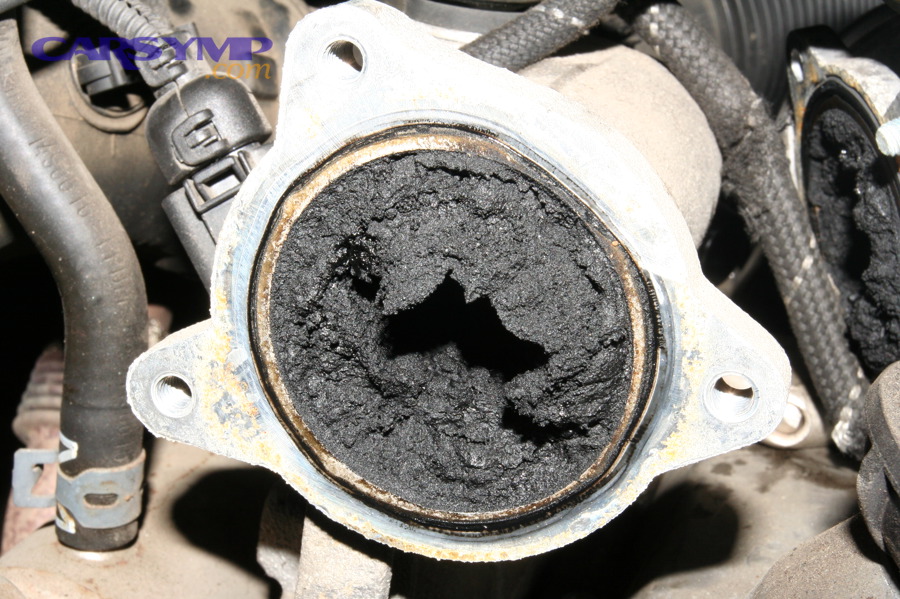
How do you turn one big log into a focused follow-up test plan?
Use this workflow:
- Clip the window: export or isolate T-30s to T+10s around the stall.
- Write the one-sentence pattern:
Example: “At steady throttle, RPM drops to zero instantly, voltage stays steady, MAF stays plausible.” - Assign a primary hypothesis: sync loss, fuel/air, or power.
- Pick one confirming test:
- Sync loss → crank/cam correlation check, wiggle test on harness, scope if available
- Fuel/air → fuel pressure test under load, smoke test intake, check purge/EGR behavior
- Power → voltage drop tests, relay/ignition switch feed verification
The “one confirming test” rule prevents spiraling into ten half-tests.
What quick physical checks should you do based on your log patterns?
Match checks to patterns:
- Lean trims climbing at idle: smoke test intake, PCV inspection, check brake booster hose, inspect intake boots
- Stall on decel/stop with weird airflow: throttle body cleanliness, idle control strategy, sticky throttle plate
- Voltage dip or PID freeze: battery terminals, grounds, main relays, ignition switch feed integrity
- Misfire trend before stall: coils/plugs, injector balance (if possible), compression integrity if persistent
Safety note: prioritize checks that don’t require driving the car into failure repeatedly.
How do you estimate repair cost for common stall causes without guessing?
To estimate Repair cost for common stall causes, anchor your estimate to labor type + parts type + diagnostic certainty:
- High-certainty, low-complexity fixes (often lower cost): dirty throttle body service, minor vacuum hose repair, loose battery terminal/ground correction
- Moderate fixes: MAF replacement (after verification), EVAP purge valve, EGR service/replacement where accessible
- Higher-cost paths: fuel pump/module issues, wiring harness repair for intermittent power/signal, crank/cam sensor circuit diagnosis that requires time and repeated validation
Cost accuracy comes from not overpromising. Present it as ranges and state what would move the cost up (hard access, harness damage, repeated road tests).
What advanced methods improve stall-event capture when basic logging fails?
There are four main advanced methods to improve stall-event capture: (1) enhanced OEM PIDs/Mode $06, (2) adding scope/pressure instrumentation, (3) improving the logging link and timestamps, and (4) resolving RPM truth conflicts, based on the criterion of “what you do when the basic OBD2 view can’t see the failure.”
Then, you escalate only after you’ve captured at least one clean event with the core PID set.
What “enhanced PIDs” or Mode $06 tests can reveal misfires and sensor drift?
Enhanced PIDs and Mode $06 can reveal:
- Misfire data that generic PIDs don’t show clearly
- Monitor results suggesting marginal catalysts, O2 sensors, or system performance edges
- Sensor drift trends that don’t always set a code quickly
This matters when the stall is preceded by subtle instability rather than a dramatic PID swing.
When should you add a lab scope or fuel pressure transducer to your workflow?
Add a scope/transducer when:
- The log suggests sync loss but you need to prove crank/cam dropout vs ECU/power
- The log suggests fuel delivery collapse but rail pressure PID is missing or unreliable
- The stall is rare and expensive to reproduce—so each event must produce maximum proof
This is especially valuable for intermittent stalls where OBD updates too slowly to catch a brief dropout.
Are Bluetooth dongles and phone apps reliable enough for stall-event logging?
Sometimes—but not always. Bluetooth dongles/apps can be reliable enough when:
- The adapter is stable and known-good
- The app logs consistently with timestamps
- You keep PID count small to preserve sampling rate
They can fail you when:
- The connection drops under vibration or power fluctuations
- The app throttles sampling aggressively
- Your phone sleeps, throttles, or loses background logging
If you suspect logging instability, switch to a wired tool or a dedicated logger.
What if the log shows “RPM present” but the engine still dies—or vice versa?
This is where you reconcile “RPM truth”:
- RPM present but engine dies: the ECU thinks rotation exists—look for fuel/spark interruption, throttle closure, severe mixture deviation, or immobilizer/ETC strategies depending on platform.
- RPM gone but engine seems to still be moving: your tool may be losing PID updates, or the ECU momentarily loses crank signal. Confirm with voltage stability and, if needed, a scope.
The goal is separating real engine behavior from scan tool artifact—because misreads happen.
According to a study by Federal University of Santa Catarina from a Software/Hardware Integration Lab, in 2023, a low-cost acquisition system was reported to deliver similar data acquisition rates compared with commercial systems while being up to 13× cheaper, reinforcing why tool choice and logging design can matter as much as the car fault itself.