


Resetting the oil life/service reminder is a simple, repeatable process: put the vehicle in the correct key/power mode, open the oil life or maintenance screen (or use the correct button/pedal sequence), confirm “Reset,” and verify the indicator clears or the oil life returns to 100%.
Next, because vehicles don’t all use the same interface, you’ll also need a “pattern-based” approach—menu reset, button-hold reset, or pedal-sequence reset—so you can match the method to what your dashboard actually shows.
Then, if the reminder won’t reset, the fix is usually not mechanical—it’s procedural: the wrong power mode, the wrong reminder (oil vs service vs inspection), or a system that requires a scan tool reset rather than a manual one.
Introduce a new idea: once you understand what oil life monitors track and why reset timing matters, you can keep the reminder accurate and avoid confusion about maintenance schedules.
What does “oil life/service reminder” mean, and is it the same as the “oil change light”?
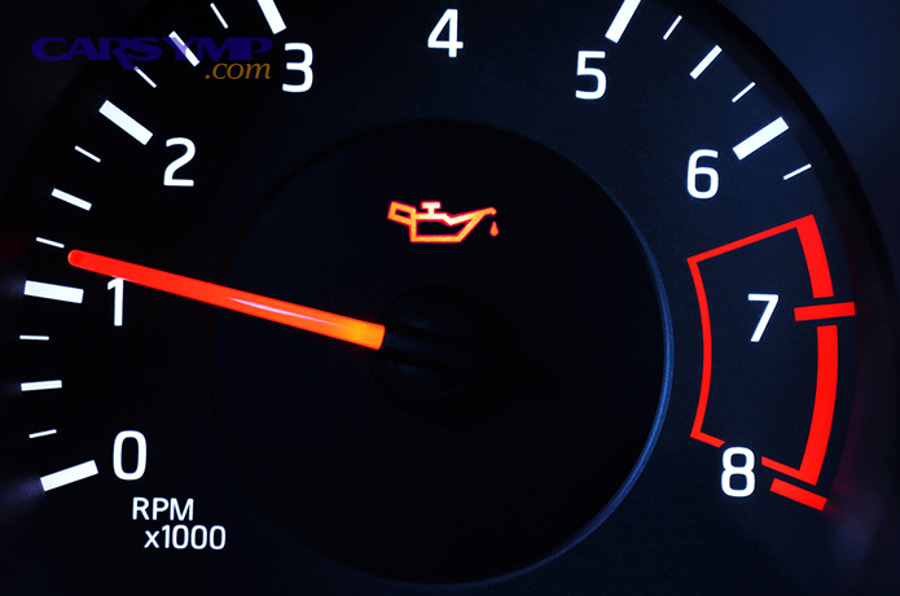
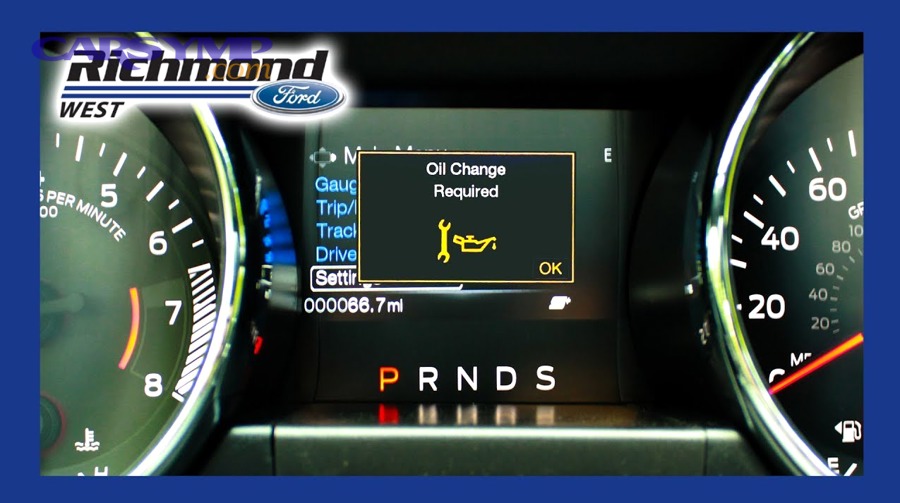
Oil life/service reminder is a dashboard maintenance indicator that tracks engine oil service timing (by mileage, time, or an algorithm) and prompts you when service is due, and it’s often used as a synonym for the “oil change light” even though wording and logic vary by vehicle.
To better understand why the label matters, start by separating the system (oil life monitor vs fixed reminder) from the message (oil, service, inspection), because that’s what determines the correct reset path.
What is an oil life monitor vs a simple mileage-based reminder?
An oil life monitor is an algorithm-based maintenance tracker that estimates remaining oil life using operating conditions, while a mileage-based reminder is a simple counter that triggers at a preset distance or time.
Specifically, an oil life monitor tends to consider how the engine is used, not just how far it traveled. Short trips, lots of idling, cold starts, towing, and stop-and-go traffic can all reduce “oil life” faster than easy highway cruising. A mileage-based reminder, on the other hand, behaves like a timer: it counts down based on miles (and sometimes time) regardless of driving severity.
That difference explains why two drivers in the same model can see different oil life percentages at the same mileage, and it also explains why the reset is not cosmetic. If you don’t reset after an oil change, the system will keep counting down from the old baseline and will “think” your current oil is older than it is.
As a practical takeaway:
- Oil life monitor: best when you want service timing that follows real-world use.
- Mileage-based reminder: best when you follow a fixed schedule and want a simple nudge.
Which dashboard messages count as oil reminders (and which don’t)?
There are four common categories of maintenance messages, and only some are truly “oil” reminders: (1) oil life/oil service, (2) maintenance required, (3) service due, and (4) inspection/service interval.
More specifically, here’s how to interpret what you’re seeing:
- Oil life / Change engine oil / Oil service due: these are oil-focused reminders and usually reset the oil life percentage or oil service counter.
- Maintenance required: often oil-related on many vehicles, but it can be a generic maintenance counter; it may still be oil-only, or it may be a broader service prompt depending on the make.
- Service due / Service now: sometimes oil-related, sometimes tied to a service schedule that includes multiple items.
- Inspection / Service interval / Wrench + “inspection”: commonly a separate counter, especially on some European vehicles, and it may not clear when you reset oil life.
This is why some people “reset it” and still see a wrench icon: they cleared one counter but not the other.
Do you need to reset the oil life/service reminder after every oil change?
Yes—you generally need to reset the oil life/service reminder after every oil change because it keeps your maintenance tracking accurate, prevents premature warnings, and ensures your next interval is calculated from a clean baseline.
Next, the key is to reset it at the right moment and to confirm the system accepted the reset, because an incomplete reset can look successful for a second and then return the next time you start the vehicle.
When should you reset it—before or after the oil change?
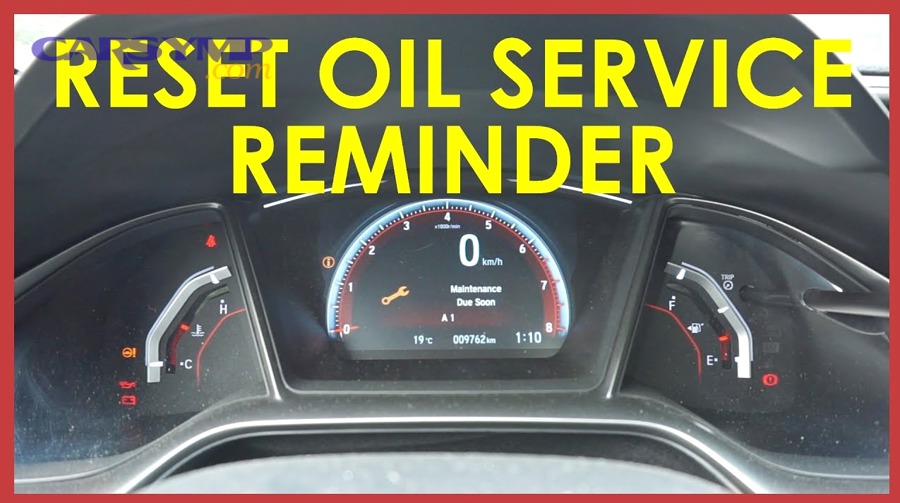
Resetting after the oil change is the best practice, because the reminder is supposed to represent the age/condition of the oil currently in the engine.
Then, the logic is simple: if you reset before you actually perform the oil change, you risk forgetting the service or delaying it while the system now shows “fresh oil.” That creates a mismatch between the dash and reality.
Use these practical rules:
- DIY oil change: reset immediately after you finish and verify no leaks and correct oil level.
- Shop-performed oil change: verify the reminder is cleared before you leave (or do it at home if they forgot).
- If you forgot to reset: reset as soon as you remember, but note the interval may be slightly off by the miles driven since the service.
This is also where the phrase “Oil change interval by driving conditions” matters in real life: if you drive in severe conditions (short trips, towing, heavy traffic), you want the monitor’s clock to reflect that severity from the moment the fresh oil is in place.
How do you confirm the reset worked?
You confirm the reset worked when the oil life returns to 100% (or a full interval), the maintenance message clears, and the indicator does not reappear on the next key cycle.
More specifically, do a quick three-part verification:
- Immediate confirmation: the screen shows “Reset complete,” “Oil life 100%,” or the warning disappears.
- Key cycle confirmation: turn the vehicle off, wait a few seconds, then turn it back on; the reminder should remain cleared.
- Menu re-check: navigate back to oil life/maintenance screen and confirm the value stayed at 100% (or the next service mileage updated).
If it returns immediately, you likely used the wrong power mode, the wrong menu, or you reset the wrong item (oil vs service/inspection).
How do you reset the oil change light using the most common “universal” methods?
There are 4 main types of oil change light reset methods—menu reset, button-hold reset, pedal sequence reset, and scan tool reset—based on the vehicle’s dashboard controls and how the maintenance counter is stored.
To better understand which one to use, match what you see: if there’s a settings menu with “Oil Life,” use the menu method; if there’s a “Trip/Reset” knob, use button-hold; if the vehicle uses a simple key-on sequence, pedal reset may apply; if it’s a service interval system that won’t clear manually, a scan tool may be required.
How do you reset using the driver information center/menu method?
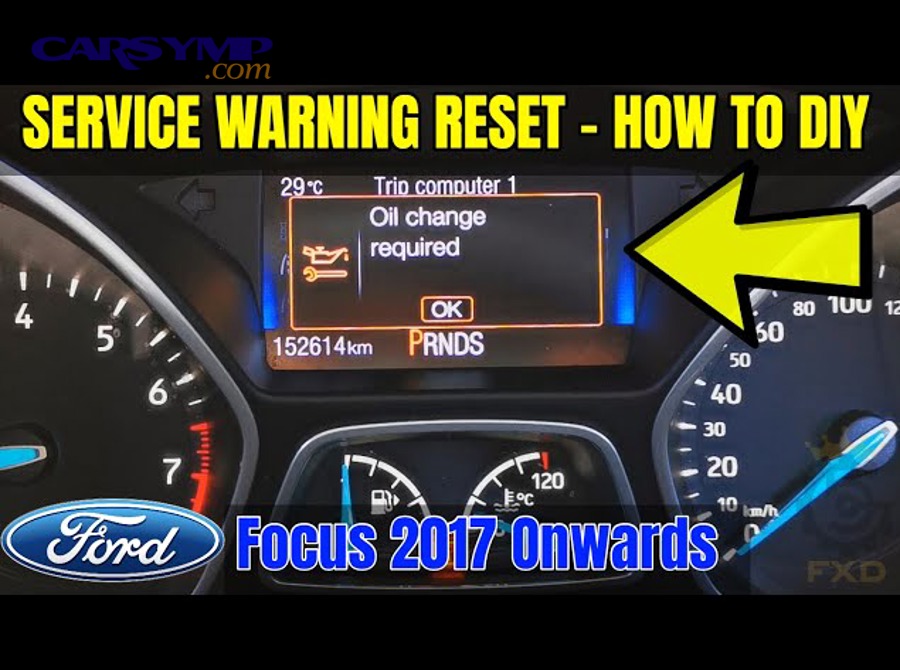
The menu method is the most common modern approach: set the vehicle to key-on/power-on (engine off), open the oil life or maintenance screen, choose “Reset,” and confirm the selection until the reminder clears.
Specifically, follow this universal pattern:
- Power mode: ignition ON / vehicle ON (engine OFF).
- Navigate: Settings → Vehicle Info (or Maintenance) → Oil Life (or Oil Service).
- Select reset: “Reset,” “Reset Oil Life,” or “Reset All Due Items.”
- Confirm: hold OK/Enter or select “Yes.”
- Verify: oil life reads 100% or reminder disappears.
Important cautions that prevent failed resets:
- Some systems require the vehicle to be fully stopped and in Park.
- Some systems require you to hold the button for several seconds rather than a quick press.
- Some systems only show the reset option after you scroll to the actual oil life percentage screen.
This is also the easiest place to see whether your reminder is oil-only or part of a bundle, because the menu may list multiple items.
How do you reset using the button-hold method on the instrument cluster?
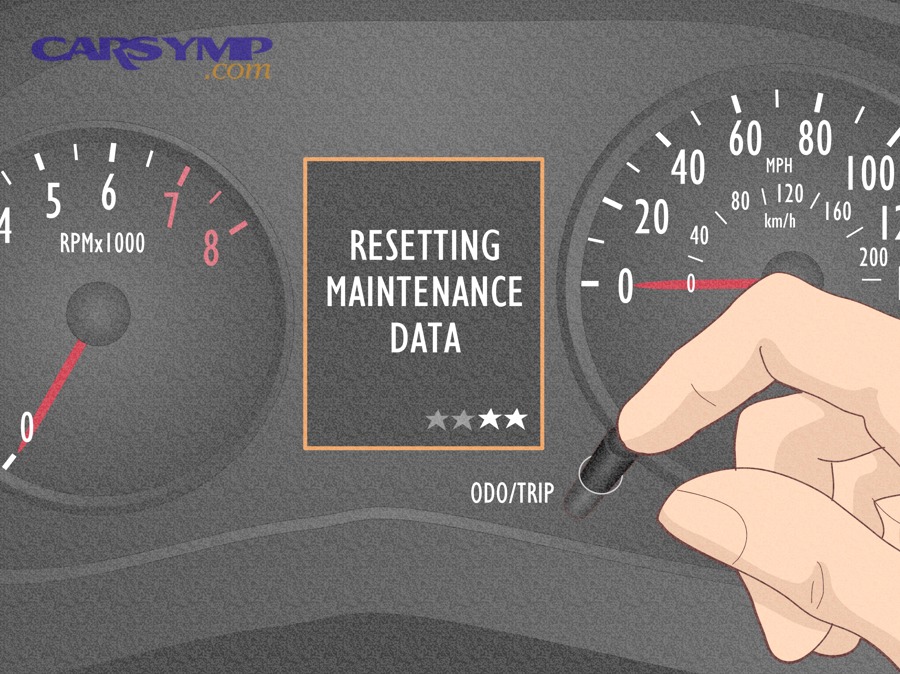
The button-hold reset works by holding the trip/odometer or select/reset button until the oil life or maintenance indicator flashes, then holding again to confirm the reset.
More specifically, the pattern usually looks like this:
- Power mode: ignition ON / engine OFF.
- Display the oil life/maintenance screen: tap Trip/Reset or Select/Reset until you see oil life % or “Maintenance.”
- Hold to enter reset mode: press and hold for ~10 seconds until it blinks.
- Hold to confirm reset: keep holding (or release and hold again) until it resets to 100% or clears.
- Verify: key cycle and re-check the screen.
This method is common on vehicles that have a physical cluster knob or trip stem, and it’s also common on older vehicles without deep infotainment menus.
How do you reset using the accelerator/brake pedal sequence method?
The pedal sequence method resets the oil life counter by detecting a specific pedal input pattern while the vehicle is in key-on mode, often used on certain model families and earlier systems.
Then, the safest way to apply this method is to treat it as a “pattern concept,” not a universal rule, because the exact number and timing of presses vary:
- Power mode: ignition ON / engine OFF.
- Perform the required pedal pattern: typically a sequence of accelerator presses within a short window.
- Watch for confirmation: the oil life may flash, chime, or display “reset.”
- Key cycle: turn off, then on to verify.
If your vehicle has a driver information center that shows “Oil Life,” always prefer the on-screen reset because it’s easier to confirm and less likely to be wrong for your specific year.
Can you reset the service reminder with an OBD2 scanner or scan tool?
Yes—some service reminder systems can be reset with an OBD2 scanner or a scan tool, especially when the vehicle uses a service interval module, stores inspection counters separately, or blocks manual resets for certain items.
Next, this is where the difference between “oil life” and “service interval” becomes practical: many basic OBD2 code readers won’t reset service counters, but more advanced scan tools with maintenance functions can.
Use a scan tool reset when:
- The vehicle’s manual reset sequence doesn’t work even when performed correctly.
- There are separate counters (oil service + inspection) and the inspection won’t clear manually.
- The vehicle requires a maintenance function (common on some systems that tie service to a menu that’s locked or missing).
As a simple guideline: if your dashboard has a clear oil life reset option, start there; if the option is missing or won’t confirm, then scan tool reset is a logical next step.
How do you reset the oil life/service reminder by brand (quick guides for the most searched makes)?
There are 4 common brand patterns—Toyota-style maintenance light, Honda-style oil life percentage, GM-style oil life monitor, and VW-style service/inspection intervals—based on how each brand labels and stores the reminder.
To illustrate how to apply the right steps quickly, use the brand guide below as a shortcut, but still keep one rule in mind: trim level and model year can change the exact button names, so always verify the on-screen prompts.
How do you reset the maintenance light on Toyota models?
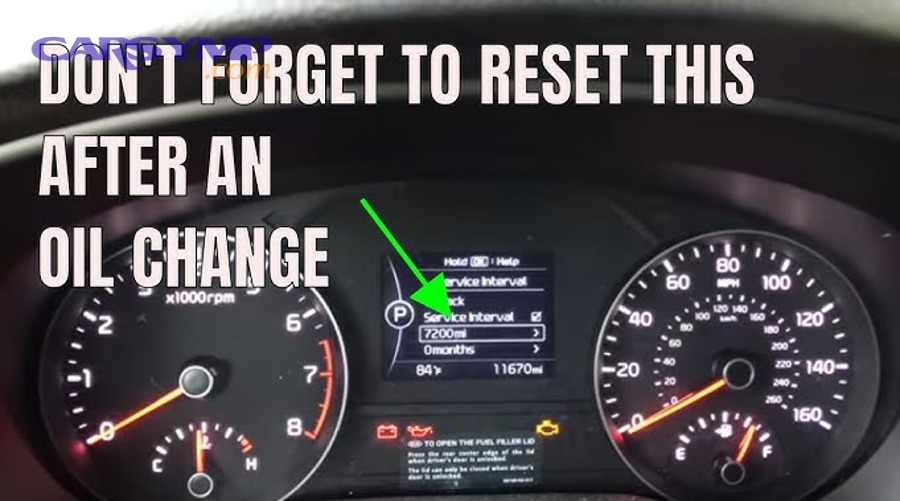
Toyota’s “maintenance required” light reset is typically a trip/odometer button sequence done in key-on mode, where you hold the trip reset while switching power modes until the light flashes and clears.
More specifically, this common Toyota pattern matches what many drivers see:
- Turn the key to the ON position (or press Start without starting the engine).
- Set the display to Trip A (on models that require it).
- Turn the vehicle OFF.
- Press and hold the trip/odometer reset button.
- Turn the vehicle ON while still holding the button.
- Keep holding until the light flashes and turns off.
This approach is widely documented in Toyota service-tip style guides.
Practical notes:
- If you reset it and it returns, confirm you used the correct trip screen (some models require Trip A).
- If your Toyota has an advanced multi-information display with maintenance menus, use the menu-based reset instead of the trip button method.
How do you reset Honda oil life to 100%?
Honda’s oil life reset typically involves navigating to the Maintenance Minder/oil life display, then pressing and holding a knob or using steering wheel controls to enter reset mode and confirm the reset to 100%.
Specifically, a common Honda procedure includes:
- Set ignition to ON (engine OFF).
- Display engine oil life on the information display.
- Press and hold the select/reset control until the oil life indicator blinks.
- Confirm the reset; oil life returns to 100%.
Honda’s own service information describes this “hold to blink, then confirm to 100%” pattern across multiple display types. (techinfo.honda.com)
Key troubleshooting tip:
- If you only enter the blinking mode but don’t confirm, the system can cancel and keep the old oil life value.
How do you reset Chevy/GMC oil life?
Chevy/GMC oil life reset is usually done through the driver information center by selecting the oil life screen and holding a confirmation button to reset, though some model years use different interfaces.
More specifically, the common GM-style logic is:
- Ignition ON (engine OFF).
- Navigate to “Oil Life” in the DIC.
- Press and hold OK/Enter (or a checkmark) until it resets to 100%.
- Verify by key cycling.
Practical notes:
- Some older systems used a pedal method, but many later systems are menu-based.
- If the vehicle shows multiple maintenance items, ensure you’re resetting the oil life item and not only a general “service” reminder.
How do you reset Volkswagen “service” or “inspection” reminders?
Volkswagen reminders often separate oil service and inspection/service interval, and reset steps can involve cluster buttons and ignition sequences or menu-based resets depending on the infotainment generation.
Then, to avoid the common “I reset it but the wrench stayed,” do two checks:
- Confirm whether you have an oil service reminder, an inspection reminder, or both.
- Reset the specific item you’re seeing, not just the oil counter.
Practical notes:
- Some VW systems allow an oil service reset in the cluster but require a scan tool (or a specific menu path) for inspection.
- If the reset option is missing, the system may require a service function via a diagnostic tool.
What are the most common reasons the oil life/service reminder won’t reset, and how do you fix it?
There are 3 main reasons the oil life/service reminder won’t reset—incorrect power mode, resetting the wrong reminder, or a system that requires a scan tool reset—and each one can be fixed with a quick, methodical check.
Next, treat this like troubleshooting a procedure, not diagnosing an engine problem. The reminder is software logic, so your goal is to satisfy the system’s conditions for accepting the reset.
Is your ignition/key position correct for the reset procedure?
Yes, the ignition/key position is one of the most common causes of reset failure, because many vehicles require “ON” power without the engine running, the vehicle in Park, and the procedure completed within a certain time window.
To illustrate how small differences matter, consider these common mistakes:
- Accessory mode instead of ON: the dash lights may be on, but the maintenance system isn’t fully awake.
- Engine running: some systems block reset while running.
- Not in Park / vehicle moving: some systems require a complete stop and Park.
- Not holding long enough: many resets require a 5–10 second hold to confirm.
Fix it by standardizing your setup:
- Park, foot off accelerator, set parking brake if needed
- Power to ON (engine OFF)
- Navigate to the correct screen first
- Use a deliberate hold (count seconds)
Could you be resetting the wrong reminder (oil vs service vs inspection)?
Yes, you might be resetting the wrong reminder, because many vehicles track multiple maintenance counters that look similar on the dashboard.
More specifically, it’s common to see:
- Oil life % resets successfully, but service/inspection remains due.
- A generic “maintenance required” resets, but oil life stays unchanged (or vice versa).
- A wrench icon persists because it’s tied to inspection interval, not oil.
Fix it with a simple two-step verification:
- Find the maintenance menu list (or cycle the cluster screens) and identify each item that shows “due.”
- Reset the specific due item (oil life, service interval, inspection) rather than assuming one reset clears all.
This is also a good moment to add a practical maintenance check: if the reminder is correct and you truly are late, look for “Signs you’re overdue for an oil change” such as a louder engine note, darker oil on the dipstick, or a service message that returns quickly after being cleared.
When do you need a scan tool or dealer-level reset?
Yes, you may need a scan tool or dealer-level reset when the system stores service intervals in a module that doesn’t allow manual resets, when inspection counters are locked behind diagnostic functions, or after certain repairs (like cluster replacement) that change how the reminder is initialized.
More importantly, you can identify this situation when:
- The manual reset procedure is performed correctly multiple times and never “sticks.”
- The reset option is missing from menus where it should exist.
- The vehicle shows an inspection/service reminder that doesn’t offer a manual reset path.
If you reach this point, use a scan tool with service functions (not just a basic code reader) or consult official service information for that specific model year.
At this point you can reset the reminder on most vehicles and troubleshoot the common reset failures. The next section expands into how these systems calculate oil life, what not to do, and edge cases that affect accuracy.
What should you know before resetting—oil life accuracy, service intervals, and edge cases?
Before resetting, you should understand that oil life reminders are maintenance trackers, not lab tests, so accuracy depends on correct reset timing, correct service interval selection, and recognizing edge cases where the reminder can mislead you if it’s reset incorrectly.
Next, this context helps you make better decisions about oil change frequency, especially if your driving pattern is “severe service” even when mileage seems low.
Is it bad to reset the oil life reminder without changing the oil?
Yes, resetting without changing the oil is generally bad because it delays the next reminder, hides overdue service, and can push the oil beyond the intended protection window—especially in severe driving conditions.
Then, the risk grows when your driving profile is tough on oil. Short trips and cold starts can load oil with contaminants faster, and long idling can increase time-on-oil without adding miles. That’s why “I didn’t drive far” isn’t always the same as “the oil is still fresh.”
If you reset accidentally:
- Perform the oil change as soon as possible (if it was due).
- If the oil was not due and you reset by mistake, record the mileage and set a personal reminder for the correct interval.
For a more technical perspective on why conditions matter, research on oil-life algorithms has shown short-trip service can degrade oil faster and may warrant shorter intervals; one Penn State thesis on an engine oil life algorithm reported rapid degradation in short-trip service and recommended a 3,000-mile interval in that specific short-trip context. (etda.libraries.psu.edu)
What’s the difference between an “oil service” reminder and an “inspection/service interval” reminder?
Oil service reminders focus on engine oil replacement timing, while inspection/service interval reminders track broader scheduled checks (filters, inspections, multi-point items), and the two can be separate counters that require separate resets.
More specifically, this difference explains two common experiences:
- You reset oil life to 100%, but the vehicle still says “Service due” because an inspection interval is still pending.
- You clear “maintenance required,” but the oil life percentage doesn’t change because you cleared a generic service reminder rather than the oil monitor.
This is why it helps to think in terms of two clocks:
- Oil clock: tied to oil life or oil service
- Service/inspection clock: tied to time/mileage schedule items
When you plan your maintenance, the phrase “Oil change interval by driving conditions” becomes your practical guide: driving severity should influence your oil interval, while inspection intervals may remain more standardized.
Can battery disconnects, cluster swaps, or “service mode” prevent resets?
Yes, these edge cases can prevent resets or make reminders behave oddly, because power loss, cluster/module changes, or special service modes can disrupt how the system stores or displays maintenance counters.
Specifically, watch for these rare-but-real scenarios:
- Battery disconnect: may reset some learned values or cause clocks/menus to reset; occasionally maintenance displays behave differently until initialized.
- Instrument cluster replacement: the maintenance reminder may be stored in a module that needs synchronization or programming.
- Service/workshop mode: some vehicles have a mode that changes reminder logic during service procedures.
If the reset suddenly became impossible after electrical work, it’s a strong hint you need model-specific instructions or a scan tool capable of maintenance resets.
How does driving style affect oil life percentage (and should you trust it)?
Driving style affects oil life percentage because many systems estimate oil degradation based on operating conditions such as trip length, temperature cycles, engine load, and time, and you can generally trust it as a maintenance guide if you reset it correctly and follow the manufacturer’s service approach.
In addition, use driving style as a reality check when the dashboard surprises you:
- If you do lots of short trips and the oil life drops quickly, that’s consistent with severe service.
- If you do mostly highway miles and oil life drops slowly, that’s consistent with lighter service.
- If your oil life drops unusually fast after a reset, re-check whether the reset actually “stuck” or whether you cleared the wrong item.
To keep your system meaningful, anchor it to real maintenance habits:
- Check oil level regularly.
- Follow the manufacturer’s recommended oil type/grade.
- If you notice Signs you’re overdue for an oil change (noise, roughness, dark/dirty oil, reminder returning quickly), treat the reminder as a prompt to verify, not as something to silence.
Evidence (if any)
According to a study by Penn State University (Graduate School) in 2009, an engine oil life algorithm study reported that short-trip service degraded oil rapidly and recommended an oil-change interval of 3,000 miles for that specific short-trip condition. (etda.libraries.psu.edu)