


If you’re searching for blower motor replacement labor time, the practical answer is: most jobs land in the 0.5–2.0 hour range, but some vehicles jump to 3–6+ hours when access requires deeper dash or HVAC-case disassembly.
To budget accurately, you need to understand what “labor time” really means (flat-rate guides vs real clock time), and which access layout your vehicle uses—because a glovebox-access design can be wildly different from a dash-out design.
You’ll also avoid surprises by learning the common add-on operations that quietly add time (trim panels, seized screws, debris cleanup, and recalibration steps), plus the quick checks that prevent replacing the wrong component.
To begin, let’s map labor time ranges by access type and then walk through the exact factors that push your job toward the fast end or the painful end of the spectrum.
How long is blower motor replacement labor time on most vehicles?
Most drivers see Blower motor replacement labor time fall between about 0.5 and 2.0 hours, with outliers reaching 4–6+ hours when the component is buried behind major dash structures or the HVAC case.
Next, the key is to classify your vehicle into an access “bucket,” because the bucket predicts the time better than the model year alone.

Below is a quick-reference table that helps you estimate labor hours by typical access path and difficulty level (use it to sanity-check quotes before you approve work).
| Access bucket | Typical labor time range | What usually makes it land here |
|---|---|---|
| Easy under-dash / glovebox access | 0.5–1.2 hours | Small trim panel removal, short screw set, simple connector |
| Moderate under-dash with tight packaging | 1.2–2.5 hours | More trim, limited tool angles, awkward fasteners |
| Hard access / dash structure interference | 2.5–4.5 hours | Braces, ducting removal, partial HVAC case work |
| Dash-out / HVAC case-heavy procedures | 4.5–6+ hours | Instrument panel removal, deep HVAC case access, reassembly time |
According to research by SAE International from its vehicle HVAC engineering publications, in April 2010 blower-unit design and packaging constraints are central to airflow, noise, and power consumption tradeoffs—those same packaging constraints are also what drives labor difficulty in real repairs.
What factors make the labor time faster or slower?
Labor time is faster when the
Next, you can predict time by looking for a few “speed bumps” before anyone touches a tool.
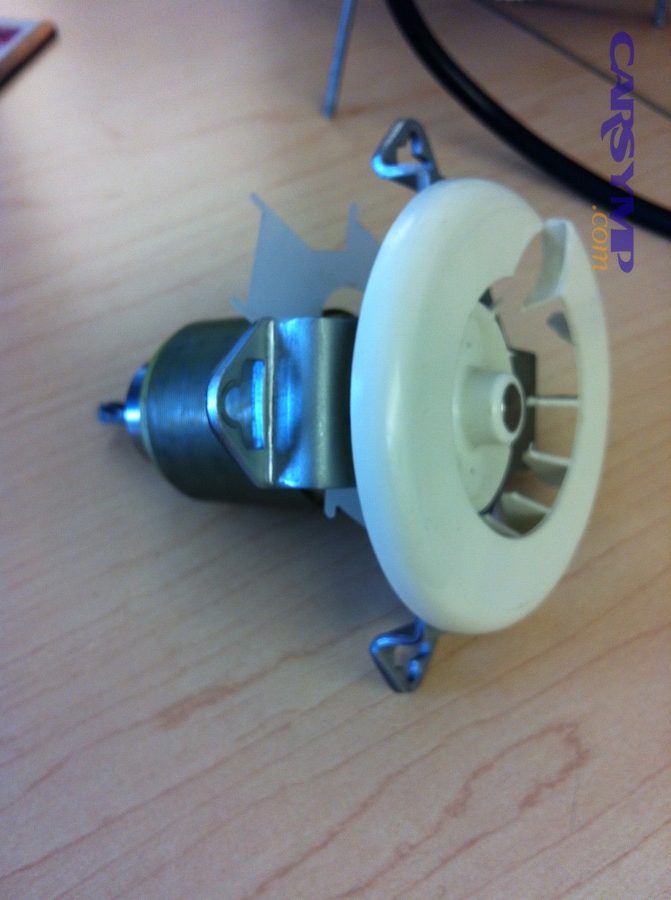
Access depth is the biggest time driver
If the motor is behind a small hush panel, the job is mostly unscrewing and unplugging; if it sits above a cross brace or inside a crowded plenum area, time balloons because every removed part must be reinstalled correctly and quietly.
To illustrate, many guides describe under-dash access as “simple or difficult depending on manufacturer design,” which is exactly why the same repair can be 45 minutes on one vehicle and half a day on another.
Fastener condition and debris can add hidden time
Rusty screws, stripped plastic tabs, and debris (leaves, pens, small objects) inside the housing create delays: techs must extract the obstruction, clean the cavity, and verify the fan spins freely without rubbing.
After that, reassembly and noise-checking matter—because a slight misalignment can cause rubbing or ticking that forces redo labor.
Automatic climate systems can add steps
Some systems use electronic control modules or speed controllers that need careful transfer or verification, and the tighter the packaging, the more time it takes to avoid breaking brittle connectors.
According to research by ScienceDirect’s journal Engineering from its vehicle thermal management review, in October 2019 HVAC system performance is tightly linked to comfort, efficiency, and system integration—meaning modern vehicles often package HVAC components densely, which tends to increase service complexity and labor time.
Where is the blower motor and how can you predict access time before disassembly?
You can often predict labor hours by identifying whether the motor sits under the passenger-side dash, behind the glovebox, or under the hood near the firewall—each layout has a different removal path.
Next, use the “first-look” checks below to determine which layout you have in minutes, not hours.
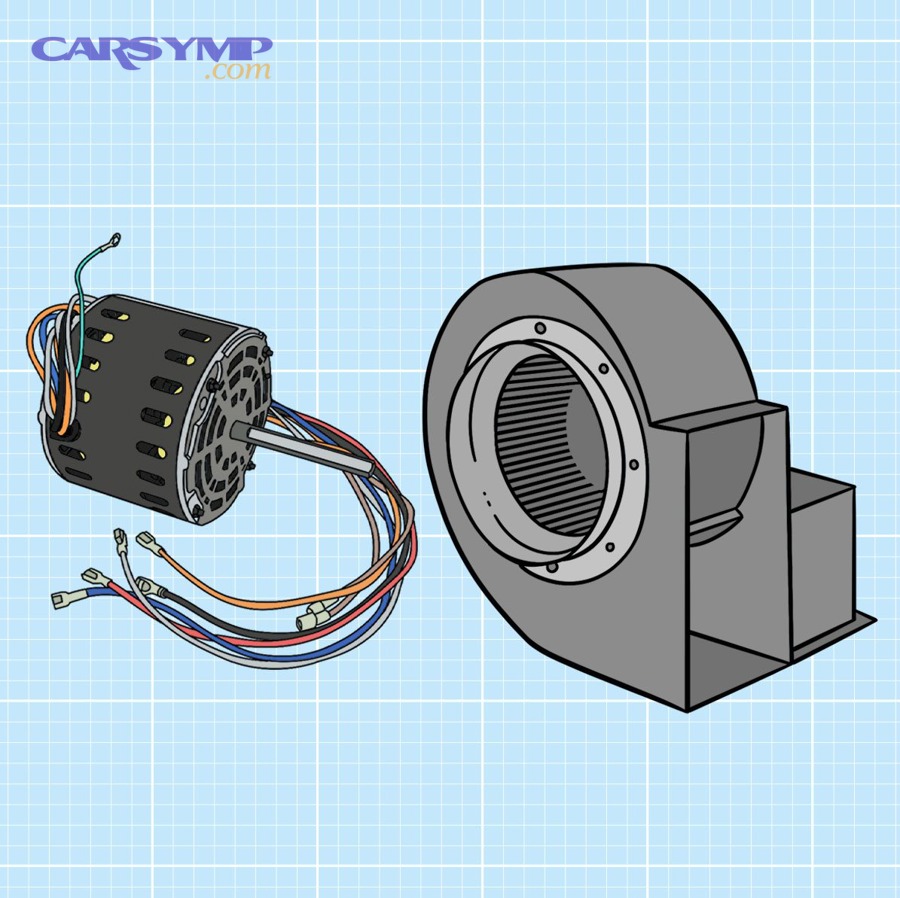
Under-hood units are often quicker—until they aren’t
If the unit is visible in the engine bay near the passenger-side firewall, labor can be straightforward, but limited clearance around hoses and brackets can still slow things down.
To keep your workflow consistent, write down what you find using your own checklist like: “under-hood visible,” “requires brace removal,” or “buried under cowl trim.”
Under-dash units vary from “easy panel” to “deep plenum”
Many vehicles place it under the passenger dash; some only need a lower trim panel removed, while others require more ducting and bracing work.
To connect this to your planning, include the phrase How to access blower motor by vehicle in your notes so you remember to verify your exact model’s access path before you assume the time.
Glovebox-behind access is usually a “fast bucket”
If your glovebox drops down and reveals the motor area, you’re often in the 0.5–1.2 hour zone—especially when the mounting screws are exposed and the connector is reachable without contortions.
According to research by SAE International from a University of California, Riverside vehicle cabin study, in April 2013 higher fan speeds and recirculation settings measurably change in-cabin concentrations and airflow behavior, reinforcing why correct HVAC component access and reassembly matters for performance after service.
What does “flat-rate” labor time mean, and why does it differ from real clock time?
Flat-rate labor time is a standardized guide time used for estimating, usually listed in hours and tenths (6-minute increments), and it assumes standard conditions—not broken clips, not seized fasteners, and not prior damage.
Next, you’ll use this knowledge to interpret quotes correctly and compare shops fairly.
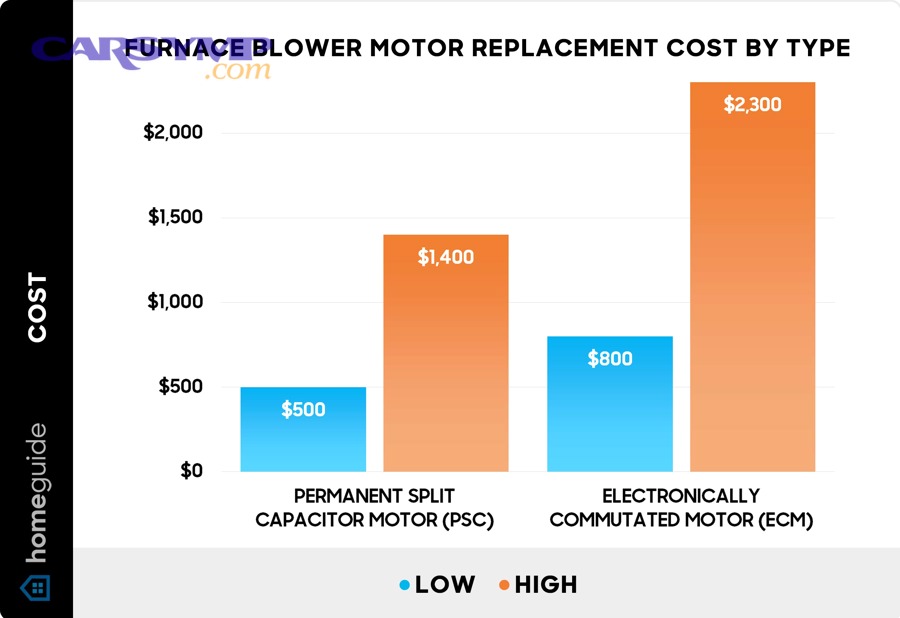
Warranty time vs aftermarket guide time can be very different
Some references separate “warranty time” and third-party manual time; one example discussion cites about 1.2 hours warranty time versus 4.5 hours manual time for a specific older SUV scenario—an illustration of how procedure depth assumptions change the estimate.
However, the correct move is not to argue the number—it’s to ask what procedure the shop is actually following (simple access vs deep access).
Estimators combine standard labor times with local rate models
Consumer estimators often state they combine industry-standard labor-time data with labor-rate modeling; that’s helpful for budgeting, but it still can’t see your vehicle’s rust level or missing fasteners.
Therefore, the most reliable estimate is: guide time + known add-ons + your vehicle’s real condition.
Why “book time” can still be fair even if the job is quicker
Flat-rate systems reward efficiency and experience; if a technician has done the job many times, they may finish faster than the guide, but the guide also protects you when the job runs long due to reasonable complications.
According to research by Mitchell 1 from its labor-time documentation, in November 2020 estimated labor times are provided in hours and tenths and apply to standard equipment under standard assumptions—meaning deviations should be discussed and documented.
Which quick checks prevent paying labor time for the wrong repair?
Yes—quick diagnostics can reduce wasted labor time by confirming the failure is truly the motor and not the speed control, wiring, or power supply issue.
Next, do the minimum checks that change the decision, not a full electrical overhaul.

Power supply and connector condition are high-leverage checks
A practical phrase to keep in your workflow is Electrical connector and fuse checks: verify fuses/relays have power, confirm the connector isn’t heat-damaged, and look for corrosion or burned terminals before you authorize major disassembly.
To be specific, some repair guides emphasize inspecting the connector for corrosion or burned terminals as a sign of high resistance or increased current draw.
Speed control failures can mimic a “dead motor”
If the fan only runs on the highest speed, the issue often points to the resistor pack or control module path rather than the motor itself, because high speed can use a more direct circuit path.
After that, you can decide whether replacing the motor, the resistor/module, or repairing the connector is the most time-efficient fix.
Debris obstruction can look like a failed motor
Foreign objects can jam the fan cage or cause loud ticking, and removing the motor without clearing the housing can lead to immediate repeat symptoms—even if the new unit is fine.
According to research by SAE International from the University of California, Riverside cabin study, in April 2013 HVAC duct behavior and filtration/recirculation dynamics influence in-cabin conditions, so restoring free airflow and correct assembly is part of a “successful” repair outcome, not just installing parts.
How do you turn labor time into a realistic budget without getting surprised?
A realistic budget is labor hours × local labor rate, plus parts, plus common add-ons like cabin filter service, connector repair, or debris cleanup—so the same labor time can produce very different totals by region.
Next, anchor your expectations with a baseline range, then adjust for your access bucket and vehicle condition.
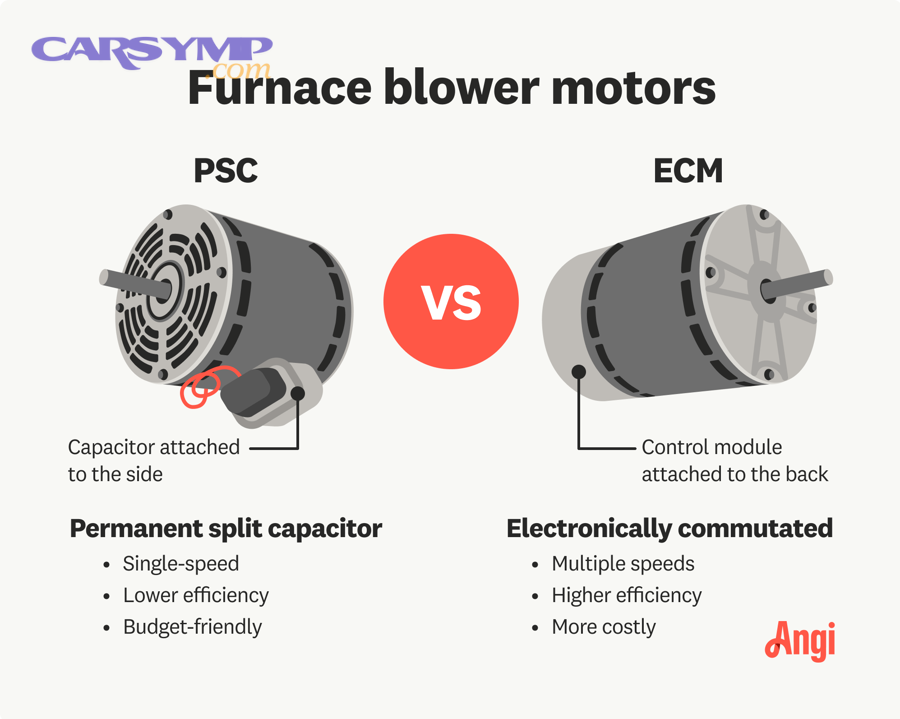
Use estimator ranges as a baseline, not a final invoice
If you see a consumer-facing Blower motor replacement cost estimate range, treat it as the starting point for a “typical” scenario, then ask your shop what pushes your car above or below that average.
For example, some estimates split cost into labor and parts, which helps you detect whether a quote is high because of hours, because of parts pricing, or because of both.
Ask for labor hours, labor rate, and included operations—separately
One of the fastest ways to compare quotes is to request three line items: (1) labor hours, (2) labor rate, (3) included operations (trim removal, testing, cleaning). If a shop won’t separate them, you can’t compare fairly.
Then, if you’re quoted “extra time,” ask what condition triggered it (broken tabs, rust, previous repairs, missing fasteners).
Don’t forget the “comeback risk” cost
A cheap quote can become expensive if the job creates new noises, leaves debris in the housing, or fails to address heat-damaged connectors—because you pay labor time again to diagnose and fix the new problem.
According to research by SAE International from its HVAC blower optimization paper, in April 2010 airflow uniformity, noise, and performance are tightly linked to blower design and housing geometry, which is why careful alignment and reassembly reduce post-repair noise complaints.
Which steps consume the most labor time, and how can you shorten them safely?
The biggest time sinks are trim removal, reaching hidden fasteners, maneuvering the fan cage out of the housing, and reassembly checks to prevent rubbing or ticking—so efficiency comes from preparation, not rushing.
Next, use a step-sequenced approach that protects clips and connectors, because broken trim often costs more time than the motor swap itself.
Preparation reduces “stop-and-search” minutes
Before disassembly, stage the correct sockets, trim tools, lighting, and a small mirror for hidden screws; this prevents repeated up-and-down movement and reduces the chance you miss a fastener.
After that, take a photo of connector orientation and wire routing so you don’t waste time on reassembly uncertainty.
Connector handling must be slow and deliberate
Release the safety tab fully, pull straight (not sideways), and inspect for heat damage; if the connector is melted, plan repair time because it can’t be “wished away” with a tighter fit.
Then, confirm the fan cage spins freely after installation and does not contact the housing.
Debris removal is part of the job, not an optional extra
Clear leaves and foreign objects from the cavity before installing the new unit; otherwise, debris can jam the fan or create immediate noise, leading to repeat labor.
To conclude this section with hands-on context, here’s a practical walkthrough video you can watch before you start—use it to visualize access and fastener locations.
According to research by RepairPal from its auto repair estimator methodology, in October 2025 estimate tools bring together industry-standard parts pricing and labor times—so your best shortcut is aligning your real procedure (and real add-ons) with the correct labor-time category.
What should you check after installation so you don’t pay labor time twice?
After installation, verify airflow strength, noise-free operation across all speeds, and stable electrical connection—because minor alignment or connector issues can cause repeat symptoms that require rework labor.
Next, run structured post-checks that match the failure modes you’re trying to avoid.
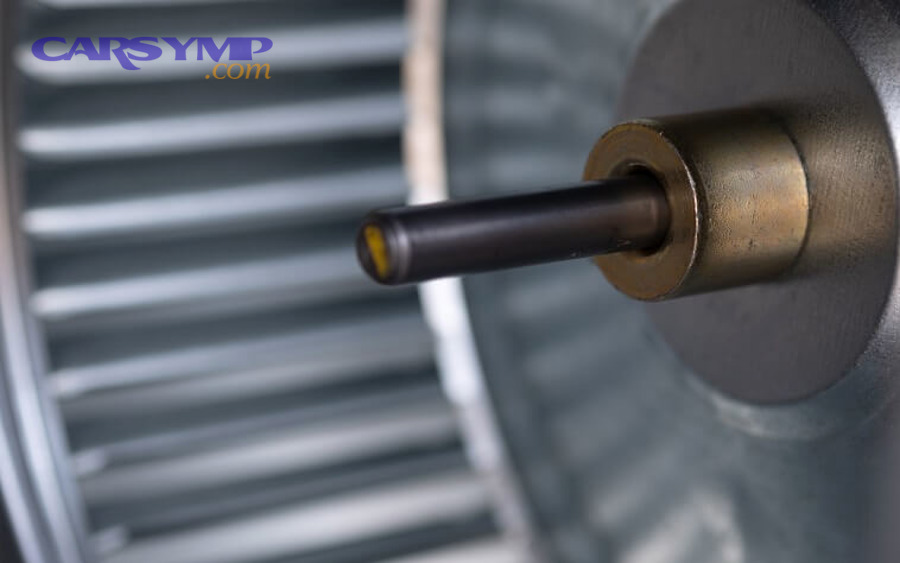
Noise and vibration checks across all speeds
Listen for rubbing, ticking, or rattling at low and medium speeds—these often reveal fan-cage contact or debris left in the housing. If noise changes with speed, stop and re-check alignment before you button everything up.
Then, confirm the motor ramps smoothly and does not surge or cut out (a sign of poor connection or control module issues).
Airflow consistency and vent mode function
Switch between vent modes to confirm air is routed correctly; a misplaced duct or foam seal can reduce flow and make the job feel “unfinished” even if the motor is new.
After that, verify defrost performance because weak airflow there is a common complaint after HVAC reassembly.
Electrical heat-check on the connector
After a short run, gently feel near the connector area (without touching moving parts): abnormal heat can indicate resistance, poor pin tension, or a damaged connector that will fail again.
According to research by SAE International from the University of California, Riverside cabin study, in April 2013 airflow settings measurably affect cabin conditions and CO2/particle dynamics, so restoring correct airflow performance is a meaningful verification step—not just a comfort preference.
Frequently asked questions about blower motor replacement labor time
This FAQ answers the most common timing questions drivers ask, including why two shops can quote different hours and what you can do to reduce paid time without compromising quality.
Next, use these answers as “quote checkpoints” when you compare repair estimates.
Is 4–6 hours normal for this job?
It can be normal on vehicles that require deep dash access or HVAC case work, but it’s not typical for glovebox-access designs; ask the shop what access procedure they are following and what parts must be removed to reach the motor.
Then, compare that procedure description to your vehicle’s known access bucket.
Why does one estimate show 1 hour and another shows 4 hours?
Different guides and assumptions (warranty time vs aftermarket manual time, or different procedures for the same symptom) can produce different numbers; the “right” number matches the actual procedure on your specific vehicle.
After that, factor in your car’s condition—rust, missing clips, and prior repairs all add real time.
Can I reduce labor time by supplying my own part?
Sometimes, but not always: if the part fitment is wrong or the connector is different, the job can take longer and may not be warrantied by the shop, which can increase total cost even if the part was cheaper.
So, confirm part number compatibility and return policy before you commit.
Should I replace the resistor/module at the same time?
Only if diagnosis indicates it: a high-speed-only symptom commonly points to resistor/module circuitry, but replacing parts blindly can increase cost without solving the issue.
Therefore, use symptom-led testing to choose the most time-efficient repair.
Contextual Border
Everything above focused on the typical timing logic and the most common access patterns. Below are the edge cases and rarer attributes that can push labor hours far beyond “normal,” even when the symptom sounds simple.
Edge cases that stretch labor time beyond the norm
Labor time stretches when your vehicle has multiple blower units, integrated control electronics, water intrusion damage, or packaging that forces major interior teardown—these are the cases where “it’s just a fan” becomes a complex disassembly job.
Next, identify whether any of the four scenarios below match your vehicle, because each one predicts higher labor hours and higher comeback risk.
Front vs rear blower units (meronymy: subsystem parts)
Vehicles with rear HVAC systems add a second blower and separate ducts; accessing the rear unit can involve cargo trim removal and different fastener sets, which changes labor time and parts complexity.
After that, confirm whether your estimate includes front, rear, or both—because “blower motor” can refer to either subsystem part.
Integrated electronic speed controllers (synonymy: resistor pack vs control module)
Some systems use a solid-state controller rather than a simple resistor pack; diagnosing and handling these carefully can add time, especially if connector pins show heat damage.
Then, ensure the shop plans to inspect and correct connector condition, not just swap components.
Water intrusion, debris loading, and corrosion (antonym: clean airflow vs restricted airflow)
Water leaks from a cowl drain or windshield area can corrode connectors and load the housing with debris; cleaning, drying, and repairing terminals adds labor, but skipping it often causes repeat failure.
So, if you’ve had wet carpets, musty smells, or repeated HVAC electrical issues, expect labor time to rise for “make-it-right” work.
Aftermarket fitment and noise complaints (hyponym: squeak/tick/rub failures)
Some aftermarket assemblies have slight dimensional differences; if the fan cage rubs or balances poorly, the installer must correct alignment or swap components, adding time.
According to research by SAE International from its HVAC blower design optimization work, in April 2010 airflow, noise, and performance are tightly coupled to blower housing geometry—so small fitment differences can create noticeable noise, which is why careful verification protects you from repeat labor.