


Choosing the right OBD2 scanner for DIY car diagnostics comes down to one thing: matching the tool’s capabilities to the problems you actually want to solve, on the vehicles you actually own. If you buy for features you’ll never use, you overpay; if you buy too basic, you lose the data that makes diagnosis possible.
Next, you’ll see how to confirm vehicle compatibility (it’s more than “1996+ = works”), because the wrong connection type, protocol support, or app/device limitation can turn a “great deal” into a dead-end.
Then, we’ll break down scanner types—code readers, Bluetooth dongles, and full scan tools—so you can choose the right class before you start comparing brands and price tags.
Introduce a new idea: once you know what to buy, you’ll also learn how to avoid common shopping mistakes and verify your choice with a simple pre-purchase checklist—so your first OBD2 scan at home gives you answers, not more questions.
What does “choose the right OBD2 scanner for DIY” actually mean?
Choosing the right OBD2 scanner for DIY means selecting a tool that can reliably connect to your car, read and explain codes, and show the specific live data and readiness information you need—without paying for pro-only functions you’ll never touch.
Next, this matters because a scanner isn’t “good” in isolation; it’s only good for your use case, your vehicles, and your skill level, and that alignment decides whether your OBD2 scan saves time or creates confusion.
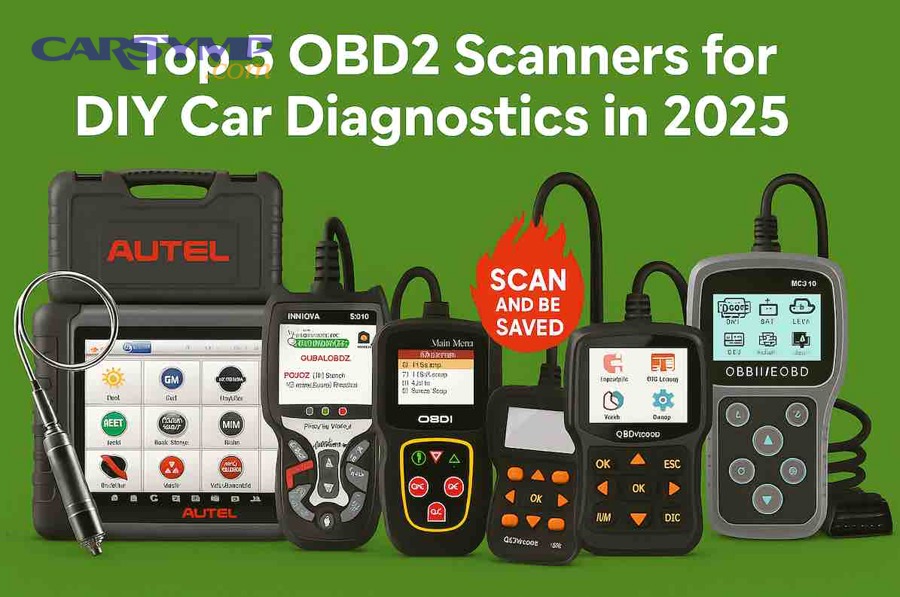
What can an OBD2 scanner diagnose—and what can’t it?
An OBD2 scanner is an emissions and engine-diagnostics tool that reads standardized vehicle data and trouble codes from the powertrain computer, but it cannot “see” every mechanical failure or replace hands-on testing when parts are physically worn or broken.
To begin, here’s the clean way to think about what it can do:
- Read diagnostic trouble codes (DTCs) that triggered the check engine light (MIL) or are pending.
- Show freeze frame data, a snapshot of conditions at the moment a code set (RPM, load, coolant temp, etc.).
- Stream live data (PIDs) like fuel trims, O2 sensor voltages, MAF readings, coolant temp, and more.
- Check readiness monitors so you know if the vehicle is inspection-ready after repairs or battery disconnects.
Now, here’s what it can’t do by itself:
- It can’t confirm a mechanical issue (low compression, clogged catalytic converter, vacuum leaks) without additional testing.
- It can’t guarantee the exact failed component; codes often point to a system, not the culprit.
- It usually can’t access body modules (airbag, ABS, BCM) unless the scanner supports enhanced diagnostics.
In other words, the scanner gives you direction and data, but your diagnosis still needs logic, inspection, and sometimes a multimeter, smoke test, or vacuum gauge.
What are the typical DIY use cases an OBD2 scanner should cover?
There are 5 main DIY use cases an OBD2 scanner should cover: (1) check-engine diagnosis, (2) inspection readiness checks, (3) intermittent issues via live data logging, (4) verifying repairs, and (5) pre-purchase scanning—based on how often these tasks require codes, live data, and readiness.
Then, match your buying decision to the use cases you’ll do most:
- “Why is my check engine light on?”
You need code reading, code definitions, freeze frame, and basic live data. - “Will I pass emissions/inspection?”
You need I/M readiness status and permanent/pending code visibility. - “It happens sometimes—how do I catch it?”
You need stable live-data streaming, graphing, and logging/export. - “Did my repair actually fix it?”
You need the ability to clear codes (when appropriate) and confirm monitor completion. - “Should I buy this used car?”
You need quick scans, readiness status, and a way to spot patterns (misfire history, fuel trim issues).
If your scanner can’t do these five reliably, your DIY workflow turns into guesswork.
Is your car compatible with an OBD2 scanner?
No—your car is not automatically compatible with every OBD2 scanner, because “OBD-II compliant” doesn’t guarantee the scanner supports your vehicle’s communication protocol, your phone’s operating system, or the specific modules and data you want to access.
Below, compatibility becomes the first filter because a scanner that “should work” but connects unreliably is worse than no scanner at all.
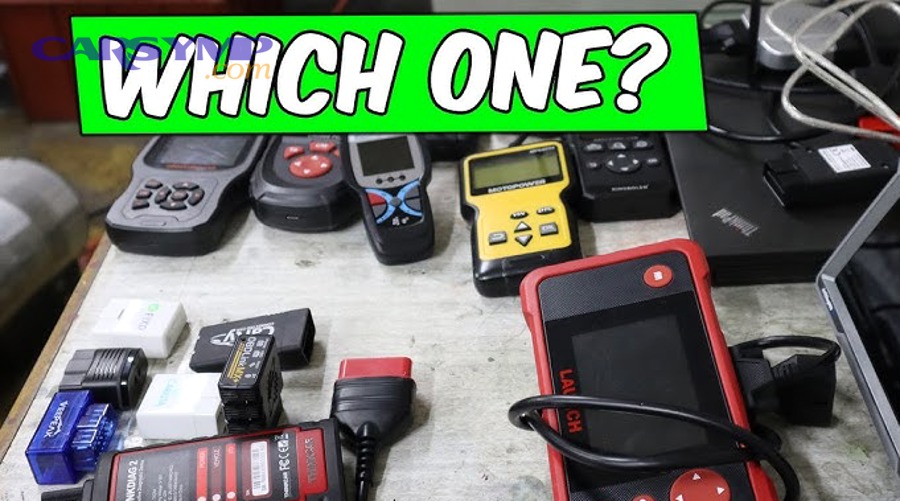
Does every 1996+ car work with every scanner?
No, not every 1996+ car works with every scanner, for at least three reasons: (1) not all scanners support every protocol or newer communication variations, (2) some scanners are limited by app/device constraints, and (3) many “OBD2 scanners” only access engine/emissions data, not the extra modules DIYers often want.
However, most basic engine-code readers will connect to most modern vehicles—but “connect” and “diagnose effectively” are not the same thing.
Use this practical compatibility checklist:
- Vehicle year and market: OBD-II adoption differs by region; confirm your vehicle is OBD-II compliant where it was sold.
- Scanner connection type: Bluetooth dongles often vary in iOS support; Wi-Fi vs Bluetooth matters.
- Enhanced coverage needs: If you want ABS/SRS/transmission codes, you need a scanner that supports those modules (many don’t).
- Update model: Some tools require paid updates to maintain newer vehicle coverage.
The goal is simple: confirm the scanner matches your car and your diagnostic goals.
What OBD-II protocols and connections should a DIYer care about?
OBD-II protocols and connections matter because they decide whether your scanner can communicate consistently and quickly with your car—and whether your phone can talk to the scanner without annoying disconnects.
More specifically, think of “protocol” as the language your car speaks, and “connection type” as the phone line.
Connection types :
- Handheld wired scanner: Most reliable; powers from the car; great for beginners who want fewer pairing issues.
- Bluetooth dongle + app: Portable and cheap; quality depends on hardware and app; iOS compatibility can be tricky.
- Wi-Fi dongle + app: Often works better with iOS; can interfere with your normal Wi-Fi usage while connected.
- USB cable + laptop: Powerful for advanced users; less convenient for quick checks.
For beginners, a wired handheld scanner reduces friction. For advanced DIYers who want logs and graphs, an app-based solution can be excellent—if it’s stable on your device.
Which scanner type should you buy: code reader, Bluetooth dongle, or full scan tool?
A code reader wins for simplicity and low cost, a Bluetooth dongle is best for live-data logging and app-driven analysis, and a full scan tool is optimal for DIYers who need enhanced modules and deeper diagnostics beyond engine/emissions.
Next, this comparison works because it forces you to choose the right class of tool before you compare brands and features.
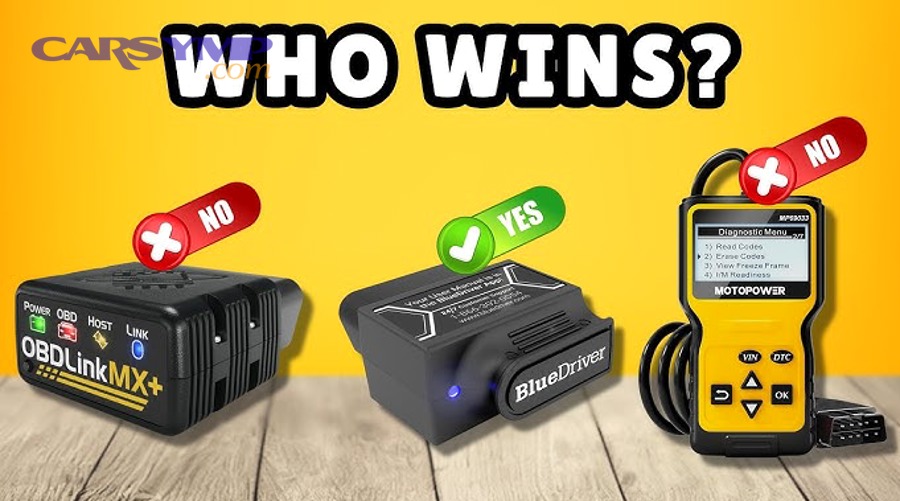
What is the difference between a code reader and a scan tool?
A code reader is designed mainly to read/clear engine-related codes and show basic readiness, while a scan tool typically adds deeper live data features, enhanced module access (like ABS/SRS), advanced tests, and richer reporting.
However, the “difference” that matters most for DIY is not the label—it’s what you can do after the code appears.
Code reader strengths (best for basic DIY):
- Quick code reads and clears
- Often includes I/M readiness
- Easy menus; fewer app issues
- Good for verifying a check engine light cause before visiting a shop
Scan tool strengths (best for serious DIY):
- Better live data graphing, data logging, and sometimes mode-specific test data
- Potential access to ABS/SRS/transmission codes (varies by product)
- More actionable workflows: guided tests, code info, repair reports, and exports
If your DIY diagnosis depends on comparing sensor behavior over time, a basic code reader can feel like diagnosing a fever with a yes/no thermometer.
Which OBD2 scanner type fits your DIY level and budget?
There are 3 main types of OBD2 scanner choices—code reader, dongle+app, and full scan tool—based on how much data and module coverage you need for your DIY goals.
Then, use this “buy the next step up from your pain” approach:
- Basic DIY (maintenance + occasional CEL): Choose a code reader
- Prioritize: stable connection, clear definitions, readiness monitors, freeze frame.
- Ideal if you want to check a light, confirm readiness, and avoid being upsold.
- Intermediate DIY (repeat troubleshooting + learning data): Choose a Bluetooth/Wi-Fi dongle + a strong app
- Prioritize: graphing, logging, custom dashboards, exports.
- This is where Reading live data basics for beginners becomes a real skill, because the data is only useful if you know what “normal” looks like.
- Advanced DIY (multi-vehicle household + module faults): Choose a scan tool with enhanced coverage
- Prioritize: ABS/SRS/trans support, faster scans, stronger databases, and consistent updates.
If your vehicle regularly throws non-engine warnings (ABS, airbag, transmission), skipping enhanced coverage often means you’ll still end up at a shop—just later.
What features should you prioritize on an OBD2 scanner for DIY troubleshooting?
You should prioritize features that convert a trouble code into a diagnosis: stable live data streaming, freeze frame, readiness monitors, clear code descriptions, and the ability to see pending/permanent codes—because these features explain why the code happened, not just what the code is.
To better understand, treat your scanner as a “data camera”—the sharper and more complete the picture, the faster you diagnose.
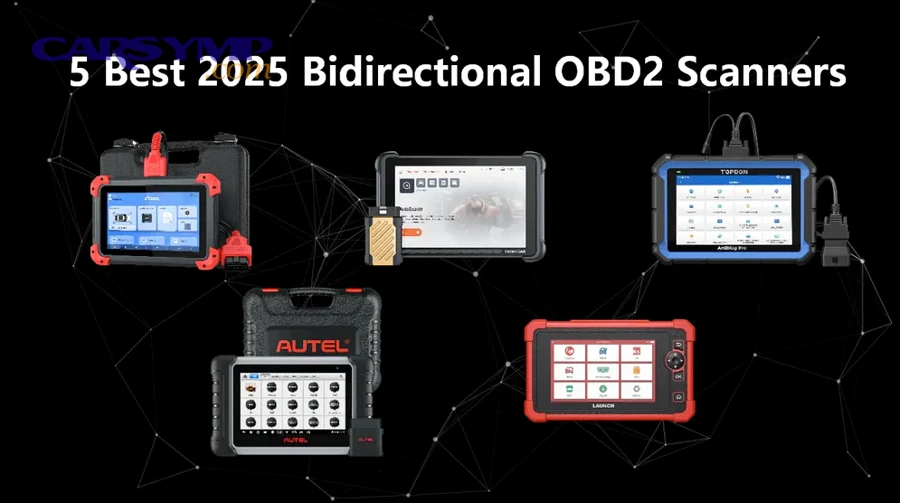
Which “must-have” features actually help you diagnose problems faster?
There are 7 must-have features that speed up DIY diagnosis: (1) accurate code reading, (2) freeze frame, (3) live data with graphing, (4) readiness monitors, (5) pending/permanent code visibility, (6) reliable connectivity, and (7) usable explanations and reports—based on what you need to move from symptom to test.
Specifically, here’s how each helps your OBD2 scan become actionable:
- Clear code names + definitions
A bare “P0171” is not enough—good tools explain what the code means and which systems it involves. - Freeze frame data
Freeze frame captures the moment the code set—engine load, RPM, coolant temp, speed—so you can recreate conditions and avoid blind parts swapping. Freeze frame is commonly described as a snapshot at the moment an emissions-related DTC is stored. - Live data streaming + graphing
Live data helps you see what sensors are doing in real time. This is where Reading live data basics for beginners matters: fuel trims, O2 activity, MAF trends, and coolant temp tell you whether the engine is correcting for a lean condition, overheating, or misreading airflow. - I/M readiness status
Readiness monitors are the difference between “light is off” and “inspection ready.” - Pending and permanent codes
Pending codes help you catch issues before they become a permanent MIL problem; permanent codes can remain until conditions confirm the fix. - Connection reliability and speed
Dropped connections ruin diagnosis because you lose the exact moment the fault occurs. - Data logging and export
Logs let you compare before/after repairs and share data if you need help.
If you only remember one thing: codes point to a direction—data confirms the path.
When do enhanced modules (ABS/SRS/Transmission) matter for DIY?
Enhanced modules matter when your problem is not purely engine/emissions—ABS, airbag, and transmission faults often won’t show up on basic code readers, so a scanner with module access can be the difference between “I can diagnose this” and “I can’t even see it.”
Meanwhile, enhanced coverage can be overkill if your DIY work is limited to check engine lights and inspection readiness.
Use this quick decision rule:
- Get enhanced modules if you’ve had ABS/SRS lights, transmission shifting faults, or you own multiple vehicles with recurring non-engine warnings.
- Skip enhanced modules if you only want to interpret a check engine light and run readiness checks.
Think of enhanced diagnostics as expanding your “visibility”—you’re not changing the car, you’re changing what you can read from it.
How do readiness monitors and inspection readiness affect which scanner you should choose?
Readiness monitors directly affect scanner choice because you need a tool that clearly shows I/M readiness status and monitor completion after repairs or clearing codes—otherwise you can’t reliably know if the vehicle is inspection-ready.
Next, this is critical because clearing codes can reset readiness, and “no check engine light” does not automatically mean “ready to pass.”
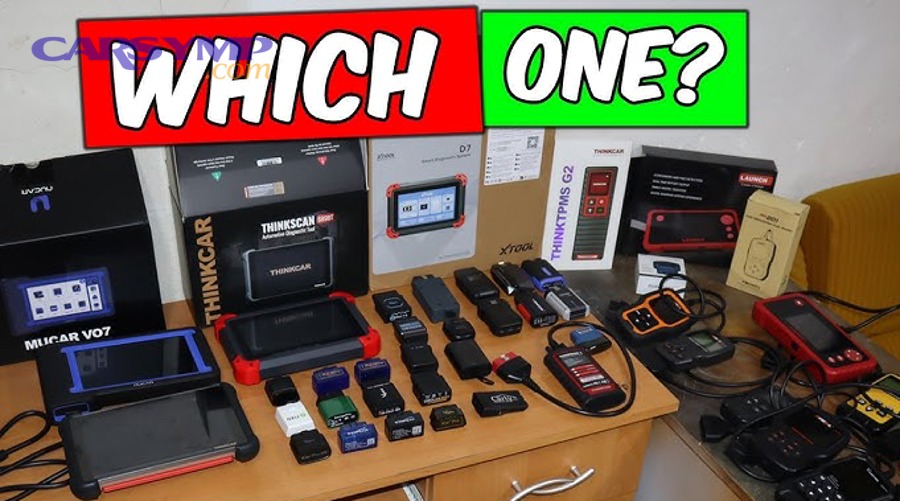
What are readiness monitors and what does “ready/not ready” mean?
Readiness monitors are built-in self-tests the vehicle runs to confirm emissions-related systems are functioning, and “ready/not ready” simply indicates whether those self-tests have completed since the last reset or battery disconnect.
For example, common monitors include catalyst, oxygen sensor, EVAP, EGR, and misfire monitoring. When a monitor is “not ready,” the car hasn’t completed the required driving conditions to run that test.
This matters in the real world because many inspection programs require the OBD system to be “Ready” before an emissions inspection is performed, and “Not Ready” can fail the inspection.
Also, guidance documents note that drivers may need additional driving time after codes are cleared to allow monitors to set again, which is why a scanner that displays readiness clearly is a must-have for DIY planning.
Can you pass inspection just by clearing codes?
No—you generally cannot pass inspection just by clearing codes, for at least three reasons: (1) clearing codes can reset readiness monitors to “not ready,” (2) inspection systems may detect incomplete monitors, and (3) the underlying fault can return quickly, recreating pending or stored codes.
However, clearing codes has a legitimate place in DIY work after repairs, because it allows you to verify whether the system remains healthy and whether monitors complete normally.
If you’re doing an OBD2 scan before inspection, the smart workflow is:
- Fix the underlying issue.
- Verify no codes return.
- Drive through a normal mix of conditions (cold start + highway + stop-and-go).
- Recheck I/M readiness and confirm “ready” status.
That’s why readiness display isn’t a “nice-to-have”—it’s inspection insurance.
How do you avoid common mistakes when choosing an OBD2 scanner?
To avoid common mistakes when choosing an OBD2 scanner, focus on three rules: (1) buy for the data you’ll use (not marketing claims), (2) verify compatibility and update costs before purchase, and (3) choose reliability over feature lists that don’t work consistently.
Below, these mistakes are common because scanning feels simple—until you realize the scanner’s limitations appear only when you need answers most.

Should you buy the cheapest scanner if you only need to clear a light?
No—you shouldn’t automatically buy the cheapest scanner even if you only want to clear a light, because (1) the cheapest tools often lack meaningful code definitions, (2) many don’t provide usable freeze frame or live data, and (3) connection reliability can be poor—turning a “cheap fix” into repeated frustration.
However, a budget code reader can be the right choice if you use it as a verification tool and you understand the limits: you read the code, capture freeze frame, and then decide whether you can diagnose further or need help.
A smarter “budget” mindset is to choose the lowest-cost scanner that still gives you:
- readable definitions
- freeze frame
- readiness monitors
- stable connection
That’s enough to make your OBD2 scan meaningful instead of superficial.
What are “free scan vs full diagnosis differences” and why do they matter at home?
A free scan is typically a basic code read that tells you what code exists, while a full diagnosis is a structured process that uses freeze frame, live data trends, tests, and inspection to identify the root cause—and that difference matters because codes alone rarely justify replacing parts.
More importantly, this connects directly to OBD2 scan cost at shops and parts stores: many parts stores offer code reading at no charge, but repair shops may charge a diagnostic fee because they’re doing more than pulling codes—they’re spending time interpreting data and testing systems.
At home, the win is that you can combine both worlds:
- Use your scanner to pull codes and freeze frame.
- Use live data to confirm or disprove common causes.
- Decide whether the job is DIY-able or requires specialized tools.
This is also where communities and tools like Car Symp (mentioned by some DIYers as a way to learn common symptom-to-cause patterns) can help you interpret what your scanner is telling you—without turning your diagnosis into a parts cannon.
How can you confirm you chose the right scanner before you buy?
You can confirm you chose the right scanner before you buy by using a simple pre-purchase checklist that verifies compatibility, required features, update costs, and real-world usability—so your first scan produces stable data you can act on.
In short, the best scanner choice is the one you can trust under pressure: when the light comes on, when the car won’t pass inspection, or when the problem is intermittent.
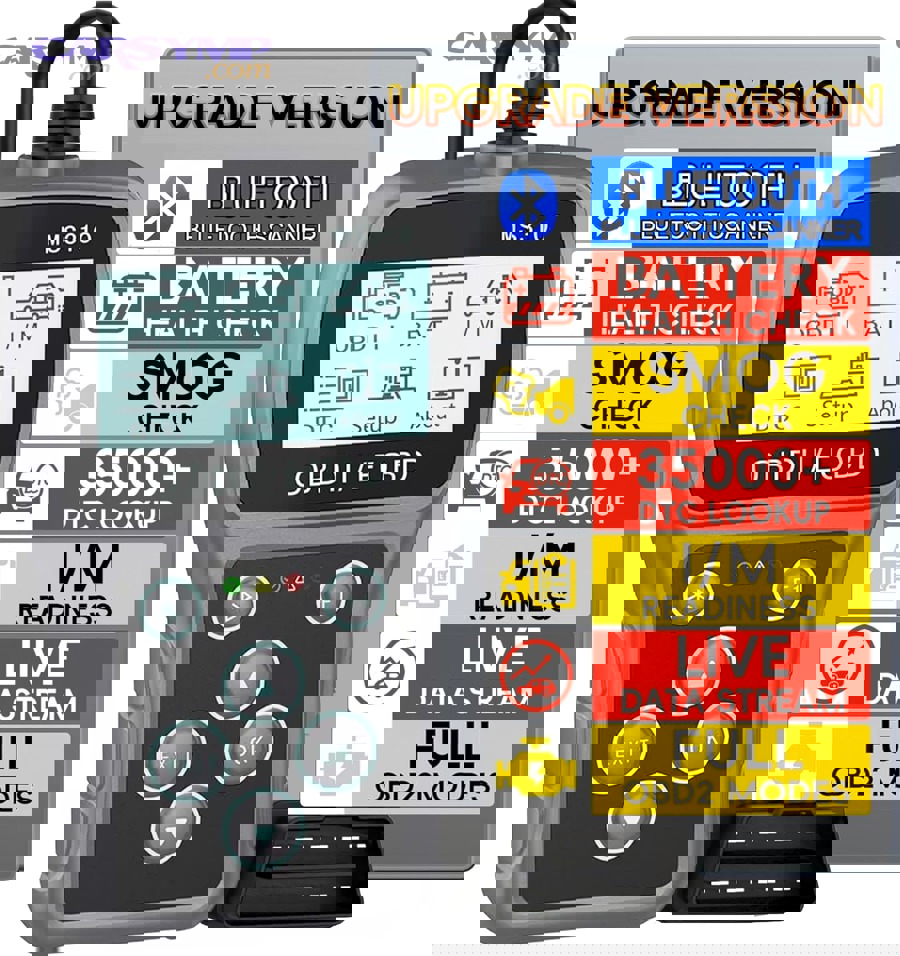
What is the 10-point pre-purchase checklist for a DIY OBD2 scanner?
There are 10 pre-purchase checks to confirm you’re buying the right DIY OBD2 scanner: (1) vehicle coverage, (2) connection type, (3) OS compatibility, (4) readiness monitors, (5) freeze frame, (6) live data graphing, (7) pending/permanent codes, (8) enhanced modules if needed, (9) update/subscription costs, and (10) support/returns—based on what causes the most buyer regret.
Use this checklist like a gate:
- Does it explicitly support your vehicle year/make?
- Will it work with your device (iOS/Android/PC) without hacks?
- Does it show I/M readiness clearly?
- Does it show freeze frame and explain what you’re seeing?
- Does it provide live data with graphing/logging?
- Can it display pending and permanent codes?
- Is the connection type practical for your workflow (wired vs wireless)?
- Do you need ABS/SRS/trans coverage—and does it truly provide it?
- What are the update costs over 1–3 years (subscription vs lifetime)?
- Is the return policy reasonable if compatibility isn’t as advertised?
If you can answer these ten questions confidently, you’re very unlikely to regret the purchase.
What should you test first after the scanner arrives?
The first thing you should test after your scanner arrives is a full connection-and-data workflow—connect, run a complete scan, save freeze frame, check readiness monitors, and capture a short live-data log—so you know the tool works before you need it in an emergency.
Then, run this “first 20 minutes” routine:
- Locate and connect to the OBD-II port.
- Perform an initial scan: read stored and pending codes (even if none exist).
- Check I/M readiness: note which monitors are ready/not ready.
- Confirm freeze frame access: verify it displays meaningful PIDs when a code exists.
- Start a short live-data session: watch coolant temp, RPM, fuel trims, and O2 activity.
- Save a log/export (if available): this proves your tool can capture intermittent issues later.
If you want a visual walkthrough of a typical first-time workflow, one clear beginner-friendly option is this type of tutorial video (example embed):
Finally, remember why DIY scanning pays off: a shop-level diagnostic process can cost real money, so learning to pull and interpret your own data helps you decide when professional testing is worth it. Typical diagnostic pricing varies widely depending on depth and location, and many published estimates put diagnostic tests in a broad range (often starting around tens of dollars and rising for deeper diagnostics).
Evidence (selected)
According to a study by Thomas D. Durbin (2002), which emissions-tested OBDII-equipped vehicles with the MIL illuminated before and after repair, the research evaluated repair effectiveness in reducing tailpipe emissions and highlighted how repairs tied to OBD indications can measurably change emissions outcomes.
According to guidance published by the U.S. Environmental Protection Agency (EPA), readiness monitor setting after codes are cleared can require additional driving time, reinforcing why a DIY scanner must display readiness information clearly when planning for inspection readiness.