


If your vehicle won’t start because the security system won’t recognize the key, you can often restore starting by using a safe, brand-appropriate immobilizer reset or relearn workflow that re-establishes the key-to-vehicle handshake without guessing or damaging components.
Next, it helps to understand what “reset,” “relearn,” and “key sync” actually mean, because choosing the wrong action is a common reason DIY attempts fail even when the key and vehicle are fine.
Then, you’ll get the practical, cross-brand methods first—what to check, what to try, and what to avoid—followed by a brand-grouped playbook so you can quickly find the most likely path for your make.
Introduce a new idea: the guide also explains what to do when the usual steps don’t work, including high-risk cases like all keys lost and situations where professional programming is the only safe next move.
What is an immobilizer, and what does “reset” or “relearn” actually mean?
An immobilizer is an electronic anti-theft system that blocks engine starting unless it verifies a coded “identity” from the key or fob, and “reset/relearn” are procedures that restore or re-align that verification when the vehicle and key fall out of sync.
Next, because many people search “reset” when they actually need “relearn” or “key registration,” the fastest way to fix a no-start is to match the term to the real problem.
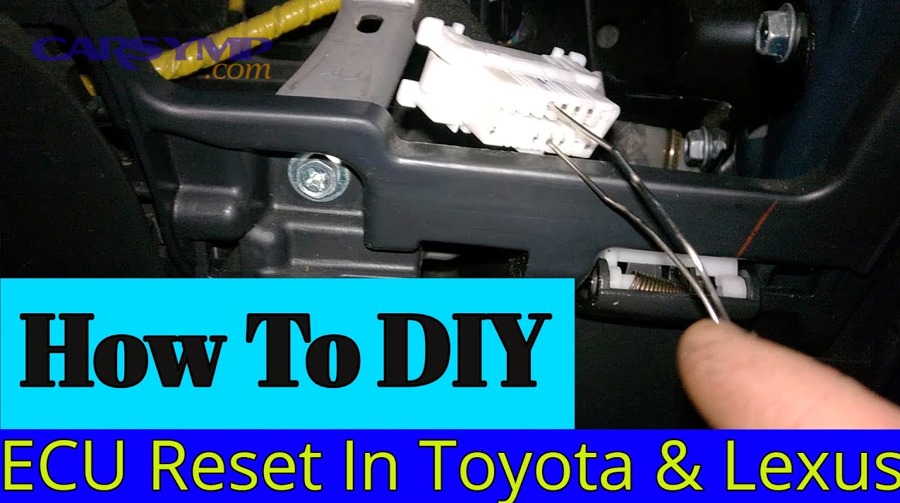
Is an immobilizer reset the same as key programming or key relearn?
No—an immobilizer reset is not the same as key programming, because reset, relearn, and key registration solve different problems for three main reasons: they target different modules, they change different security data, and they carry different risks (including potential key erasure).
However, once you see how each term maps to what the car is doing, you can stop repeating the wrong procedure and start using the right one.
Reset (low-level “state reset”)
A reset usually means clearing a temporary fault condition—often by restoring stable voltage, power-cycling the module, or allowing the immobilizer to exit a “confused” state after a weak battery or interrupted start attempt. A reset can help when the key is valid but the system is temporarily unhappy.
Relearn (key-to-module handshake learning)
A relearn teaches the immobilizer module (or body control module, depending on brand) to accept a key again after a mismatch, module glitch, or certain battery events. This is often time-based (“wait with ignition on”) or scan-tool guided.
Key programming / registration (adding keys to the car)
Key programming registers a new key/fob to the car’s allowed list. This often requires security access, PIN/passcode, or an OEM-validated workflow—especially for smart keys and many European systems. Some procedures can erase existing keys if performed incorrectly, which is why “reset” advice can be dangerously incomplete.
To keep your terminology consistent throughout this guide, use this rule of thumb: reset is about clearing a state, relearn is about restoring acceptance of a known key, and program/register is about adding or rebuilding the car’s key list.
What symptoms confirm the immobilizer is blocking the start?
Immobilizer blocking is most likely when you see security-light behavior plus a start pattern that matches anti-theft intervention, typically for three reasons: the key isn’t being authenticated, the system detects tampering, or the module is in a security timeout.
Specifically, the symptom pattern matters because engine, fuel, and starter faults can look similar but require totally different troubleshooting.
Common immobilizer-linked symptoms include:
- Crank/no-start with a flashing security or immobilizer light: the starter turns, but fuel/ignition is inhibited after the module refuses the key handshake.
- Start then stall: the engine fires briefly but shuts down when authentication fails or drops mid-handshake—one of the more classic “Car starts then stalls immobilizer causes” patterns.
- “Key not detected” or “Immobilizer active” message: common on push-button systems when the fob battery is weak, the fob is too far away, or an antenna isn’t reading correctly.
- Security timer behavior: repeated attempts lead to longer no-start periods, which looks like a dead car but is actually a lockout.
If you track one thing, track this: does the security/immobilizer indicator change during the attempt (solid → off, flashing → off, or stays flashing). That behavior is a stronger clue than the engine sound alone.
Can you safely try DIY steps without risking lockout or erasing keys?
Yes, you can usually try DIY steps safely if you follow a conservative path, because the lowest-risk options focus on power stability, key basics, and single-attempt relearn timing rather than destructive “reset all keys” operations.
More importantly, the safety line is simple: avoid any procedure that claims to “reset the immobilizer by clearing all keys” unless you are intentionally rebuilding keys and you have the tools and access to finish the job.
Safe-to-try DIY actions (low risk) typically include:
- Replacing a weak fob battery and using the emergency start method (smart key systems).
- Checking and stabilizing battery voltage before any timed relearn.
- Trying a known-good spare key once.
- Running a single, correct “wait-and-cycle” relearn attempt where applicable.
High-risk actions (stop and verify before doing them) include:
- Any “immobilizer reset” procedure intended for all keys lost scenarios.
- Any scan-tool function labeled reset, erase keys, smart code reset, or similar wording.
- Any workflow that requires a security passcode and warns that keys will be erased.
Evidence matters here because key-erasing resets are real in OEM procedures: According to a service bulletin published via the U.S. National Highway Traffic Safety Administration (NHTSA) in 2024, performing a “Smart Code Reset” erases all registered keys and they cannot be used again. (Source: static.nhtsa.gov (static.nhtsa.gov))
What should you check before attempting any immobilizer reset procedure?
Before you attempt an immobilizer reset, you should complete a short checklist—battery health, key status, and basic security conditions—because most immobilizer problems are caused by voltage instability, key/fob issues, or a simple mismatch rather than a failed immobilizer module.
Then, once the basics are correct, your reset or relearn attempt has a much higher chance of working on the first try.
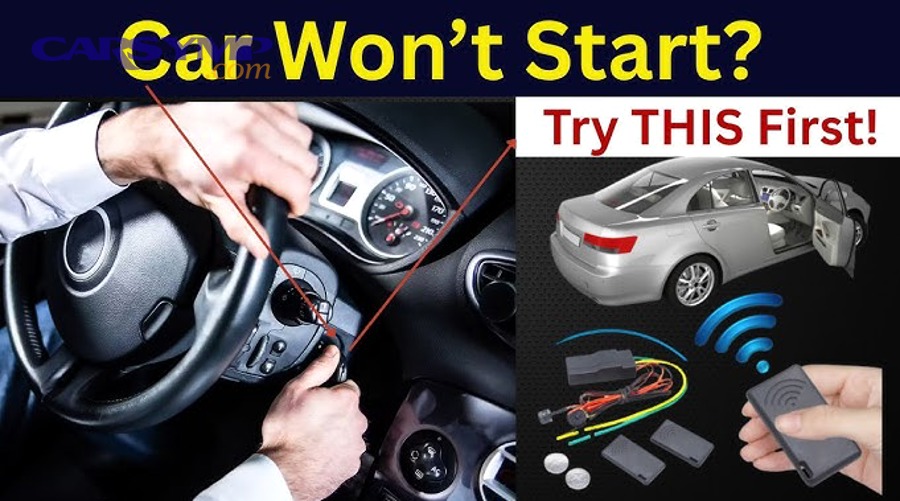
Do you need a spare key for a safe relearn attempt?
Yes, having a spare key is strongly recommended for a safe relearn attempt for at least three reasons: it helps you confirm whether the original key is the issue, it reduces the chance you’ll get stuck during lockout timing, and it provides a fallback if the first key has a damaged transponder or failing remote circuitry.
However, even without a spare key, you can still do low-risk checks first and avoid procedures that could leave you worse off.
Use a spare key as a diagnostic tool:
- If the spare key starts the car immediately, your primary key or fob is likely the problem (battery, damage, worn blade with ignition issues, or internal transponder fault).
- If neither key works, focus on vehicle-side conditions: weak battery voltage, blown fuses, antenna/ring reader issues, or a true module/security state.
What basic issues mimic immobilizer failure (battery, fuses, key battery, steering lock)?
There are five common issues that mimic immobilizer failure: low battery voltage, key/fob battery failure, steering lock binding, fuse/relay problems, and poor key reading due to antenna/reader issues—each can interrupt authentication and look like immobilizer lockout.
To illustrate, the immobilizer is picky about voltage and timing, so “almost enough power” can be as bad as no power.
Quick checks that prevent wasted procedures:
- Vehicle battery voltage: A weak battery can cause modules to boot inconsistently. If the dash lights dim dramatically during crank, stabilize power first (charge or jump properly).
- Fuses related to immobilizer/BCM/ECU: A blown fuse can knock out the reader, the module, or the ECU communication path.
- Fob battery (smart key): Many “immobilizer active” messages on push-button cars are simply a dead fob battery. Replace it and use the emergency start method if the car supports it.
- Steering lock / wheel binding: On some vehicles, a locked steering column can prevent successful start authorization. Try gently turning the wheel while starting.
- Key reading hardware: Traditional keys use a transponder read by a ring/antenna around the ignition cylinder; if that reader is loose or failing, the car may not see the key consistently.
If you document these checks in your own notes as “Car Symp: no-start with flashing security light + weak crank,” you’ll avoid mixing electrical and anti-theft paths in your diagnosis.
Which warning lights/messages matter most across brands?
The security/immobilizer indicator is the most meaningful warning light for this problem, because it reflects authentication state, while the check engine light reflects emissions-related faults that may be unrelated to why the car won’t start.
Moreover, certain message patterns reliably point to immobilizer gating even before you connect a scan tool.
High-signal indicators to watch:
- Security light flashing rapidly during crank: strong hint of rejected key.
- Security light stays on solid: can indicate a stored immobilizer fault or system error state.
- “Key not detected” message: often key/fob battery or antenna detection, not necessarily a “programming” problem.
- “Immobilizer active” / “Theft deterrent” message: often indicates the ECU is actively inhibiting start.
When the indicator behavior changes after a correct procedure (for example, flashing → off), that change is often the first sign you’re on the right track.
Which immobilizer reset methods work across most brands, and when should you use them?
There are three broadly applicable immobilizer reset approaches—power stabilization, key re-detection, and timed relearn attempts—and each is useful in a different scenario depending on whether the system lost sync, entered lockout, or simply failed to read the key.
Below, the safest workflow is to start with the least invasive option and only escalate when you have evidence that the next step fits your symptom pattern.
Does the ignition “wait-and-cycle” method work for your car?
Yes, the ignition “wait-and-cycle” method can work on some vehicles, because it allows the immobilizer and ECU to complete a timed security handshake, clear a temporary lockout, and re-accept a known key—especially after low-voltage events.
However, it does not work universally, and repeating it incorrectly can extend lockout time rather than shorten it.
A safe, general version (when applicable) looks like this:
- Put a known-good key in the ignition (or ensure the smart key is present).
- Turn ignition to ON (not start) and wait without touching pedals or cycling switches.
- Watch the security indicator: on some systems, it changes state after a set interval.
- Turn ignition OFF, wait briefly, then attempt a start.
Why this works when it works: many systems rely on a timed authorization routine and will exit a lockout state after a correct, uninterrupted “ON” period. If your battery voltage is unstable, the timer routine may never complete, which is why power stability comes first.
Is disconnecting the battery a real immobilizer reset or a myth?
Disconnecting the battery is sometimes helpful as a reset for temporary glitches, but it’s not a true immobilizer relearn, because it does not add keys, rebuild key lists, or change encrypted security data in systems that require formal authentication.
On the other hand, it can clear a confused module state after a low-voltage event—if you do it correctly and safely.
When battery disconnect may help:
- After a battery was drained and the modules behaved erratically.
- When the immobilizer indicator is stuck in an abnormal state due to an electrical glitch.
- When you’ve already confirmed the key and fob battery are good.
When it won’t help:
- When the key is not registered or the car’s key list was erased.
- When the immobilizer system requires a security access procedure.
- When there is a hardware fault (reader/antenna wiring) preventing key reading.
If you choose to do it, disconnect safely, wait long enough for modules to power down, reconnect, and then attempt the lowest-risk relearn appropriate for your brand.
What’s the safest order of operations for DIY attempts?
The safest order is: stabilize power → verify key/fob → try spare key → attempt one applicable timed relearn → scan for immobilizer codes → stop before key-erasing resets, because this sequence minimizes risk while maximizing diagnostic clarity.
To better understand why, each step either confirms a cause or rules out a category without altering the vehicle’s security data.
A practical DIY escalation ladder:
- Charge the vehicle battery or support it with a proper power source.
- Replace the fob battery (smart key) and try the emergency start method.
- Try a spare key once.
- Attempt a single timed relearn if your make commonly supports it.
- Scan for codes (even basic scanners may show theft deterrent or communication hints, depending on vehicle).
- Stop and verify before any “reset/erase keys” option.
This ladder is also cost-aware: it avoids the trap where people jump straight to paid programming without confirming a simple fob battery failure or low voltage condition.
How do immobilizer reset and relearn procedures differ by brand?
Immobilizer procedures differ by brand because manufacturers implement different security architectures—some allow limited “customer relearn,” while others require scan-tool authorization, security access, or even passcode-based resets that are not safe to attempt blindly.
Meanwhile, this is why “one universal reset trick” advice creates unnecessary immobilizer problems: it ignores brand rules, key types, and security timer logic.
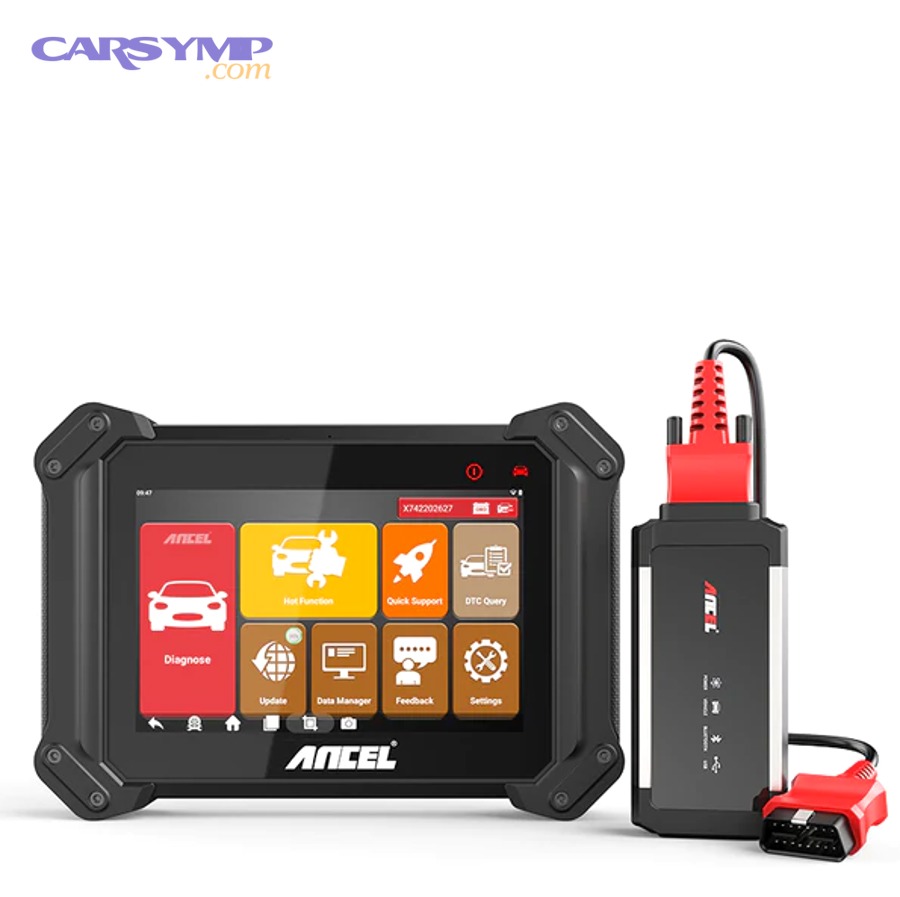
Which brands commonly support “customer key relearn” without a scan tool?
There are three broad groups of brands regarding DIY-friendly relearn: those that often support timed customer relearn, those that support it only in specific years/models, and those that rarely support it due to security access requirements.
Specifically, your vehicle’s year and key type can move it from one group to another, so treat this as a starting map, not a guarantee.
More commonly DIY-friendly (varies by model/year):
- Some domestic vehicles with documented timed relearn modes in certain generations.
- Some older transponder-key systems where “ON” timing routines are supported.
Mixed (often depends heavily on platform/year):
- Many Japanese brands: some scenarios are solvable with key/fob and power fixes, but true key registration usually needs proper tools.
Often scan-tool dependent:
- Many European systems and newer smart key systems where security access or encrypted immobilizer data is required.
The practical takeaway: if your car is newer, push-button, or marketed with advanced anti-theft, the probability of scan-tool steps rises.
Which brands usually require a scan tool or dealer-level programming?
Brands and platforms that usually require scan-tool or dealer-level programming are those that require secure authentication for key registration or immobilizer resets, because the system is designed to prevent unauthorized key addition and to protect immobilizer data.
More importantly, these are the cases where DIY guessing can convert a minor mismatch into a bigger problem.
Scan-tool dependence is common when:
- The vehicle uses smart key systems with encrypted authentication.
- The immobilizer reset function requires security access or a passcode.
- The vehicle requires module pairing after replacement (BCM/ECU/immobilizer).
- The system explicitly warns that a reset will erase keys (high-risk without tools).
Evidence of these OEM warnings is clear in manufacturer procedures distributed via NHTSA: According to a service bulletin published via NHTSA in 2024, a Smart Code Reset erases all registered keys and they cannot be used again. (Source: static.nhtsa.gov (static.nhtsa.gov))
How do smart key (push-button) immobilizers change the reset process vs transponder keys?
Smart key immobilizers change the process because authorization depends on proximity detection, multiple antennas, and a rolling cryptographic exchange, while transponder keys rely on a simpler reader ring and a coded chip read at the ignition cylinder.
However, the fix is often simpler than it sounds: smart key failures frequently start with fob battery or detection issues, not “reprogramming.”
What changes with smart keys:
- Detection layer first: if the car can’t “see” the fob, it can’t authenticate it.
- Emergency start method: many cars allow starting by holding the fob near a specific spot (start button or column area) to read it even with a weak fob battery.
- More modules involved: body control, smart key module, and ECU may all participate in authorization.
What stays the same:
- The immobilizer still blocks engine start when authentication fails.
- Voltage stability still matters.
- A true “add a new key” event still usually requires a controlled procedure.
What are the brand-by-brand “starting-point” procedures you can try first?
There are six practical brand-family starting points you can try first—each designed to match the most common DIY-resolvable failure mode for that brand family—so you can stop searching random tricks and start following a structured path.
Below, the goal is not to replace your factory procedure but to give you the safest “first attempt” that aligns with how those systems commonly behave.
How do you reset/relearn a Honda/Acura immobilizer after a key mismatch?
A Honda/Acura immobilizer issue is often resolved by restoring stable voltage, confirming the key is being read, and performing one correct authorization attempt, because many failures are caused by weak batteries, damaged keys, or lost synchronization after electrical events.
Then, once the car reliably powers its modules, you can determine whether you’re dealing with a key recognition issue or a true registration problem.
Safe starting-point workflow:
- Stabilize battery voltage first; Honda systems can behave unpredictably with low voltage.
- Try a spare key if available.
- Observe the immobilizer indicator while attempting start.
- If the system supports a timed authorization routine in your model/year, perform one correct “ON” wait attempt and re-try start.
When to stop DIY:
- If the key is not recognized at all across keys, suspect a reader/antenna issue or a need for professional programming.
- If the car displays persistent immobilizer codes, scan-tool diagnosis becomes the most efficient next step.
How do you run a Ford/GM key relearn (security timer) when it’s supported?
When supported, Ford/GM key relearn is typically a timed security process that re-establishes trust between the key, theft deterrent module, and ECU, and it works best when you do it once, uninterrupted, with stable voltage and correct ignition positioning.
However, because procedures vary by platform and year, the safest approach is to treat the timed routine as a single controlled attempt and avoid repeated cycling that can extend lockout.
Safe principles that apply broadly:
- Use a known-good key and ensure the vehicle battery is strong.
- Follow a single timed authorization attempt (ignition ON, wait for indicator change, then OFF and start attempt).
- Do not interrupt the wait cycle with accessories, repeated cranking, or rapid key cycles.
If you’re trying to avoid unnecessary cost, this is one of the few cases where a correct timed procedure can save you a shop visit—provided your platform supports it.
How do Toyota/Nissan smart key systems typically re-sync after a dead key fob battery?
Toyota/Nissan smart key systems often re-sync automatically once the fob is detectable again, because the immobilizer handshake depends on proximity authentication and a valid rolling code exchange that resumes when the vehicle can read the fob.
More specifically, many “immobilizer active” complaints are actually fob detection failures caused by weak batteries, interference, or incorrect start technique.
Safe starting-point workflow:
- Replace the fob battery with a known-good cell.
- Use the vehicle’s emergency recognition method (often holding the fob close to the start button or a designated area).
- Confirm the car recognizes lock/unlock and the “key detected” message clears.
- Attempt start again with stable vehicle battery power.
When this doesn’t work, it often isn’t a “reset” issue at all—it can be an antenna/detection problem, a key that has been removed from the authorized list, or a security timer lockout state.
How do you confirm the reset worked, and what should you do if it didn’t?
You confirm a reset worked when the immobilizer indicator behavior normalizes and the vehicle starts reliably, and if it didn’t work, you should move from repeated attempts to targeted diagnosis because repeated cycles can extend lockouts and obscure the real cause.
In addition, using evidence-based checks prevents you from treating a wiring or key-reading fault like a programming issue.
Did the immobilizer light behavior change in a way that confirms success?
Yes—if the immobilizer/security light changes from a “blocking” state to a normal state, it’s one of the strongest confirmations of success, because the indicator reflects authentication outcome rather than just engine behavior.
However, you should still validate with a restart test because intermittent recognition can return under low voltage or vibration.
A practical confirmation checklist:
- The security light stops flashing during start attempts.
- The engine starts and stays running through idle.
- A second start after a short shutoff also succeeds (proves consistency).
- No fresh immobilizer warnings appear immediately.
If the light remains flashing and the start fails exactly the same way, stop repeating the same method and move to code reading and key validation.
What diagnostic trouble codes (DTCs) point to immobilizer vs wiring/antenna issues?
Immobilizer-linked issues typically produce codes related to key authentication, module communication, or antenna/reader performance, while wiring faults tend to produce intermittent communication and “no signal” patterns—so the key is to look for whether the system is rejecting a key or failing to read it.
To illustrate, “key not authorized” points to authentication, while “antenna open/short” points to hardware.
Even without memorizing code lists, you can categorize results:
- Authentication failures: the system sees a key but rejects it.
- Detection failures: the system can’t see a key consistently (antenna, interference, dead fob battery).
- Communication failures: modules can’t talk (CAN issues, low voltage, blown fuse).
This is where many DIYers benefit from one paid scan rather than repeated attempts—because it quickly separates “immobilizer problems” from plain electrical faults.
When should you stop DIY and call a locksmith or dealership?
Yes—you should stop DIY and call a qualified automotive locksmith or dealership when you hit any of these conditions, because the risk of lockout or irreversible key loss rises sharply and the fix often requires secure access tools: you have only one key, all keys are lost, the procedure warns it erases keys, or the car requires security passcodes.
Thus, knowing when to stop is part of an optimized fix, not a failure.
High-confidence “stop” signals:
- All keys lost or none recognized.
- You see documentation or tool functions that say erase/reset keys.
- The vehicle is newer with smart key and requires secure authorization steps.
- Repeated attempts lead to longer lockouts or no change in indicator behavior.
Cost reality check matters too: if you’re weighing the Diagnostic cost for immobilizer issues, a single professional diagnostic step can be cheaper than replacing parts that aren’t broken or accidentally erasing usable keys.
Evidence for why immobilizer design is strict: According to a study by Kriven and Ziersch (published in the journal Security Journal in 2007 and indexed by the U.S. Office of Justice Programs), engine immobilizers were effective in reducing vehicle theft rates, which explains why modern systems are intentionally difficult to bypass or “reset” casually. (Source: ojp.gov (ojp.gov))
What rare scenarios prevent an immobilizer reset, and how do you handle them safely?
Rare scenarios prevent a normal immobilizer reset when the system’s key list must be rebuilt, modules have been replaced and need pairing, or a third-party device causes conflicting authorization signals—and the safest handling is to identify the scenario first, then use the correct professional-grade path.
Moreover, these edge cases are where improvised “reset tricks” are most likely to cause expensive outcomes.

What should you do if all keys are lost or none of the keys are recognized?
If all keys are lost or none are recognized, the correct solution is not a casual reset but a controlled immobilizer recovery process that rebuilds authorization—usually requiring secure access, proof of ownership, and the ability to register keys from zero.
Next, treating this as a DIY “reset” problem is how people accidentally erase the last remaining usable credentials without having a way to reprogram new ones.
Safe handling steps:
- Confirm whether you truly have no recognized key or whether a detection issue exists (fob battery, antenna).
- Gather proof of ownership and vehicle identification info for legitimate service.
- Use a reputable locksmith or dealer with the correct tools for your brand/platform.
This is also where OEM documentation commonly warns about key erasure during reset functions: According to an OEM procedure distributed via NHTSA, immobilizer/smart key reset features can erase previously registered keys. (Source: static.nhtsa.gov (static.nhtsa.gov))
Can aftermarket alarms/remote starters cause “false immobilizer” problems?
Yes, aftermarket alarms and remote starters can cause “false immobilizer” symptoms for at least three reasons: they may interrupt key-authentication wiring, they may confuse ignition-state signals, and they can create intermittent communication faults that look like key rejection.
In addition, this is one of the most overlooked explanations for “starts then stalls” patterns after accessory installation.
How to identify this scenario:
- Symptoms began right after remote start or alarm installation.
- The vehicle starts normally sometimes but fails in specific sequences (remote start then key takeover).
- Wiring near the ignition cylinder or module harness has been altered.
Safer next steps:
- Temporarily disable or bypass the aftermarket system if the installer provides a reversible method.
- Inspect for loose connectors or splices.
- Use professional diagnosis if the vehicle’s theft deterrent network is sensitive.
Do ECU/BCM/immobilizer module replacements require pairing or component protection?
Yes, module replacements often require pairing or secure synchronization because security data is shared across modules, and a new ECU/BCM/immobilizer component won’t automatically trust the existing keys without an authorized pairing procedure.
Meanwhile, this is why a car can develop immobilizer symptoms immediately after module replacement even though the keys were working before.
Common pairing triggers:
- ECU replacement
- BCM/body module replacement
- Immobilizer or smart key module replacement
- Cluster replacement on platforms where the cluster stores security data
The practical takeaway is simple: if you’ve replaced a module and now have immobilizer symptoms, you’re likely in a programming/pairing lane, not a “reset” lane.
Is immobilizer “cloning” the same as legitimate key programming?
No, immobilizer cloning is not the same as legitimate key programming, because legitimate programming registers keys through approved security workflows, while cloning attempts to duplicate credential data—often creating legal, ethical, and compatibility risks and sometimes failing on encrypted systems.
More importantly, for DIY car owners, legitimate programming routes are safer because they preserve system integrity and reduce the chance of bricking keys.
A safe, practical approach:
- Use legitimate key registration where possible.
- Avoid “erase/reset” functions unless you can complete the full workflow.
- Choose professional service when the system requires secure access.
Evidence that modern anti-theft design is effective—and therefore tightly controlled—comes from insurance research: According to research released by the Highway Loss Data Institute in 2024, an anti-theft software upgrade for Hyundai and Kia vehicles cut theft rates by more than half, highlighting how strongly security controls influence real-world outcomes. (Source: iihs.org (iihs.org))