


A spare (backup) car key fob can be tested and troubleshot reliably by running a simple, repeatable checklist—function test, battery/contact check, range/signal check, and then a pairing/programming decision—so you can quickly tell whether the problem is the spare key fob or the vehicle.
Then, you’ll use the spare key fob as an “A/B test” tool against your primary key to isolate failure points (remote buttons vs transponder authorization) and avoid guessing your way into an unnecessary replacement.
After that, you’ll learn exactly when reprogramming or a relearn procedure is actually needed, how to recognize an unpaired or de-synced spare key fob, and when a locksmith or dealer is the safer path.
Introduce a new idea: once you can run the same spare key fob tests consistently, you can prevent lockouts, reduce repair cost, and make confident decisions about batteries, repairs, or programming—without breaking your routine or your budget.
What does it mean to “test and troubleshoot” a spare (backup) car key fob?
A spare (backup) car key fob is an access-and-authorization device (remote + often a transponder) that you verify by checking unlock/lock/start behavior, then tracing failures back to battery, signal, damage, or pairing status.
Next, this matters because “spare key testing and troubleshooting” only works when you define what “working” means for your car and test in a controlled way.
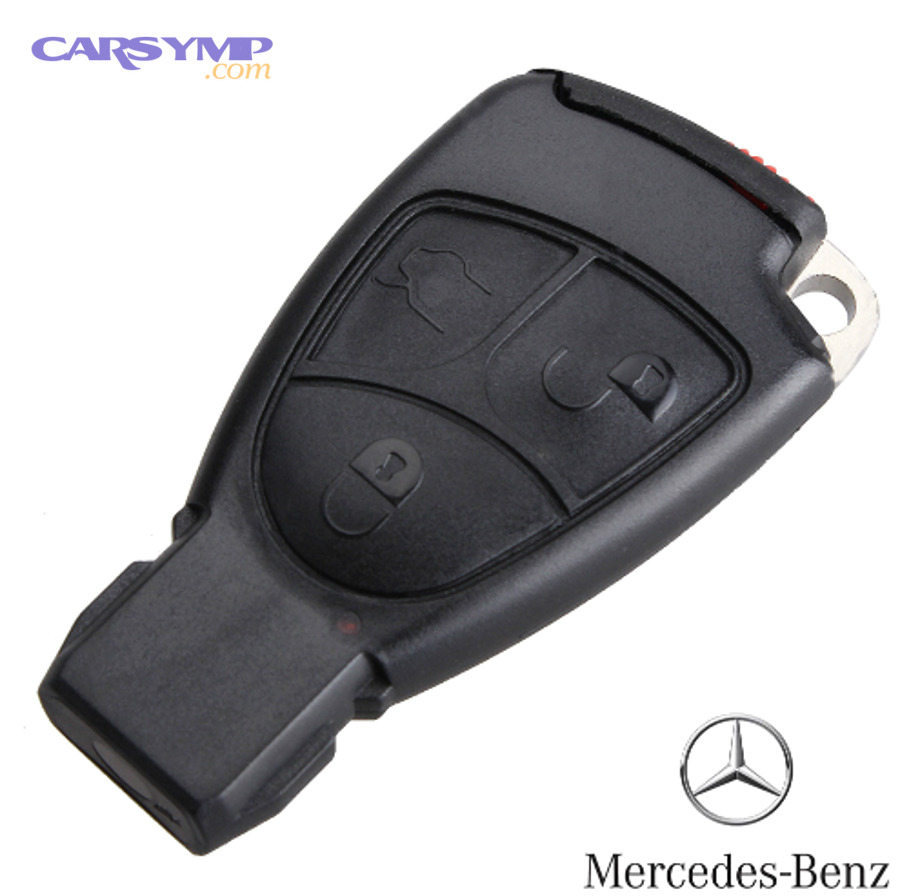
When people say “my spare key doesn’t work,” they often mix two different systems into one complaint:
- Remote keyless entry (RKE): buttons that lock/unlock/trunk/panic (and sometimes remote start).
- Immobilizer authorization: the car deciding whether the key is allowed to start the engine.
A spare key fob can fail in one system but still work in the other. That is why testing is not “press a button and hope”—it is function-by-function verification paired with cause-by-cause elimination.
To keep terminology consistent, this article uses one hook-chain term throughout: spare key fob . Treat them as the same central entity.
What counts as “working” for a spare key fob—unlocking, starting, or both?
A spare key fob “works” when it performs the exact function you’re testing (unlock/lock/trunk/panic and, separately, start authorization), because the remote transmitter and the immobilizer transponder can succeed or fail independently.
Then, that difference explains why you must test in two lanes: door access and engine start.
Lane 1: Door access tests
- Lock/unlock from normal distance
- Trunk release
- Panic (if equipped)
- Proximity handle unlock (if smart key)
Lane 2: Start authorization tests
- Starts the car normally (push-to-start or ignition)
- Starts only when placed in a specific “backup slot” location (common for smart keys with a low battery)
- Does not start and triggers a security indicator (varies by vehicle)
If you track results per lane, you stop guessing. You also stop replacing perfectly good spare key fob hardware when the real issue is the vehicle receiver, a low 12V battery, or pairing status.
Is spare key testing the fastest way to confirm whether the problem is the key or the car?
Yes—spare key testing and troubleshooting is the fastest way to separate “key-side” faults from “car-side” faults because it gives you an immediate control comparison, it reduces variables, and it narrows the fault to either remote functions or authorization.
Then, once you treat the spare key fob as a diagnostic tool, you can interpret results like a technician instead of a gambler.
Here’s the core logic:
- Primary key works, spare key fob fails: likely spare key fob battery/contacts/damage/pairing.
- Both keys fail in the same way: likely vehicle-side power/receiver/fuse/module issue.
- One key unlocks but won’t start: likely immobilizer authorization mismatch for that key.
This “two-key method” is the same reason you test a new remote with a known-good battery: controlled comparison prevents false conclusions.
How can you safely test a spare key fob step-by-step at home?
Use a simple 6-step spare key fob checklist—function test, distance test, battery/contact validation, interference check, start authorization check, and pairing decision—to identify the failure point without damaging the fob or creating a lockout.
To begin, a consistent sequence matters because skipping steps creates “phantom problems” that aren’t real.
Step 1: Confirm the test environment
- Stand near the driver door in an open area (not inside a garage full of electronics).
- Remove other keys/fobs from your pocket and keep them 10+ feet away.
- Make sure the car is not in valet mode or a locked-out anti-theft state (rare, but possible after repeated failures).
Step 2: Run a baseline function test (buttons)
- Lock → Unlock → Trunk → Panic
- Record what works and what doesn’t (notes app is enough).
Step 3: Run a range test
- Try 1–3 feet, then 10–20 feet, then typical use distance.
- A “works up close only” symptom is meaningful.
Step 4: Validate battery + contacts
- Verify battery type, polarity, seating pressure, and contact cleanliness.
- “New battery” is not proof of correct installation.
Step 5: Test start authorization
- For push-to-start: try normal start, then try the manufacturer’s “backup start location” (often near the start button) if the fob battery is weak.
- For mechanical ignition: try starting normally and watch for security indicator behavior.
Step 6: Decide: repair vs pairing vs pro
- If remote functions fail but start works → transmitter-side issue likely.
- If remote functions work but start fails → authorization/pairing likely.
- If neither works but primary key does → spare key fob battery/contacts/damage/pairing likely.
Should you start with a simple function test (lock/unlock/trunk/panic) before deeper checks?
Yes—spare key testing and troubleshooting should start with a simple function test because it establishes a baseline, reveals partial failures (some buttons working), and prevents you from mislabeling a pairing issue as a dead fob.
Then, once you know the baseline, you can choose the correct next test instead of trying everything at once.
Practical tip: press each button twice, with a one-second pause. Some fobs have slightly sticky domes; a single press can lie.
What is the correct battery check for a spare fob (type, polarity, voltage, contacts)?
A correct spare key fob battery check confirms the exact coin-cell type, correct polarity, firm contact pressure, and clean terminals—because a wrong battery, reversed battery, or poor contact can mimic a dead fob.
Then, the fastest win is often mechanical: correct seating and clean contacts.
- Battery type: match the code printed on the old cell (common example: CR2032).
- Polarity: “+” side usually faces a specific direction (varies by fob).
- Contact tension: battery should not rattle.
- Terminal cleanliness: remove oxidation with a dry cotton swab; avoid soaking solvents.
- Case closure: some cases pinch the battery only when fully snapped closed.
If you have a multimeter, you can check open-circuit voltage, but remember: coin cells can show acceptable voltage and still sag under load. That’s why contact integrity is part of the test—not a cosmetic detail.
How do you test key fob signal and range without special tools?
You test spare key fob signal and range without special tools by comparing its performance to your primary key at the same distance, in the same location, with the same vehicle state—because that removes interference and receiver variables.
More specifically, controlled comparisons turn “it feels weak” into a repeatable symptom.
- Same spot, same stance: stand by the same door, hold the fob the same way.
- Close-range test: if it only works within 1–2 feet, suspect low battery, weak transmitter, or interference.
- Different locations: parking lot vs driveway vs garage. If the symptom follows the location, suspect interference.
- Remove electronic clutter: move away from Wi-Fi routers, chargers, and large LED drivers (common noise sources).
If you want a quick professional-grade check, many locksmiths and some parts stores have RF testers, but your home comparison test often gives the same decision: battery/contacts vs deeper failure.
How do you test the spare key’s mechanical backup (blade) if the remote won’t work?
You test the spare key’s mechanical backup by extracting the emergency blade (if present), unlocking the driver door manually, and verifying the cylinder turns smoothly—because a working blade is your last-resort access when electronics fail.
In addition, this prevents the worst outcome: a dead fob and no physical entry plan.
- Blade inserts but won’t turn: door cylinder may be stiff or rarely used; gentle lubrication may help, but don’t force it.
- Blade turns but alarm triggers: normal on some vehicles; you can still regain control by starting with a recognized key.
- Blade works on one door but not another: cylinder wear or replacement history.
This is also a safety check: if your spare key fob lives in a drawer for years, the emergency blade may be untested—exactly when you least want surprises.
Why does a spare key fob stop working even with a new battery?
There are 5 main types of “new battery but dead spare key fob” failures—incorrect installation, poor contacts, internal damage, interference, and pairing/authorization mismatch—based on what the fob can still do (nothing vs partial vs start-only).
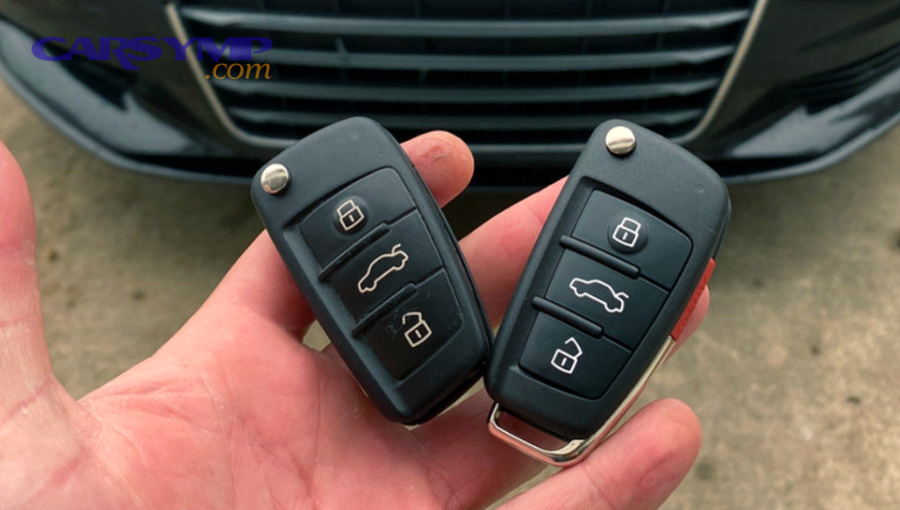
Then, once you classify the failure type, the fix becomes obvious and usually inexpensive.
Use this grouping table to interpret symptoms; it maps what you see to what to test next.
| Symptom pattern (spare key fob) | Most likely bucket | Next best test |
|---|---|---|
| No lights, no response, nothing works | Battery/contact/board failure | Recheck battery type/polarity; inspect contacts |
| Works only very close to car | Low battery under load / weak transmitter / interference | Compare to primary key; change location |
| Unlocks but won’t start | Authorization/pairing issue | Start test + security indicator observation |
| Starts (backup method) but buttons don’t | Transmitter-side issue | Button dome + board inspection |
| Works sometimes, fails in specific places | Interference/location | Test in multiple locations |
Now connect this back to your checklist: this grouping is why you test functions, then range, then authorization, then pairing—not the other way around.
Can dirty or loose battery contacts cause intermittent or total failure?
Yes—dirty or loose battery contacts cause spare key fob failure because oxidation increases resistance, contact springs lose tension, and small vibrations break the circuit, making the fob behave randomly.
However, once you stabilize the electrical path, many “dead” fobs return to normal immediately.
Signs you have a contact issue:
- The fob works if you squeeze the case.
- The fob works after you tap it lightly.
- The battery looks fine but the terminals look dull or slightly green/white.
Safe fixes:
- Clean contacts gently (dry swab).
- Ensure the battery is seated flat.
- Fully snap the case closed (many designs rely on closure pressure).
Is RF interference a real reason a spare key works sometimes and fails elsewhere?
Yes—RF interference is a real reason spare key testing and troubleshooting produces “works here, fails there” results because the receiver environment changes, noise floors vary, and some locations are saturated with competing signals.
Meanwhile, your best proof is a location swap: if both keys struggle in the same spot, the car is hearing noise—not your key.
Practical interference suspects:
- Garages with many chargers and power supplies
- Dense apartment parking lots with many wireless devices
- Industrial areas with strong RF sources
What to do:
- Move 50–100 feet and retest.
- Try the physical key method for entry if needed.
- Avoid concluding “fob is dead” until you test in at least two locations.
What physical damage clues suggest the fob itself is failing (buttons, solder joints, water exposure)?
A failing spare key fob usually shows one of three damage signatures—button wear (dome failure), board stress (cracked joints), or corrosion from moisture—each of which can disable specific functions or kill the fob entirely.
Especially when a spare key fob lives in a glove box, temperature swings and humidity can accelerate corrosion.
Look for:
- Sticky or sunken buttons: dome collapse or contamination.
- Rattling inside: broken plastic posts or battery movement.
- Water exposure clues: fogging inside plastic, corrosion spots, “white crust” on the board.
- Case warp or cracked seam: poor sealing and stress.
If the board is visibly corroded, cleaning may or may not revive it; your decision should be cost-based: if programming is expensive, preserving the existing chip may be worth professional repair.
How do you troubleshoot “unlocks but won’t start” vs “won’t unlock but starts”?
Unlocking wins at confirming remote transmitter health, starting wins at confirming immobilizer authorization, and “works only in backup location” is optimal for diagnosing a weak smart key battery or passive mode behavior.
Then, once you compare these patterns, you can target the right system instead of replacing the whole spare key fob blindly.
This comparison matters because modern systems can support a backup start mode even when the fob battery is exhausted—meaning “won’t unlock” does not always mean “can’t start.” Research on passive keyless systems describes normal vs backup mode behavior and how close-proximity LF communication can still work without a charged fob battery.
(ndss-symposium.org)
If the spare unlocks but the car won’t start, is the transponder/immobilizer the likely issue?
Yes—if your spare key fob unlocks but won’t start the car, the most likely issue is immobilizer authorization because the remote function can work while the transponder identity is missing, unpaired, or rejected.
Moreover, this is where immobilizer problems show up in real life: access works, ignition permission does not.
What this usually means:
- The spare key fob is a “remote-only” copy without a correctly programmed transponder.
- The key was previously paired to a different vehicle (used fob) and can’t be accepted without proper programming.
- The vehicle’s immobilizer reader is not reading the chip reliably.
This is also where Key transponder and antenna ring issues become relevant: on many vehicles, an antenna ring (induction coil) near the ignition area energizes and reads the transponder, then the car computer decides whether to allow start.
(popalock.com)
If the car starts but remote buttons don’t work, is the transmitter portion likely the issue?
Yes—if the car starts but the remote buttons don’t work, the transmitter side is the likely issue because the immobilizer transponder can be recognized while the button transmitter circuit is weak, damaged, or unpaired for remote functions.
On the other hand, some vehicles require separate pairing steps for remote functions even when the transponder is accepted.
Common causes:
- Worn buttons or internal domes
- Battery/contact issues affecting the transmitter first
- Remote portion not programmed (even if chip is)
Your next test is simple: retest with the spare key fob at close range, then in a different location, then open the case to verify contacts.
What quick comparisons can you run using your primary key vs spare key to isolate the fault?
Primary key wins at providing a control baseline, spare key fob is best for confirming a key-side fault, and a “same-result on both keys” outcome is optimal for pointing to a vehicle-side receiver/power issue.
Then, with these comparisons, you stop treating the symptom as a mystery.
Run these controlled comparisons:
- Same door, same distance, same time
- If only the spare fails → spare key fob issue likely.
- Start comparison
- Primary starts, spare does not → authorization/pairing or reader issue.
- Location comparison
- Both fail in one location but work elsewhere → interference.
- Backup start location test (smart key)
- Spare starts only in backup location → weak fob battery/passive mode behavior.
Evidence sentence: According to a study by ETH Zurich from the Department of Computer Science, in 2010, researchers described how passive keyless systems can still allow starting in “backup mode” even when the fob battery is exhausted, relying on very short-range LF communication.
(ndss-symposium.org)
When do you need reprogramming (relearn), and how do you tell if the spare key is simply not paired?
Reprogramming is needed when the spare key fob’s identity or remote functions are not recognized by the vehicle, and you can tell by consistent no-response behavior despite a verified battery plus “authorization mismatch” signs during the start test.
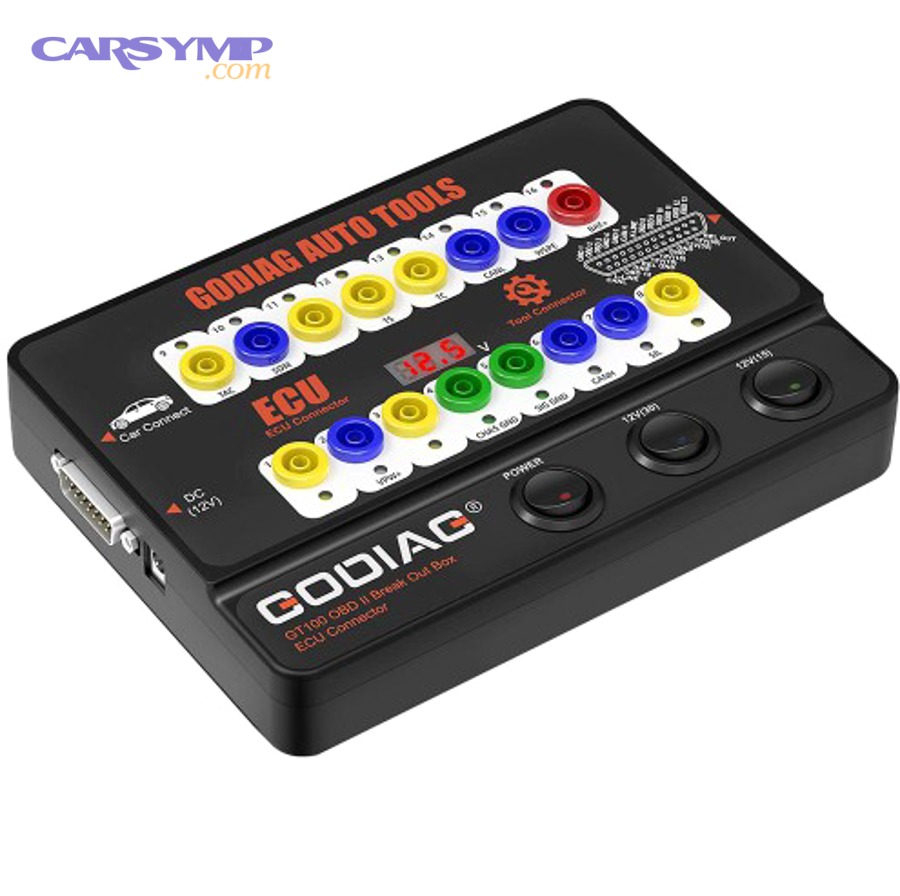
Next, this is the fork in the road: repair the fob, pair the fob, or replace the fob.
First, clarify the two big scenarios:
- Add-a-key: you still have at least one working key; programming is often simpler.
- All-keys-lost: no working keys; programming is more complex and typically more expensive.
This section stays brand-neutral for safety and accuracy, but you’ll still learn the decision logic and what information a pro will ask for.
Do you need to reprogram a spare key fob after replacing the battery?
No—you typically do not need to reprogram a spare key fob after replacing the battery because the fob’s identity and pairing are stored in non-volatile memory, the remote code system is designed to tolerate battery replacement, and most failures after a battery swap are installation-related.
However, exceptions exist, so you should test before assuming.
Exceptions that can mimic a “needs programming” situation:
- Battery installed backward briefly (some fobs behave oddly afterward)
- Case not fully closed (contacts not loaded)
- Rolling-code desynchronization after many presses out of range (rare but real)
Rolling-code systems rely on counters and acceptance windows; if a remote’s counter drifts too far ahead, some receivers may reject it until resynced.
(security.stackexchange.com)
What are the common signs a spare key fob is unprogrammed or de-synced?
There are 4 common signs a spare key fob is unprogrammed or de-synced—no remote response despite verified power, start denial with security behavior, “works only in backup location,” and primary key working normally—based on whether the car recognizes the key identity.
Then, those signs help you choose between DIY relearn attempts and professional programming.
Signs to document:
- Remote buttons never work, even close range, even after battery/contact confirmation
- Car unlocks mechanically but denies start with a security warning/indicator
- Smart key only works when placed at the backup start location
- Primary key performs normally in the same environment
This is the moment to write down your vehicle’s year/make/model and your key type (smart key vs standard), because the programming path depends heavily on those two facts.
Should you try DIY relearn steps, or go to a locksmith/dealer for programming?
DIY relearn wins for older vehicles with documented “add-a-key” procedures, locksmiths are best for most mainstream cases needing specialized tools, and dealers are optimal when the vehicle requires online authorization, security PIN access, or proprietary immobilizer procedures.
Then, once you select the right channel, you reduce cost and reduce the chance of ending up with a non-returnable key.
Use this decision filter:
- Try DIY relearn when:
- You still have a working key (add-a-key scenario)
- The procedure is clearly documented for your model
- You’re comfortable following timing steps precisely
- Choose a locksmith when:
- You have at least one key but need programming tools
- You want a faster, often cheaper option than a dealer
- You need guidance on fob compatibility
- Choose a dealer when:
- It’s a high-security smart key system
- The car requires online pairing/authorization
- Prior attempts have triggered immobilizer lockouts
If you’re searching for “Immobilizer reset procedures by brand”, treat those pages carefully: many “universal resets” are myths, and incorrect steps can create new immobilizer problems. The safer approach is to use your owner’s manual guidance or a professional with the correct tools.
Evidence sentence: According to a study by ETH Zurich from the Department of Computer Science, in 2010, researchers described that passive keyless systems can involve different modes (normal and backup) and rely on short-range LF communication for certain authorizations—details that influence how pairing and fallback behavior work in the real world.
(ndss-symposium.org)
What should you do if neither the primary nor the spare key works?
There are 4 main vehicle-side causes when neither the primary key nor the spare key fob works—low vehicle 12V power, receiver/fuse faults, interference-heavy environment, and module-level issues—based on whether the car shows any response to any key.
Then, instead of replacing keys, you test the car’s ability to hear and act.
Start with the least invasive checks:
- Check the vehicle 12V battery health
- Slow cranking, dim interior lights, or weird electronic behavior points to low voltage.
- Check door lock behavior
- If locks don’t respond even from inside switches, the issue may be actuator/power related.
- Check fuses related to locking/receiver
- Fuse panels differ; consult the owner’s manual mapping.
- Change locations
- Rule out interference before condemning modules.
This is also the moment to protect yourself from lockout: keep one door open or keep the mechanical blade ready while testing.
Is a weak car battery a common cause of “key fob not working” symptoms?
Yes—a weak car battery commonly causes “key fob not working” symptoms because the receiver and body control systems need stable voltage, the locks require power to actuate, and low voltage creates inconsistent electronic states that mimic key failure.
Moreover, this is one of the easiest fixes compared to programming or module replacement.
Quick indicators:
- Interior lights dim or flicker
- Car cranks slowly or clicks
- Dash resets or behaves erratically
Do the simplest confirm:
- Jump start or charge the vehicle battery, then retest both keys from the same spot.
What basic vehicle-side checks can confirm the problem isn’t the keys (fuses, receiver, door locks)?
Vehicle-side checks confirm the problem isn’t the keys by verifying power delivery (fuses), actuator function (locks), and receiver behavior (response patterns), because keys rarely fail simultaneously unless there’s interference or a shared vehicle-side fault.
To better understand, you’re looking for any reliable response from the car.
Basic checks you can do safely:
- Lock/unlock from the interior switch (tests actuators and power)
- Verify related fuses per owner’s manual
- Look for a receiver “wake” response (some cars flash hazards or beep when they detect a key attempt)
- Try the keys in a second location
If nothing changes after power and fuse checks, that’s when professional diagnostics makes sense—because module troubleshooting is expensive to guess at.
How can you prevent spare key fob failures and avoid costly lockouts?
You prevent spare key fob failures by storing the backup key correctly, validating it on a schedule, and choosing compatible replacements, because most lockouts come from “untested spares” and preventable battery/contact issues.
In short, this is the maintenance plan that keeps the spare key fob from turning into a useless plastic accessory.
The prevention mindset is simple: your spare key fob must stay working over long periods. That means managing the three slow killers: battery drift, corrosion, and neglect.
Where should you store a spare key fob so it stays “working” (not dead) when you need it?
A spare key fob stays working (not dead) when you store it in a cool, dry place, away from strong RF sources and away from the vehicle, because heat accelerates battery aging, moisture causes contact corrosion, and proximity can create unintended wake-ups in some systems.
Then, good storage turns your spare into reliable insurance.
- Avoid glove boxes in extreme climates (heat cycles are brutal)
- Avoid leaving it within a few feet of the car for long periods
- Use a small sealed bag with a desiccant packet if humidity is high
- Test monthly or quarterly (set a recurring reminder)
Security note: keep the spare key fob physically secure. A “convenient” hiding spot is often a thief’s first guess.
Should you buy an OEM, aftermarket, or used spare fob—and what compatibility traps should you avoid?
OEM wins for guaranteed compatibility, reputable aftermarket is best for cost-sensitive replacements with correct specs, and used fobs are optimal only when you can verify they are unlockable, compatible, and programmable for your vehicle.
However, compatibility traps are common, so your buying decision should be data-driven.
Top compatibility traps:
- Same-looking fobs with different frequencies or chips
- Used fobs that are locked to a prior vehicle
- Listings that match model year but not trim/system type (smart key vs standard)
Before buying, capture:
- Vehicle year/make/model/trim
- Key type (smart key vs standard remote)
- FCC ID or equivalent identifier on your working fob (common on many fobs)
If you see this topic discussed on Car Symp or similar automotive symptom sites, keep your filter on: the safest guidance is still to match identifiers on the existing working key and confirm programmability before purchase.
What’s the difference between “add-a-key” programming and “all keys lost,” and why does it change cost?
Add-a-key programming is cheaper because the vehicle can authenticate the process using an existing recognized key, while all-keys-lost is more expensive because it often requires security access, immobilizer initialization, and sometimes online authorization.
Next, this difference explains why keeping one working key is a financial strategy, not just convenience.
Why cost changes:
- More labor time
- More security steps
- Higher risk of immobilizer lock states if done incorrectly
- Specialized tools required
That’s why the best prevention is also the simplest: keep your spare key fob tested and operational before you ever need it.
Can interference, rolling codes, or proximity sensors cause “random” spare key failures, and how do you mitigate them?
Yes—interference, rolling codes, and proximity sensors can cause random spare key fob failures because noisy environments block reception, rolling-code counters can drift, and proximity systems rely on near-field behavior that changes with battery state and placement.
Especially with smart keys, mitigation is about controlling variables.
Mitigation checklist:
- Retest in a different location to rule out interference
- Avoid pressing fob buttons repeatedly out of range (reduces drift risk)
- Learn the vehicle’s backup start location for smart keys
- Keep the spare fob away from RF-saturated storage spots
Evidence sentence: According to a study by ETH Zurich from the Department of Computer Science, in 2010, researchers demonstrated that passive keyless entry systems can be affected by relay techniques and that key presence checks rely on specific short-range behaviors—details that help explain why environment and proximity matter when troubleshooting smart keys.
(ndss-symposium.org)