


STEP 1 — Title & Outline Analysis (for SEO alignment)
– Main keyword (focus): scan tool live data / OBD2 PIDs for a no-start
– Predicate (main action): Decode
– Relations lexical used: Meronymy (OBD2 PIDs are “parts” of scan tool live data)
– Search intent types present in the outline: Definition + Grouping + Comparison + Boolean + How-to
– Primary intent (from Title): identify the most useful live data items and interpret them during a no-start event
– Secondary intents (from outline order): confirm scanner reliability during cranking; interpret patterns to isolate the fault system; run a repeatable capture workflow; handle “no comm” and missing data limitations
If your engine cranks but won’t start, scan tool live data can quickly separate “signal missing” problems from “command present but outcome missing” problems—so you stop guessing and start testing the right system first.
Next, you’ll learn how to judge whether your scanner’s live data is reliable during cranking, what readings typically mean in that moment, and how to avoid getting fooled by slow refresh rates or dropouts.
Then, you’ll see how to interpret a handful of high-value data points as patterns—so you can decide what to test next based on what the ECU is seeing and commanding, not on hunches.
Introduce a new idea: below is a practical, DIY-friendly method to read, record, and compare live data the way pros do—without turning your driveway into a parts-cannon experiment.
What does “scan tool live data” mean for a no-start diagnosis?
Scan tool live data is real-time sensor and command information (PIDs) reported by your ECU, shown as changing values while the key is on or the engine is cranking, and its standout feature is that it can reveal what the ECU sees and attempts even when the engine never starts.
To better understand why this matters in a no-start event, you need to separate three moments that look similar but behave differently: KOEO (key on, engine off), cranking, and running. Many PIDs that are meaningful while running either update slowly during cranking or don’t populate at all, and that’s normal. The goal is to pick cranking-relevant PIDs that change immediately when the starter turns the engine.
A helpful mental model is: live data doesn’t “find the bad part”—it helps you decide which system deserves the next direct test. That’s why live data works best when you treat it like a decision tree: confirm ECU power and crank signal first, then branch into air measurement, then into command vs pressure problems, and only then into deeper mechanical checks.
Which conditions must be true for live data to be trustworthy during cranking?
Yes—live data can be trustworthy during cranking if (1) the ECU stays powered and awake, (2) the scanner maintains communication, and (3) the engine is cranking at a consistent speed long enough for the PID refresh to update.
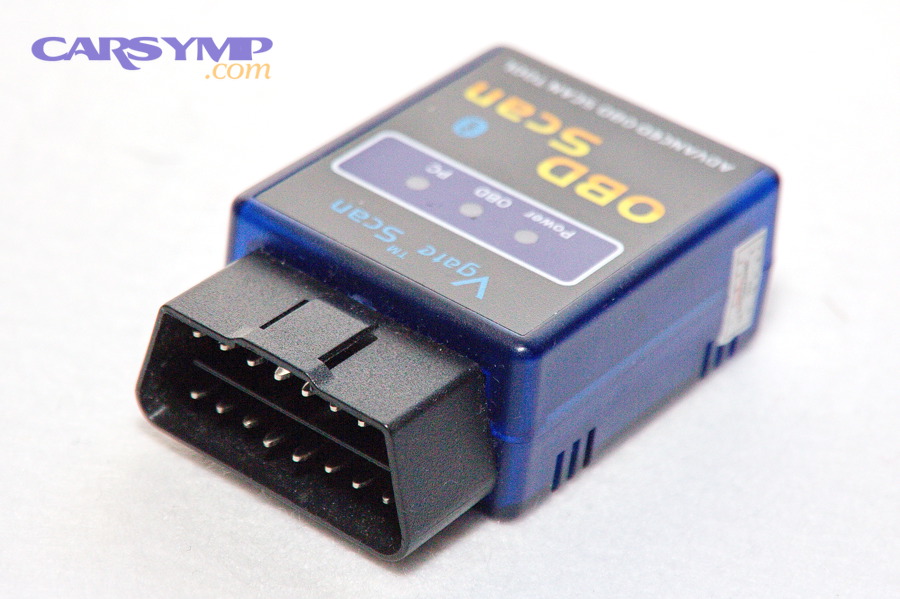
Specifically, power stability is the foundation. If voltage collapses during crank, modules can reboot, communication can drop, and the values you see become snapshots rather than trends. Second, connection stability matters: cheap adapters may lag or freeze on crank events, which makes “flatline” readings look like sensor failures. Third, cranking consistency matters: if you crank for half a second, stop, crank again, you may never give the scanner time to refresh the most important values.
Practically, you can make live data more trustworthy by doing these three things:
- Keep the battery supported (charger/maintainer on a safe setting) so the ECU doesn’t brown out.
- Reduce the number of PIDs displayed so refresh rate increases.
- Record/graph instead of staring at a list.
Evidence: According to a study by Technische Hochschule Georg Agricola (THGA) from PROLAB Produkt+Produktion, in 2023, researchers found that measuring battery voltage via the OBD interface is more accessible but limited by lower sampling rate, and that direct oscilloscope measurement captured cranking details more accurately.
What are the quickest scan-tool checks before you chase live data?
There are 5 quick checks you should run before you chase deeper values: communication, system voltage, DTCs, freeze-frame/pending codes, and a crank RPM signal.
Then, use the results to decide if it’s even worth moving to a live-data session yet. Here’s a simple order that prevents wasted time:
- Confirm the scanner connects with key on (KOEO).
- Check system voltage on the scanner (and ideally with a meter at the battery).
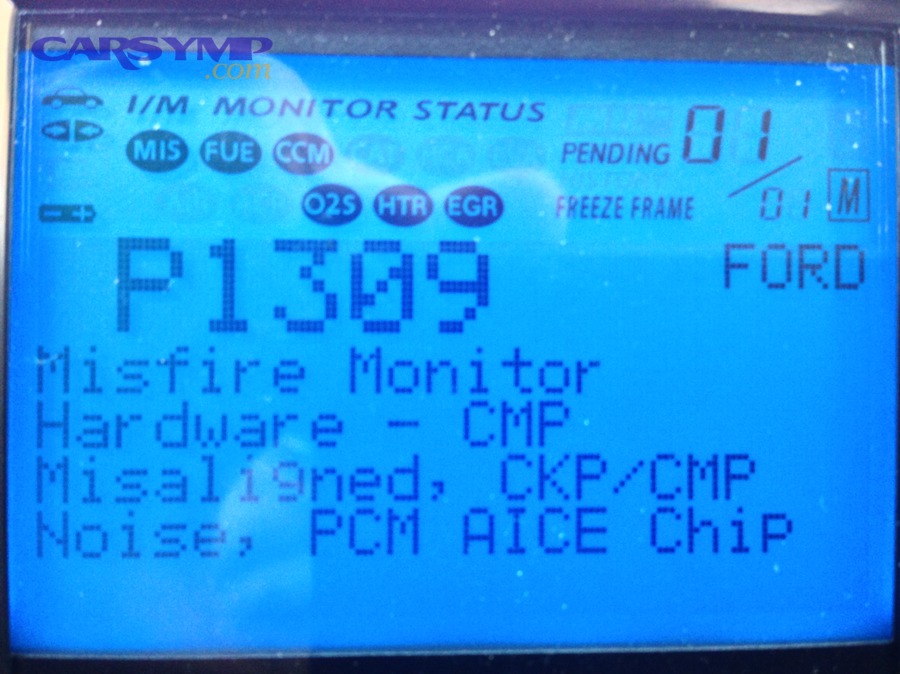
- Pull codes (stored + pending) and note anything related to crank/cam correlation, power supply, or network.
- Check for an RPM PID during crank (even if it’s jumpy).
- Only then select your “cranking PID bundle” and record.
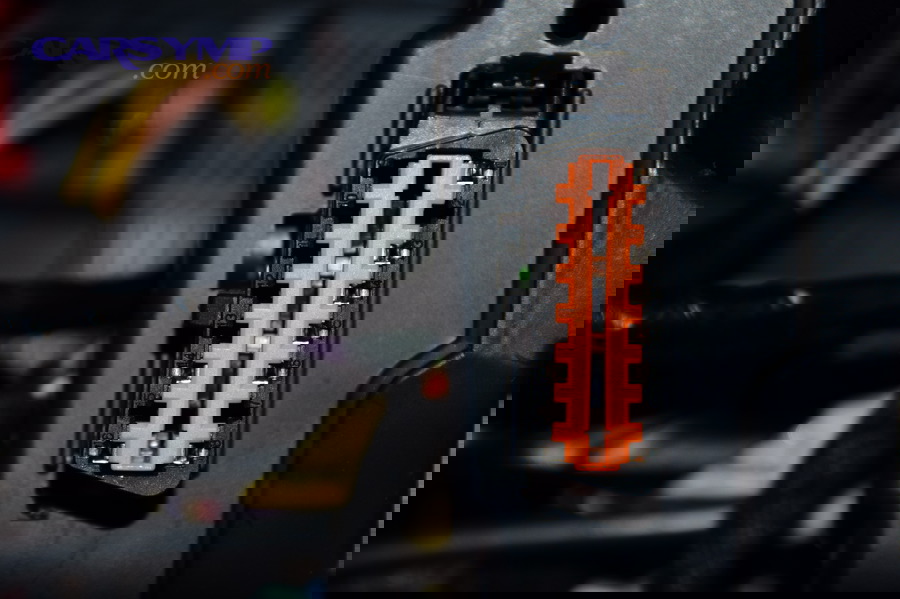
If you can’t connect at KOEO, your issue may not be “engine” yet—your problem may be power, ground, fuse, or network to the diagnostic connector.
Which OBD2 PIDs are most helpful during a crank/no-start, and what “normal” looks like?
There are 8 core OBD2 PID groups that are most helpful for a crank/no-start: RPM, voltage, ECT/IAT, TPS/APP, MAP/MAF, fuel system status, fuel pressure (if supported), and key calculated load/airflow indicators, based on whether they change quickly and relate directly to starting conditions.
To illustrate how this works, don’t chase “everything.” Chase the smallest set that answers the biggest questions: Is the ECU awake? Is it seeing crank rotation? Is it seeing plausible air and temperature inputs? Is it commanding what it should?
A quick note on “normal”: exact numbers vary by engine and tool. During crank, you’re often watching direction and plausibility more than precision:
- Voltage should not collapse and stay low.
- RPM should appear and remain stable while cranking.
- Temps should be plausible for the environment (not -40 or 300°F equivalents).
- MAP/MAF should respond to cranking airflow and throttle changes.
Which “core” PIDs should every DIYer monitor first?
There are 8 core PIDs every DIYer should monitor first: Engine RPM, Control Module Voltage, ECT, IAT, TPS (or APP), MAP (or MAF), Fuel System Status (if available), and Fuel Rail Pressure (if your vehicle reports it)—because they cover power, rotation, temperature plausibility, air metering, and basic fueling context.
Then, keep the set small. Too many PIDs slows refresh rate and makes cranking data useless. Use this practical bundle:
Core Cranking PID Bundle (minimal, fast refresh)
- Engine RPM
- Control Module Voltage
- MAP (or MAF, whichever your vehicle supports well)
- TPS/APP
- ECT
- IAT
Optional Add-ons (only if supported and stable)
- Fuel Rail Pressure (actual/desired)
- Injector pulse width / commanded fuel (platform dependent)
A practical table helps you interpret what you see. The table below explains what each PID is trying to tell you during cranking.
| PID | What it answers during crank | “Plausible” behavior (general) | If it’s implausible, suspect… |
|---|---|---|---|
| RPM | Is ECU seeing crank rotation? | Non-zero and relatively steady | CKP circuit, power/ground, ECU input issue |
| Module Voltage | Is ECU staying awake? | Drops briefly then stabilizes | Weak battery, cable/terminal issues, starter draw |
| ECT / IAT | Are temps believable? | Near ambient if cold engine | Sensor bias/open circuit, skewed fueling |
| TPS/APP | Is throttle input plausible? | Smooth change with pedal | Throttle/APP faults, wiring |
| MAP/MAF | Is air signal responsive? | Responds to cranking/throttle | Air restriction, sensor fault, wiring |
| Fuel Pressure (if present) | Is pressure building? | Rises quickly then stabilizes | Pump supply, regulator, pressure sensor issue |
Evidence: According to a study by Technische Hochschule Georg Agricola (THGA) from PROLAB Produkt+Produktion, in 2023, researchers measured start-up behavior across multiple vehicles and showed that sampling limitations can hide fast cranking events, reinforcing why you should rely on a small, high-value PID set during crank.
What does “RPM = 0 while cranking” vs “RPM present” tell you?
RPM present wins in signal confirmation, RPM = 0 is best for sensor/power triage, and oscillating RPM is optimal for wiring/connection suspicion.
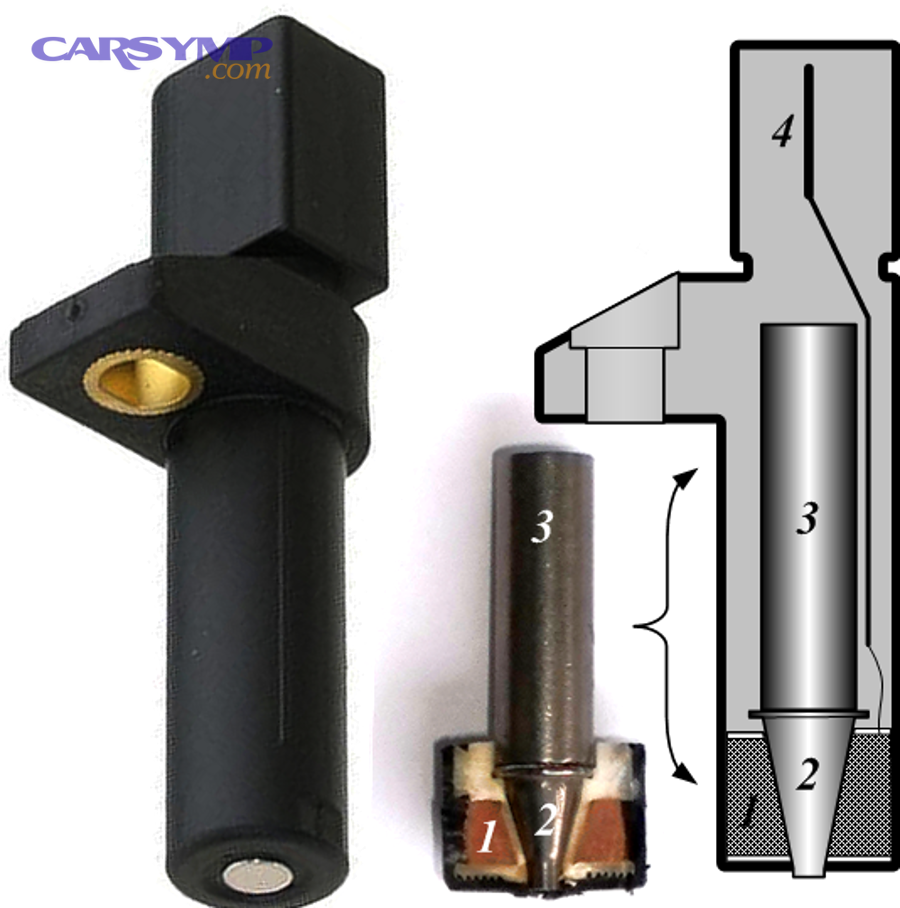
Then, treat the RPM PID like a gatekeeper:
- RPM = 0 while the starter is clearly turning the engine
This usually means the ECU is not receiving a usable crankshaft position signal, or the ECU is not awake long enough to process it. Before replacing sensors, confirm the basics: battery, grounds, and that the ECU is powered consistently during crank. - RPM present (e.g., 150–300-ish depending on engine/starter)
Now you can stop blaming the crank signal and move to “air + command + delivery” logic. The ECU can’t manage ignition and injection correctly without a crank signal—so RPM present is a big milestone. - RPM flickers or drops out during crank
Now think wiring, sensor gap issues, weak power supply, poor grounds, or scanner refresh limits. Repeat the test with fewer PIDs and a longer crank capture.
How do MAP and MAF readings differ for no-start clues?
MAP wins for vacuum/load inference, MAF is best for measured airflow accuracy, and TPS correlation is optimal for sanity-checking both.
However, you need to interpret them differently during cranking:
- MAP (Manifold Absolute Pressure)
MAP reflects pressure in the intake manifold. During cranking, MAP often moves toward a value that reflects engine pumping and throttle opening. If you open the throttle while cranking, MAP should respond. A MAP that is stuck at an extreme can indicate a sensor issue or a wiring reference/ground problem. - MAF (Mass Air Flow)
MAF measures airflow directly. During cranking, airflow is lower than running, but it should still respond to throttle opening and increased cranking speed. A dead-flat MAF during crank can be a sensor/power issue—or simply a tool that refreshes too slowly to show it. - Cross-check behavior
If TPS changes but MAP/MAF never budges across multiple cranks, suspect sensor power/ground or a communication/display problem before you assume an airflow failure.
How do you interpret PID patterns to separate fuel, spark, air, and security causes?
PID patterns win in speed, direct tests are best for confirmation, and mixed signals are optimal for avoiding wrong parts.
More importantly, you can use a “command vs result” mindset: the ECU can command injection and spark, but the engine still needs the right delivery and mechanical conditions to start. When your scan tool supports it, the most powerful question becomes: Is the ECU trying?
This is where you begin actual no-start diagnosis by pattern, not by parts swapping. You’re using live data to choose the next test that proves (or disproves) a branch.
Which live data patterns point to a fuel delivery problem?
There are 3 main live-data patterns that point to a delivery-side issue: (1) pressure fails to build, (2) pressure builds then collapses, and (3) command appears normal but engine never catches.
Then, interpret what your scanner can actually see. Some vehicles won’t report meaningful pressure through generic OBD2, while others—especially newer systems—may expose more.
Common patterns that suggest a delivery-side problem:
- Fuel pressure PID stays low or never rises (if your scanner shows it)
This points toward supply issues: pump power, pump, filter restriction, regulator behavior, or sensor/reporting issues. - Fuel pressure rises but drops sharply when cranking continues
This can suggest weak pump output, voltage drop under load, or a leak/bleed-down path. - RPM is present, temps are plausible, air signals respond, but the engine never “tries”
That’s when you verify injector operation with a noid light or scope—because live data may not show injector pulse width on many generic tools.
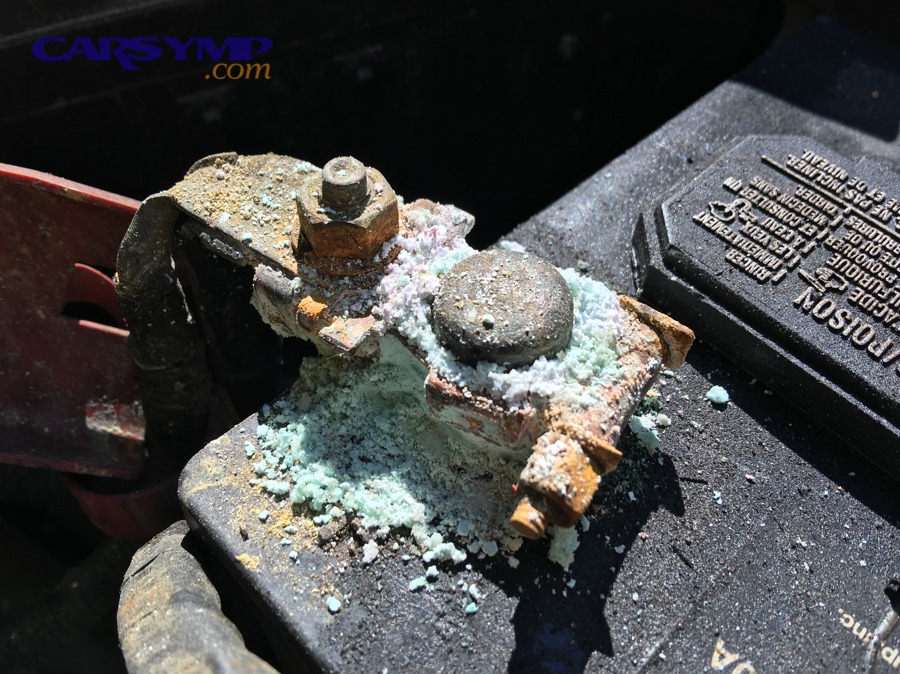
And this is where you should combine data with a quick No-start checklist: battery so you don’t misdiagnose a fuel issue that’s actually a voltage collapse. Check terminals for looseness/corrosion, confirm cranking speed sounds normal, and verify stable voltage both at rest and under crank.
Can scan tool data confirm a spark/ignition problem by itself?
No—scan tool data cannot confirm a spark/ignition problem by itself because (1) most generic tools don’t show spark output directly, (2) cranking events refresh too slowly for reliable ignition timing interpretation, and (3) the ECU can “think” it’s sparking while hardware doesn’t deliver.
Specifically, live data is excellent at telling you whether the ECU sees rotation (RPM) and whether it’s in a state where it would attempt to fire, but it usually can’t prove that the coil fired or the spark jumped the gap. That proof comes from a spark test, scope, or verified ignition output.
What live data can do for spark-related suspicion:
- Show RPM present (crank signal exists) but the engine never even coughs
- Show implausible ECT/IAT inputs that could skew starting strategy
- On some platforms, show cam/crank sync or correlation status (often enhanced/OEM)
Evidence: According to a study by Technische Hochschule Georg Agricola (THGA) from PROLAB Produkt+Produktion, in 2023, the authors emphasized that OBD-based measurements are limited by the information and sampling rate exposed through the ECU interface, which is why fast events and output realities may not be fully represented in scan data.
What scan data hints at immobilizer/security no-start vs mechanical no-start?
Immobilizer/security wins in start authorization blocking, mechanical faults are best for consistent “wrong compression/timing” behavior, and wiring faults are optimal for intermittent, changing symptoms.
Then, look for the split: does the engine crank normally but never catches, or does it start briefly and die? Many modern immobilizer strategies allow crank but block injection or disable start authorization, depending on the manufacturer.
Clues that point toward Security/immobilizer no-start causes (as a category, not a guaranteed diagnosis):
- Cranking speed and RPM look normal, but the engine never even tries to fire
- Codes related to theft deterrent, key recognition, or start authorization (tool dependent)
- Behavior changes with a different key, or after battery disconnect/jump events
- A security indicator on the dash behaves abnormally (varies by make/model)
Mechanical no-start clues often look different:
- RPM is present but uneven, and MAP behavior suggests poor pumping
- The engine sounds “too fast” cranking (possible low compression)
- The engine occasionally tries to catch with throttle changes but won’t run
A key limitation: most generic OBD2 tools don’t display immobilizer status PIDs. You often need enhanced data or OEM-level access for definitive confirmation.
How should DIY car owners run a “live data capture” for a no-start without guessing?
A reliable live-data capture uses 6 steps—setup, minimize PIDs, select the crank bundle, record/graph, repeat consistently, and compare patterns—so you can extract a clear next test from messy cranking events.
Next, treat your scan session like a mini experiment. If you change too many variables (battery state, throttle position, crank duration), you’ll never know whether the data changed because the engine changed or because you did.
Here’s a repeatable method that works on most vehicles and most scanners:
- Prepare power: keep battery supported and terminals clean/tight.
- Connect KOEO: confirm stable communication before cranking.
- Choose a small PID bundle: RPM + voltage + MAP/MAF + TPS + ECT + IAT.
- Record/graph: use your scanner’s record function if available.
- Crank consistently: 5–8 seconds (if safe), same throttle position.
- Repeat once: a second capture helps spot lag and false flatlines.
Which PIDs should you graph together for the clearest diagnosis?
There are 3 best PID graph bundles for cranking: (A) voltage + RPM + MAP/MAF, (B) TPS/APP + MAP/MAF + RPM, and (C) ECT + IAT + RPM, based on how clearly they show cause-and-effect.
Then, choose the bundle that answers your next question fastest:
- Bundle A (Power + rotation + air response)
Voltage + RPM + MAP/MAF
Use it to confirm the ECU stays awake and sees rotation while air signals respond. - Bundle B (Driver input correlation)
TPS/APP + MAP/MAF + RPM
Use it to check if throttle input changes create air signal changes (helps spot sensor flatlines). - Bundle C (Plausibility & strategy)
ECT + IAT + RPM
Use it to spot crazy temperature values that can skew starting strategy.
If your scanner allows only a few graphs at once, prioritize Bundle A first because it’s your foundation.
When should you stop relying on scan data and move to direct tests?
Yes—you should stop relying on scan data when (1) communication drops during crank, (2) key PIDs are missing or implausible across repeated tests, and (3) the data doesn’t change even when you deliberately change a condition (like throttle opening).
Specifically, scan data is a guide, not a verdict. Stop and switch to direct tests when:
- RPM shows 0 but the engine is clearly cranking → verify crank sensor power/ground/signal directly.
- Voltage collapses → address battery/terminals/cables before any engine conclusions.
- Fuel pressure PID isn’t available → test fuel pressure with the correct tool for your system.
- You suspect ignition output → do a safe spark test or scope verification.
- You suspect compression/mechanical timing → perform compression and/or timing checks.
Evidence: According to a study by Wright State University from a graduate engineering research program (battery state-of-health monitoring), in 1998, the author reported that starter-voltage-based approaches can provide warnings about impending starting difficulties due to low battery condition, reinforcing why electrical fundamentals come before deeper conclusions.
Why is your scanner not helping during a no-start, and what should you do next?
There are 4 common reasons your scanner isn’t helping: no communication, missing/unsupported PIDs, slow refresh rate during crank, or ECU power/network instability, and the standout fix is to diagnose the diagnostic path (power/ground/network) before blaming the engine.
Then, use a simple rule: if you can’t trust the diagnostic link, you can’t trust the values that come through it. That’s why this section focuses on communication, capability, and tool limits—after you’ve already handled the main cranking PID logic.
Is “No Communication” usually a bad scanner, or a vehicle power/network issue?
It’s usually a vehicle power/network issue in diagnostic access, a bad scanner is more common in cheap adapter instability, and connector damage is optimal for intermittent connection symptoms.
However, you can narrow it fast:
- If the scanner won’t power up at the port, suspect the port’s power feed/fuse.
- If it powers up but won’t communicate, suspect protocol/module availability, gateway behavior, or network issues.
- If it connects sometimes, suspect loose port pins, low voltage during crank, or adapter quality.
Also remember that some vehicles behave differently with different modules awake. A car that has been sitting may have modules asleep; waking it (door open, key on) can change communication conditions.
Which PIDs are often missing on generic OBD2 tools, and what’s the workaround?
There are 3 common categories of missing PIDs on generic tools: manufacturer-specific fuel pressure/control data, security/authorization data, and cam/crank correlation status, based on what manufacturers expose through generic modes.
Then, choose the appropriate workaround:
- Use an enhanced scan tool or brand-specific software to access manufacturer data.
- Use direct measurement tools (fuel pressure gauge, scope, noid light) when the PID doesn’t exist.
- Use service information for your exact engine/platform to know what should be visible.
This is especially relevant when you’re chasing intermittent crank/no-start complaints where a single missing PID blocks the entire decision tree.
Should you use freeze frame, Mode $06, or permanent codes for a no-start?
Freeze frame wins for context of a code-triggering moment, Mode $06 is best for emissions test results, and permanent codes are optimal for tracking issues after repairs.
On the other hand, none of these are a magic bullet for a current crank/no-start—because freeze frame often captures a prior event, Mode $06 is not designed for immediate start authorization, and permanent codes can persist after the fault is corrected until conditions are met.
Use them like this:
- Freeze frame: helpful if the car ran when the code set and shows conditions leading up to the failure.
- Mode $06: useful for certain monitored components, but not a primary no-start tool.
- Permanent codes: good for confirming whether a repair “stuck,” but not for diagnosing today’s no-start.
When is a cam/crank relearn (or reset) relevant to a no-start?
Yes—a cam/crank relearn can be relevant if (1) the vehicle requires correlation learning after sensor/engine work, (2) the ECU flags correlation errors, and (3) the engine otherwise has correct mechanical timing and good signals.
In addition, treat relearns as post-repair procedures, not first-step guesses. If you use a relearn to “try something,” you can mask the real fault or create new ones. Do the relearn when the evidence points there: correlation-related codes, recent timing work, sensor replacement on platforms that require it, or documented OEM procedures.
Evidence: According to a study by Technische Hochschule Georg Agricola (THGA) from PROLAB Produkt+Produktion, in 2023, the authors showed that ECU-interface measurements are constrained by sampling and data exposure, which supports using the correct tool/procedure for fast correlation events and post-repair validation rather than relying on generic live data alone.